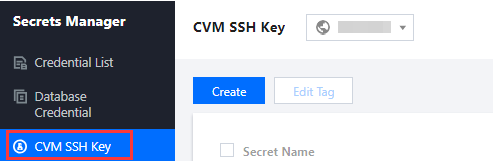
1. Log in to the SSM Console and click CVM SSH Key on the left sidebar.
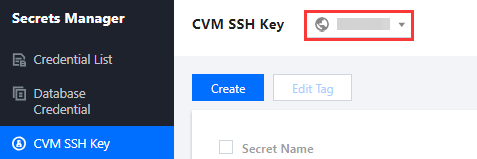
2. On the CVM SSH Key page, click the drop-down list in the top left corner to select a region.
3. Click the search box, select a filter (Tag or Secret Name) from the list, and enter keywords to get results.
4. Locate the secret you want to check, and click the secret itself to enter the secret details page.
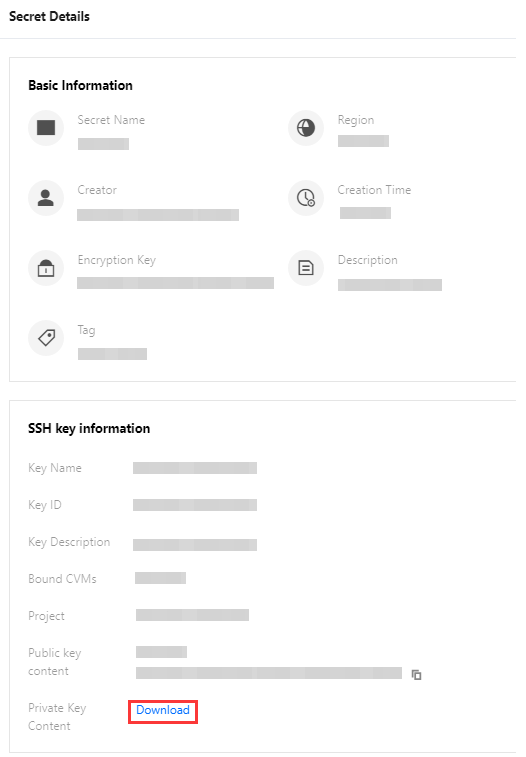
5. This page displays the SSH key information, including the name and ID of the private key and the public key content. On the right of the private key content, click Download.