Creating an Access Control Policy
다운로드
포커스 모드
폰트 크기
Overview
This document details how to create a KMS policy in the CAM console.
Operation Steps
1. Log in to the CAM console.
2. In the left-side menu, go to Policy > Create Custom Policy > Create by Policy Syntax to enter the policy creation page.
3. Select a policy template, such as a blank template or a KMS policy template, and click Next.
4. Enter the policy name and policy content. You can refer to the example below for the policy content.
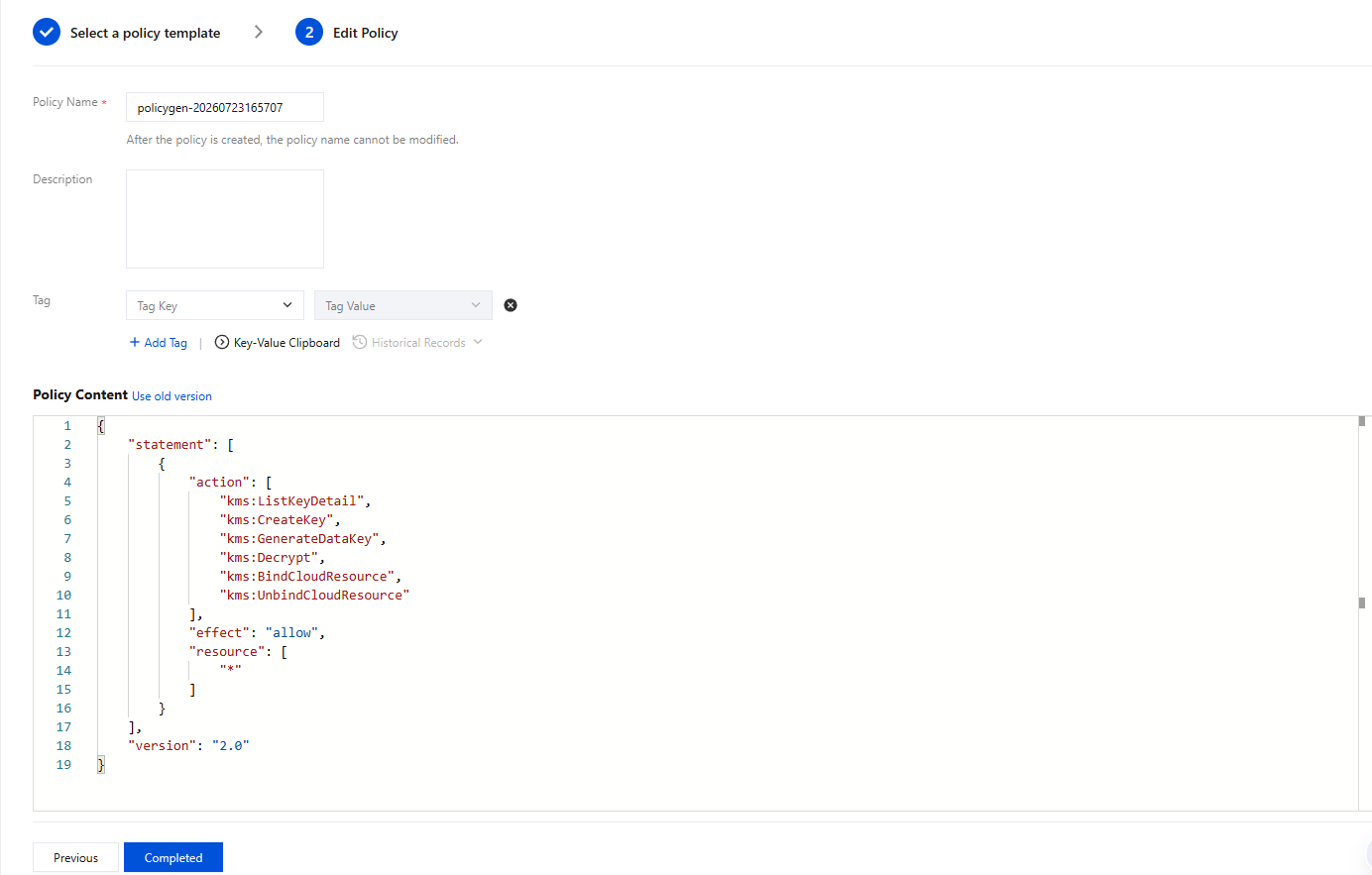
5. Click Create Policy to create it.
피드백