Enabling a Route
ダウンロード
フォーカスモード
フォントサイズ
This document describes how to enable one or multiple CCN routes.
Prerequisites
Disable routes: 
Directions
1. Log in to the CCN console.
2. In the CCN instance list, click the ID of the CCN for which you want to enable routing to access the details page.
3. Enable the route on the Route Table tab:
Note:
If the routing rules overlap, match according to the longest mask rule
Single route: Click the icon on the right of the disabled route and click OK in the Enable Route pop-up window.

Multiple routes: Select multiple disabled routes, click Enable Route at the top, and click OK in the pop-up window.

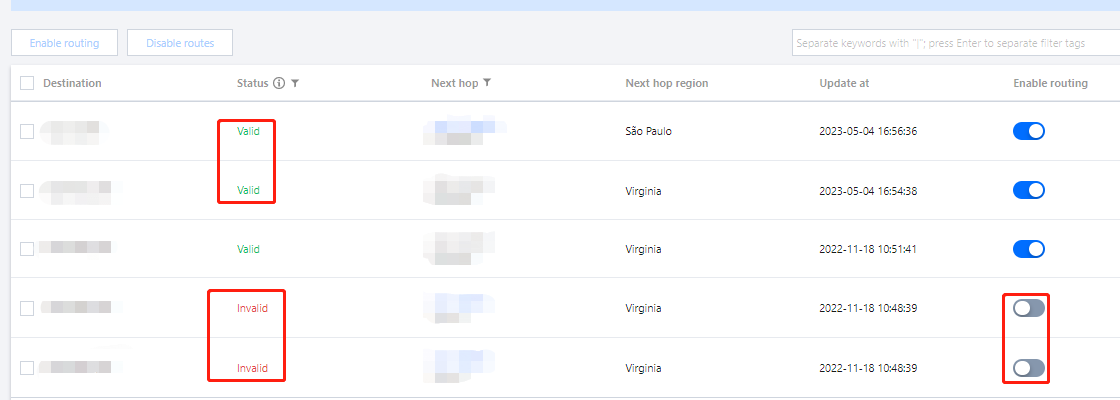
After it is enabled, if there is no route conflict, the routes will be displayed as shown below:

If there is a route conflict, the route with the longest mask is used. To use this route, disable/delete the original conflicting route first.
フィードバック