Resetting Your Login Password
ダウンロード
フォーカスモード
フォントサイズ
Directions
Step 1. Go to the “Forgot password” page
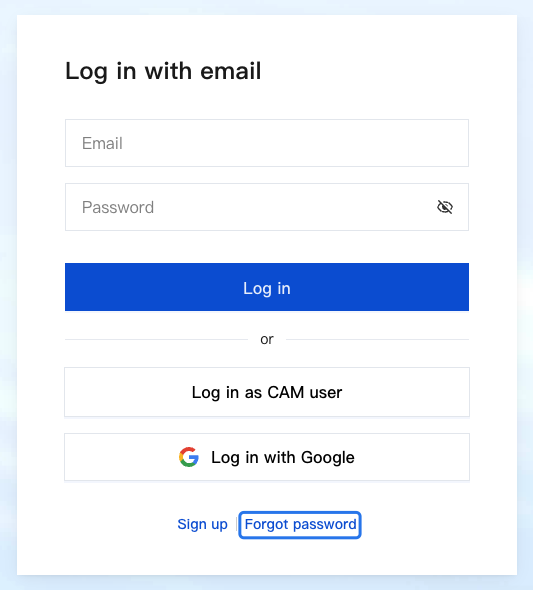
1. Go to the Tencent Cloud website and click Log In in the top right corner.
2. On the login page, click Forgot password.
Step 2. Enter your email address
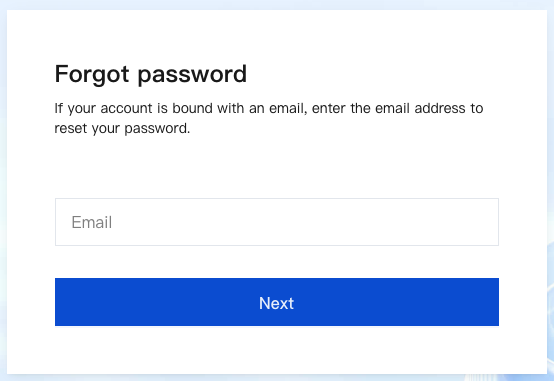
Enter your account email and click Next.
Step 3. Check your inbox
We will send a password reset email to your inbox. Click Reset Password or copy the link in the email and paste it in a browser. The link address to reset your password remains valid for 48 hours.
Step 4. Set a new password
On the password resetting page, enter a new password and confirm it. Click Submit.
Step 5. Verify your identity
In the pop-up window, verify your identity as required to complete the resetting process.
フィードバック