tencent cloud

Tencent Cloud Agent Development Platform

Release Notes and Announcements
Release Notes
Product Announcement
Product Introduction
Product Overview
Advantages
Use Cases
Model Introduction
Purchase Guide
Package Subscription
Previous Version
Getting Started
Agent Application and Its Three Modes
Creating a "Content Summary Assistant" in Standard Mode
Creating a “Webpage Scraping Assistant” in Single Workflow Mode
Creating a “Stand-up Comedy Content Creation Assistant” in Multi-Agent Mode
Operation Guide
Application Development
Workflow
Multi-Agent
Knowledge Base
Widget
Plugin Marketplace
Model List 
Prompt Templates
Application Templates
Platform Management
Business, Workspace and Permissions
API Documentation
History
API Category
Making API Requests
Atomic Capability APIs
Operation Optimization APIs
Document Library APIs
Q&A Database APIs
Knowledge Tag APIs
Application Management APIs
Enterprise Management APIs
Billing APIs
Release Management APIs
Dialogue Endpoint APIs
Data Statistics APIs
Data Types
Error Codes
Application API Documentation
Dialogue API Overview
Dialog API Documentation (WebSocket)
Dialog API Documentation (HTTP SSE)
Image Chat or File Chat (Real-time Document Parsing + Chat)
Offline Document Upload
Tencent Cloud Agent Development Platform Operation COS Guide
ADP Document Parsing Protocol
FAQs
Product FAQs
Technical FAQs
Related Agreements
Tencent Cloud Agent Development Platform Service Level Agreement
Tencent Cloud Agent Development Platform Service Specific Terms
Tencent Cloud Agent Development Platform Privacy Policy
Tencent Cloud Agent Development Platform Data Processing and Security Agreement
Open-Source License Statement
Lighthouse OpenClaw Connector Plugin Service Agreement
Contact Us
Glossary

Knowledge Base Tag Settings

PDF
Mode fokus
Ukuran font
Terakhir diperbarui: 2026-02-06 17:34:02
Tag management is a function for maintaining tag names and tag values, which can be used to label documents and Q&A content.

Related Terms

Term
Description
Label name
Business field, e.g., region, product type.
Label - Base term
The field value, e.g., East China, South China.
Label value - Synonym
Alternative terms with the same meaning as the standard value. For example, synonyms for “East China” could include Shandong, Jiangsu, Anhui, Zhejiang, Fujian, Jiangxi, and Shanghai.

File Label Management Access

After entering the knowledge base, click Settings, choose File tag to open the drop down, then click Tag Settings.


Add Label

Label management supports two methods: creating and importing.
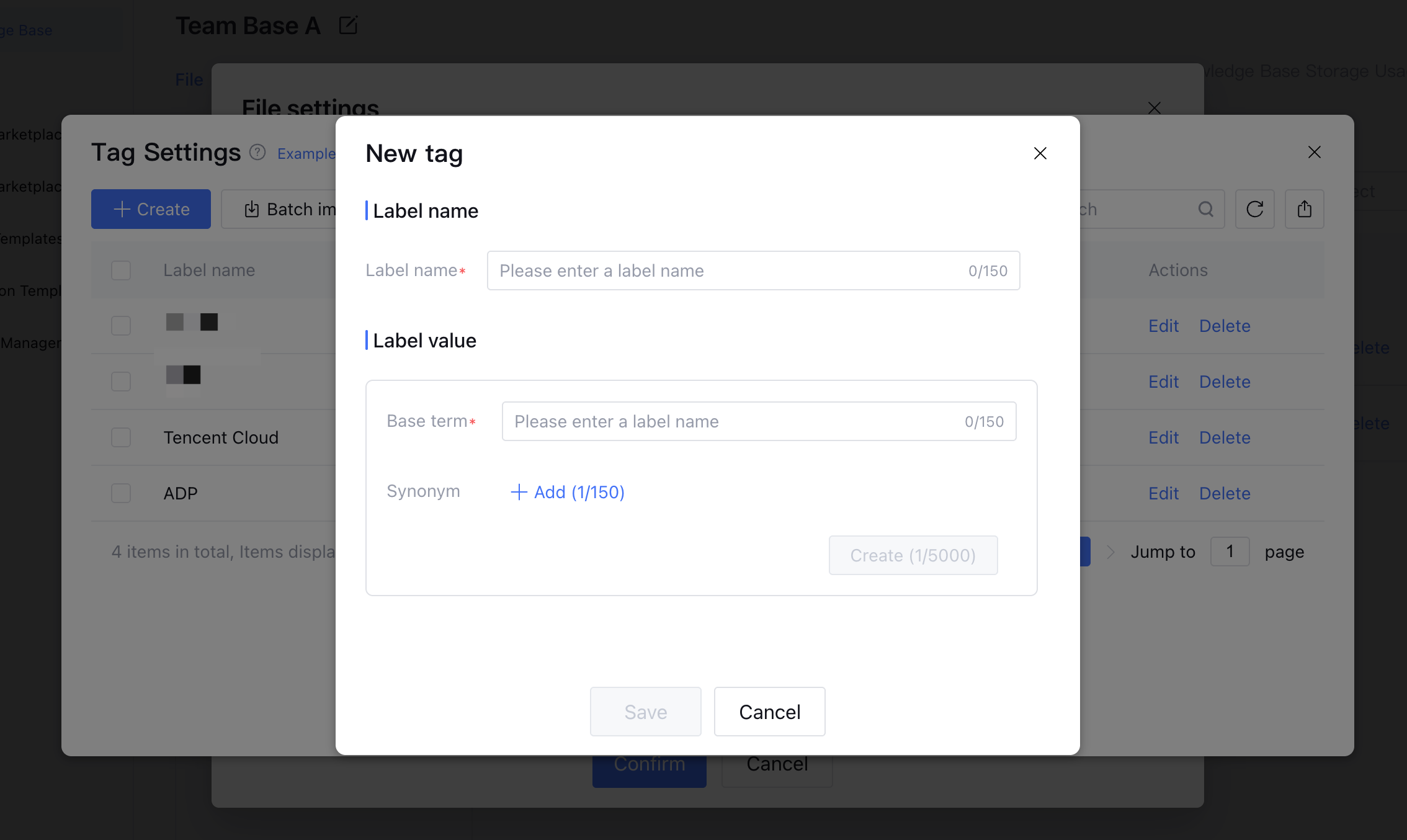
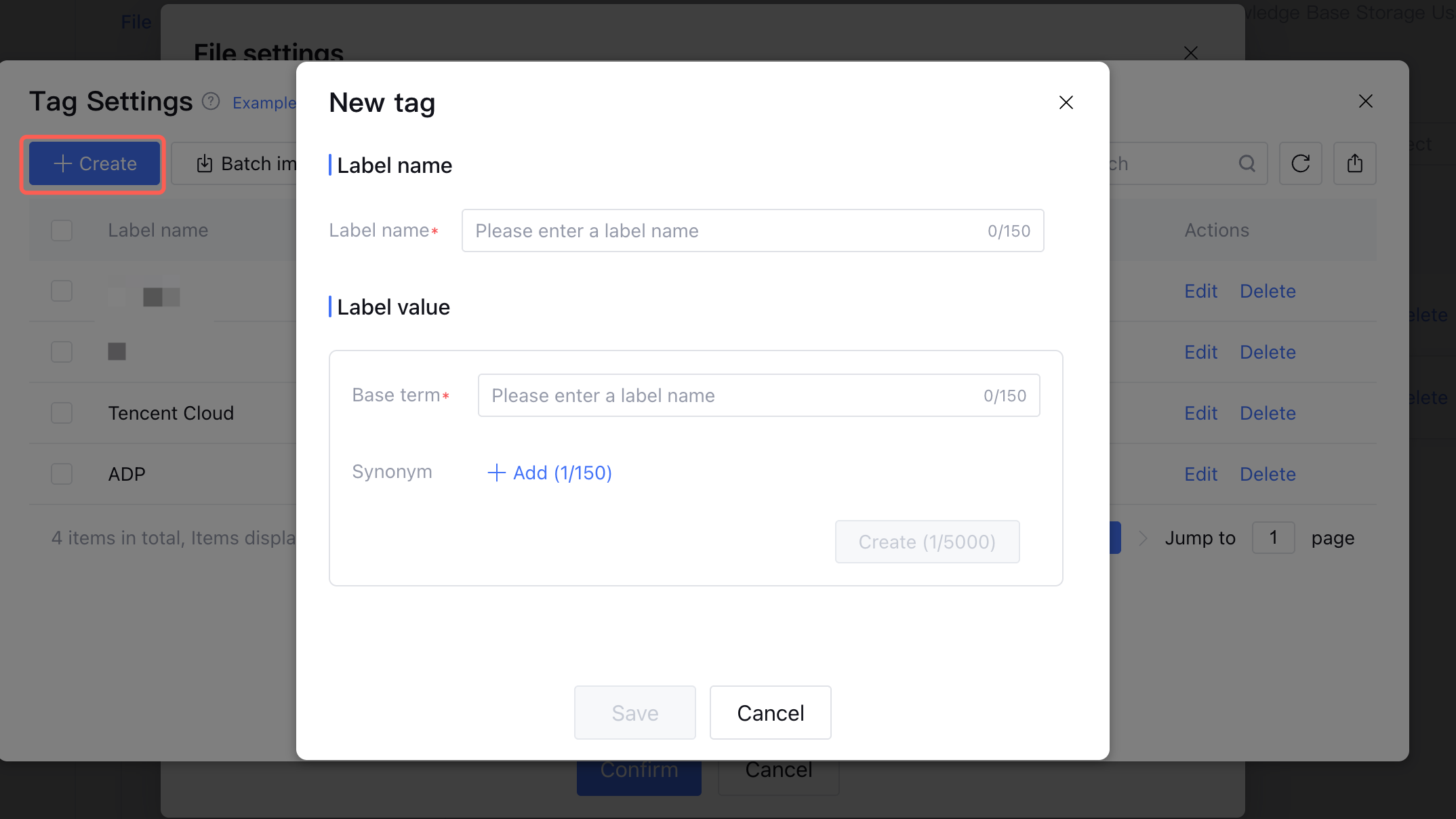
Create tag.
click Create to open the Create Tag pane and configure the label name and label value.

click Save. The new tag will be created.
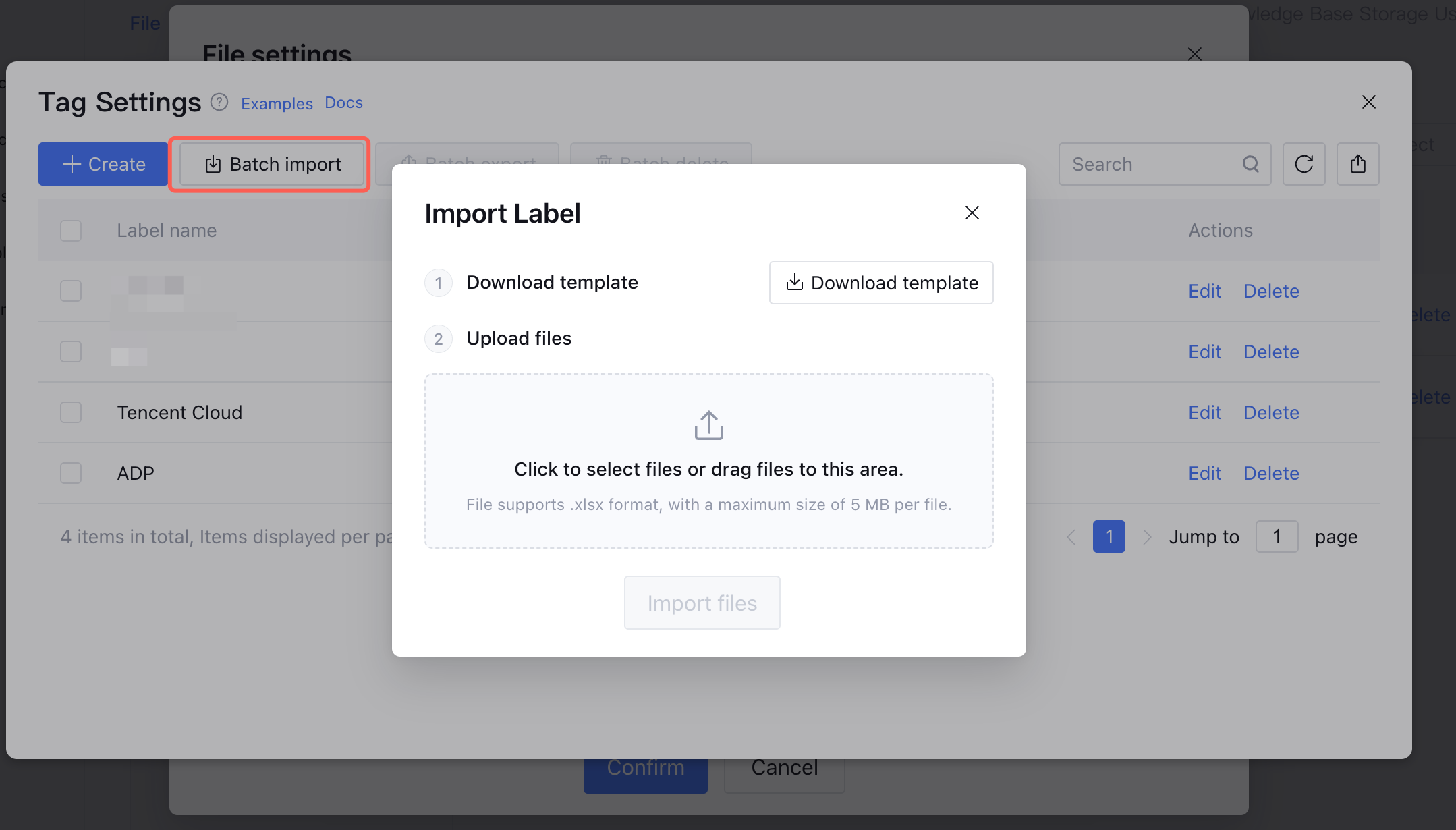
Import tag.
Click Batch Import to pop up the Import label pane.

Click Download Templates, fill in the label content as instructed in the file, then upload the file and click Import Files to batch import tags into Tag Management.

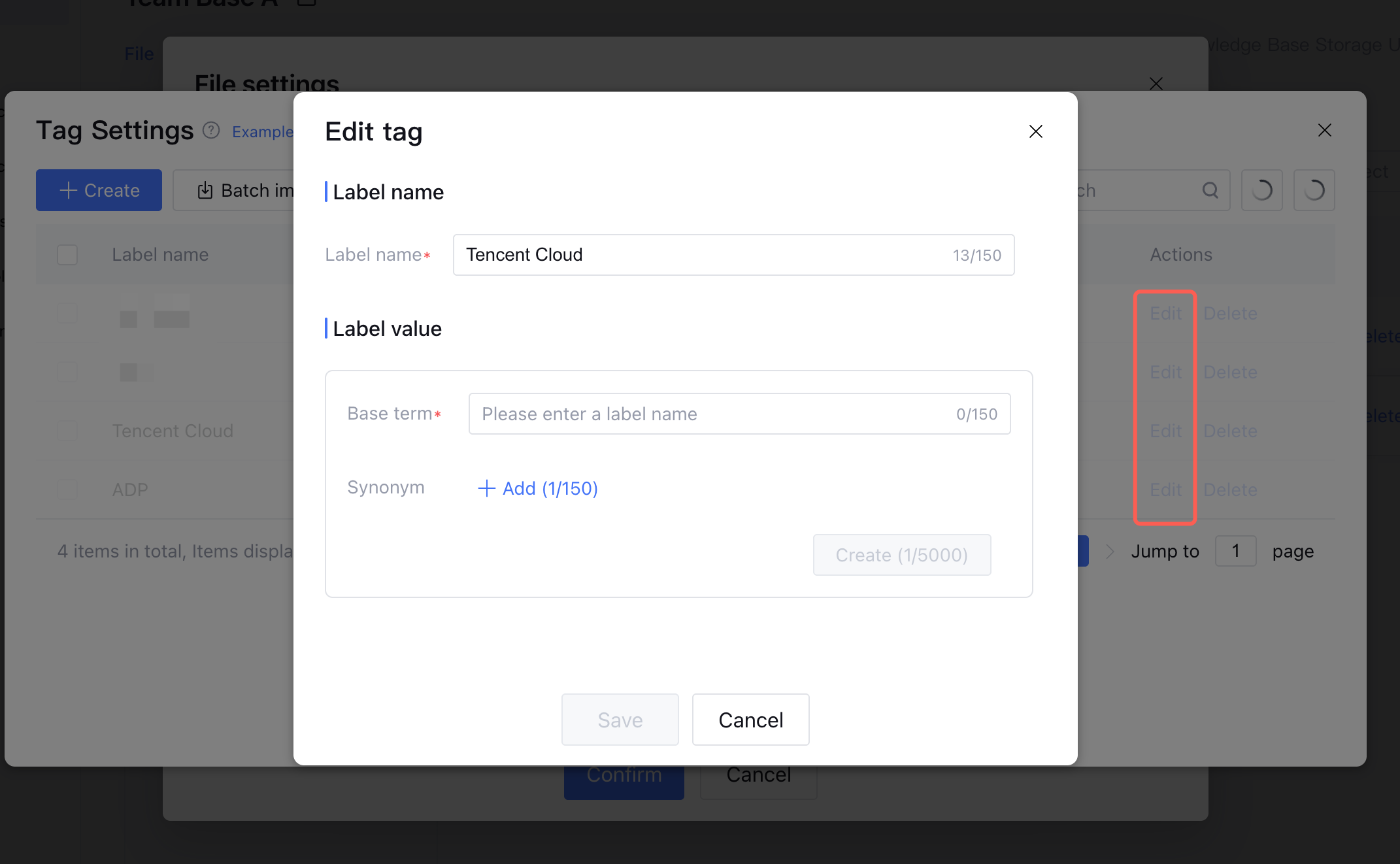
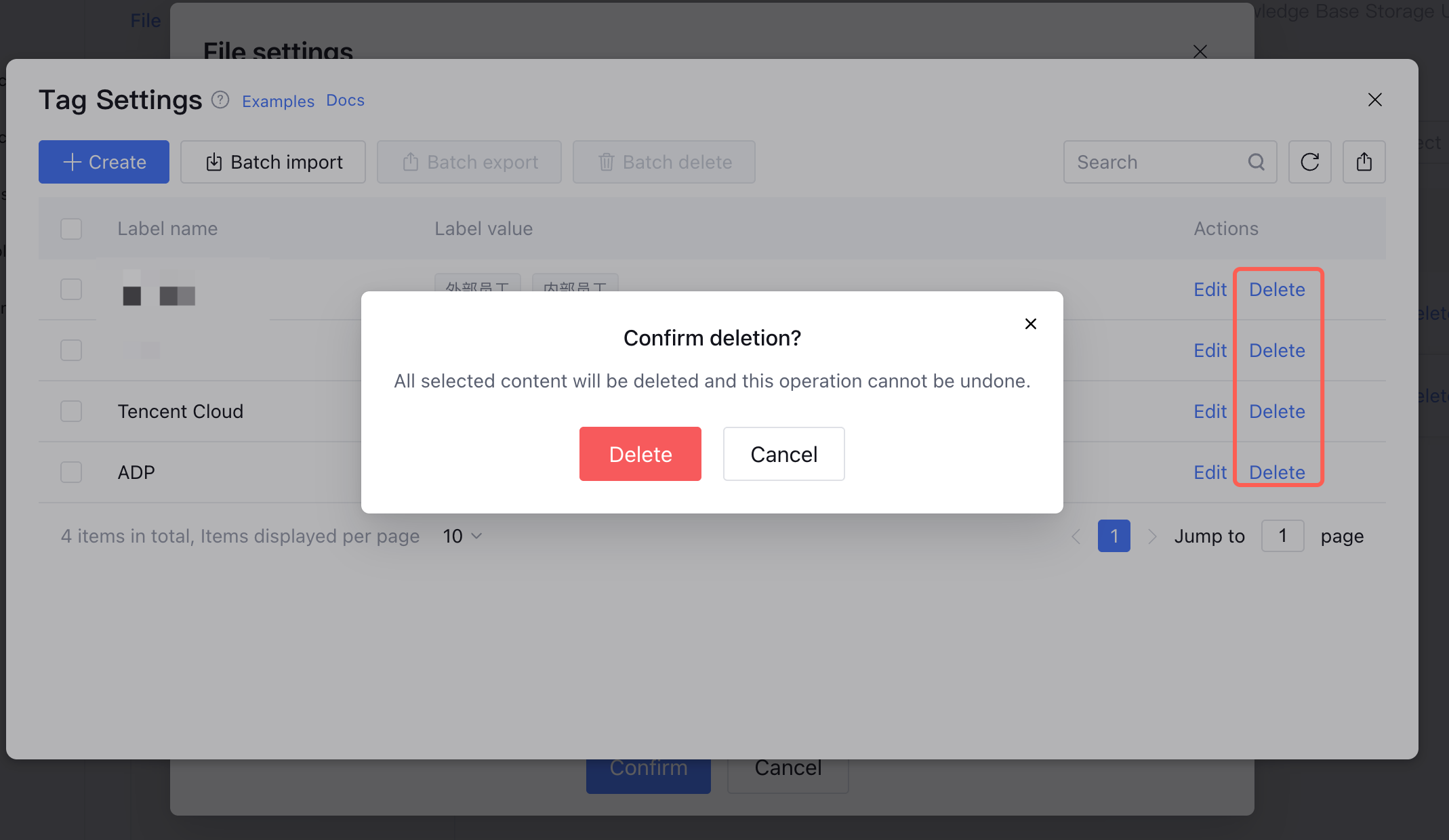
Edit/Delete Labels

Click Edit to modify tag names and values. If a tag is already applied to a document/Q&A, changes take effect after publishing.

Supports both single and batch deletion. Tags already in use cannot be deleted.


Note:
1. Each knowledge base can contain up to 100 tags.
2. A single tag name can have up to 5,000 standard tag values.
3. Each document/Q&A can have up to 10 tag names and a total of 500 tag values.
Bantuan dan Dukungan

Apakah halaman ini membantu?

masukan