Node Function
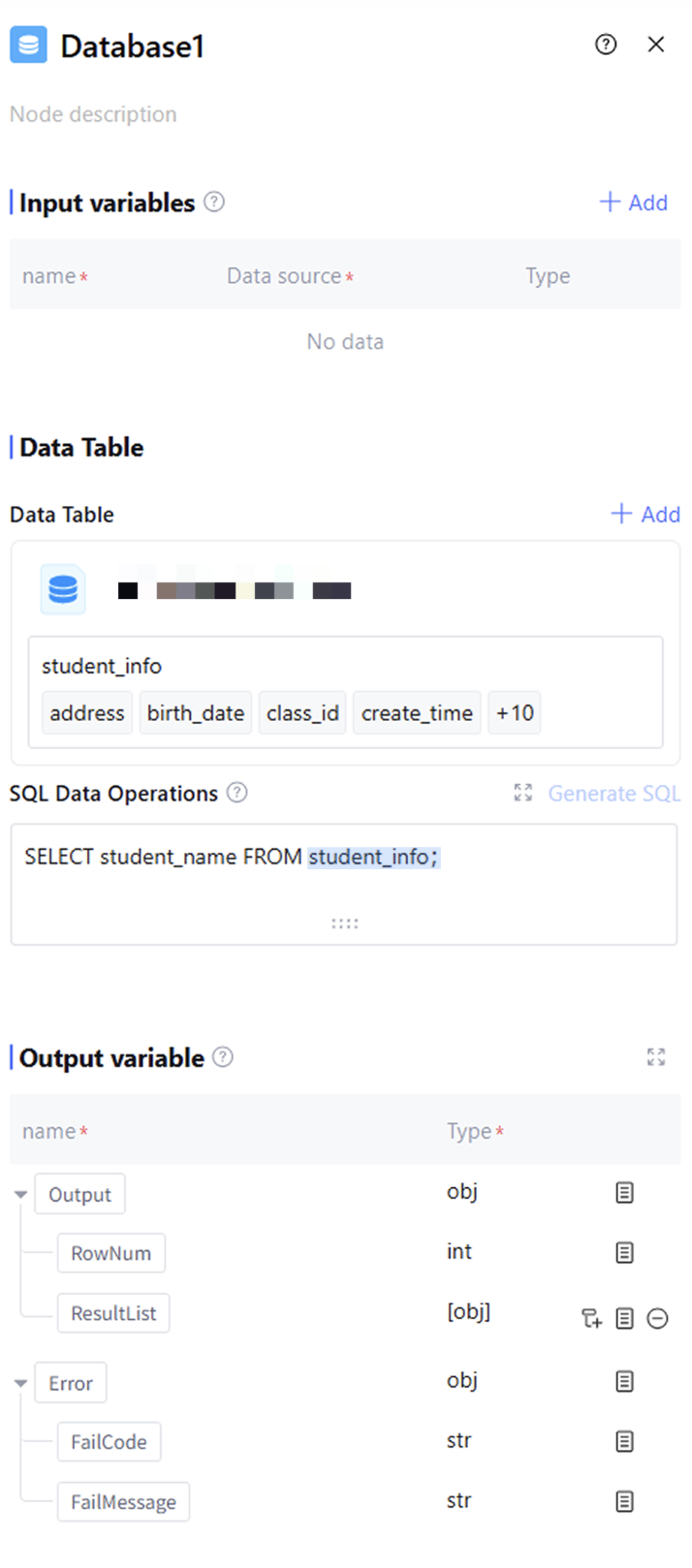
The database node belongs to the basic node, providing comprehensive operational support for accessed databases in application. It can perform SQL operations such as data insertion, deletion, modification, and query, helping users directly operate the database in the workflow and handle various data management tasks.
Directions
Input Variables
Input variables take effect only within the same node and cannot be used cross-node. Support up to 50 input variables to meet scene requirements. Click "Add" to configure input variables as follows.
|
Variable Name | The variable name can only contain letters, digits, or underscores, must start with a letter or underscore, and is required. |
Description | Description of this variable. Optional |
Data source | The data source of this variable supports two options: "refer" and "input". "Refer" allows selecting output variables from all preceding nodes, while "input" supports manually filling in a fixed value. Required |
Type | The data type of this variable cannot be selected and defaults to the variable type of "refer" or the string type of "input". |
Data Tables
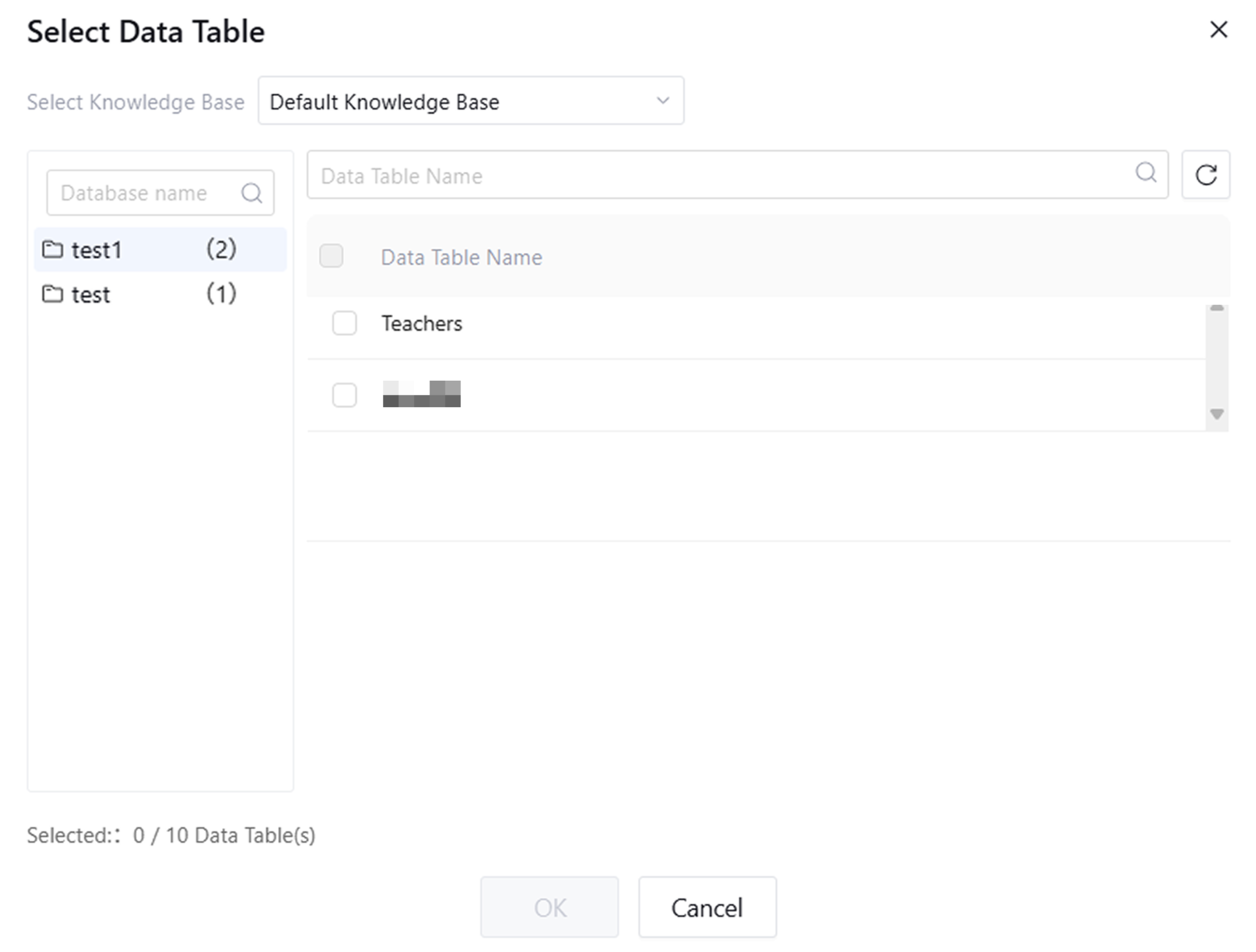
A data table is the basic structure for storing data in a database, used to organize, store, and manage data. Each table consists of rows and columns. Each row represents a record containing a specific instance or data, and each column represents a property or feature of the data. Click "Add" to select data tables for data operations. You can select up to 10 data tables under a database.
SQL Data Operations
SQL (Structured Query Language) is a standard programming language for managing and operating relational database systems. It is used to perform various database operations such as querying, updating, inserting, and deleting data, as well as creating and modifying database structures. SQL statements are text commands sent to a database. Database nodes only support add, delete, query, modify operations on data tables, allowing only insert, select, delete, update SQL statements. Users can manually enter standard SQL statements in the SQL Data Operations panel or click "Generate SQL" to use natural language for data table operation descriptions, with the model generating corresponding SQL statements for users.
Output Variable
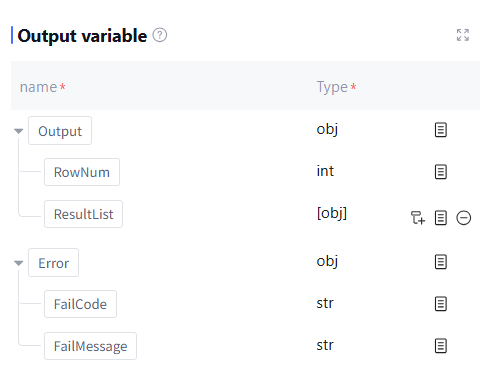
The output variable processed by this node includes the number of rows in the data table, the post-operation data result ResultList (data type: array<object>), as well as runtime Error info (data type: object, this field is empty during normal operation). Users can manually add required output variables in ResultList based on SQL operations.
Note:
Support returning no more than 1000 rows of data, with a total size not exceeding 3.5MB.
Application Example
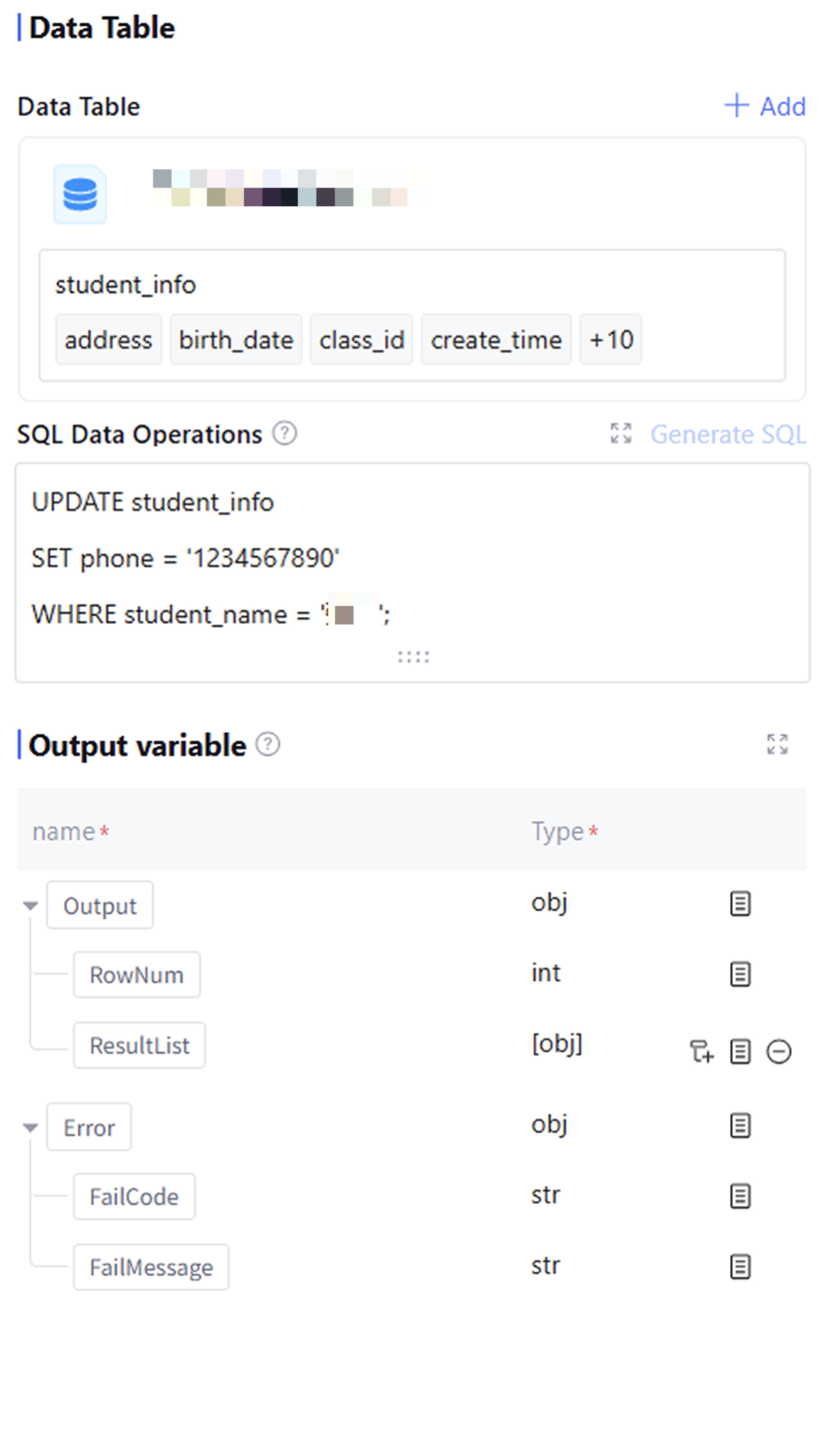
Update the phone number to 1234567890 for the student named "Zhang San" in the student information storage table. The database node configuration is as follows:
FAQs
Is there any limit to data table selection?
Supports selecting multiple data tables in the same database, with a maximum of 10. Cross-database data table selection is not supported.