Creating Subnet
Unduh
Mode fokus
Ukuran font
This article describes how to create a subnet in the Tencent Cloud CDC network.
Prerequisites
Directions
1. Log in to Tencent Cloud CDC console > Network > Subnet.
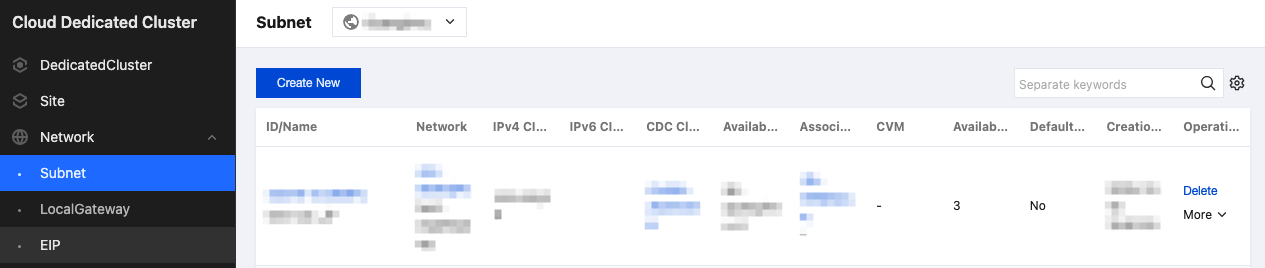
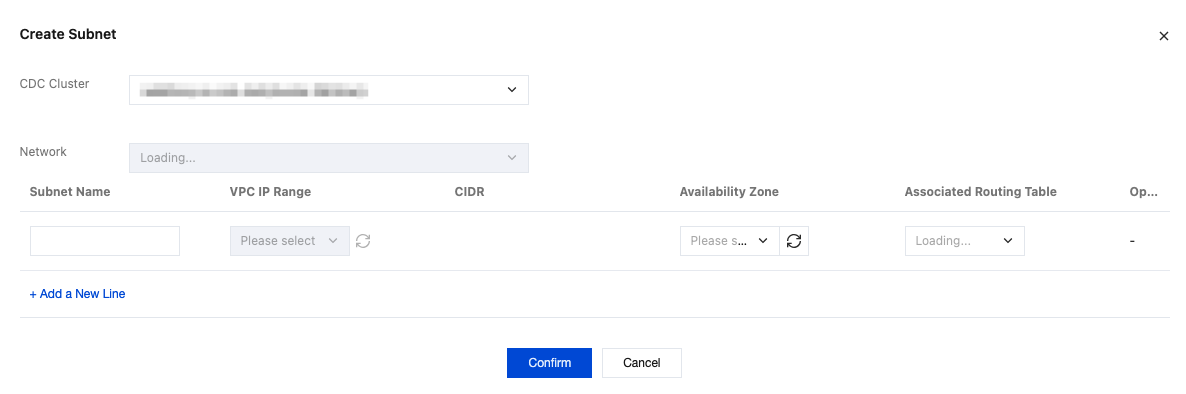
2. Click Create New, and in the pop-up window, select the CDC cluster you want to deploy, the associated network, and plan your network information.
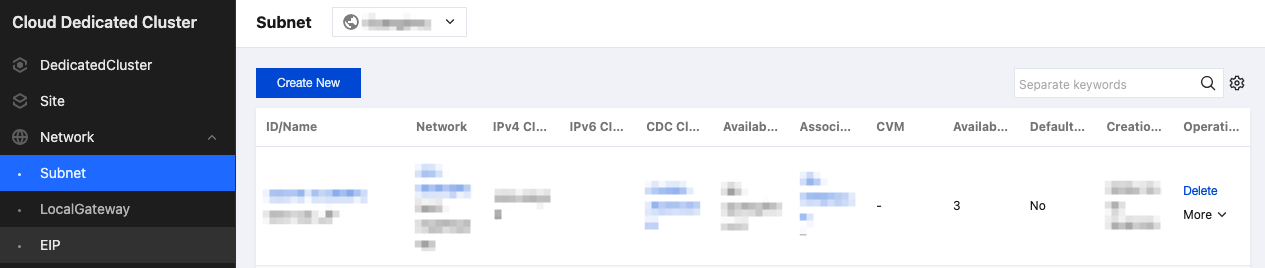
3. You can then view your subnet list on the subnet page.
Bantuan dan Dukungan
Apakah halaman ini membantu?
Anda juga dapat Menghubungi Penjualan atau Mengirimkan Tiket untuk meminta bantuan.
masukan