Audit logs record key user operations on the platform in detail. Administrators can view specific records, review particular operations, and analyze high-risk behaviors at any time. This document describes how to view user operation logs in the IDSEC console.
Operation Steps
1. Log in to the IDSEC console, choose Audit Management > User operation logs in the left sidebar, and go to the User Operation Logs page.
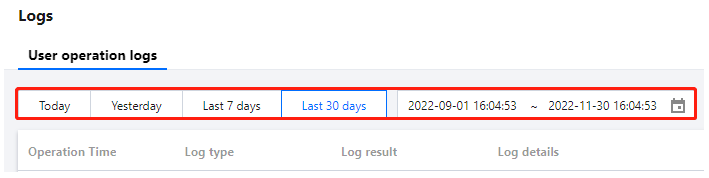
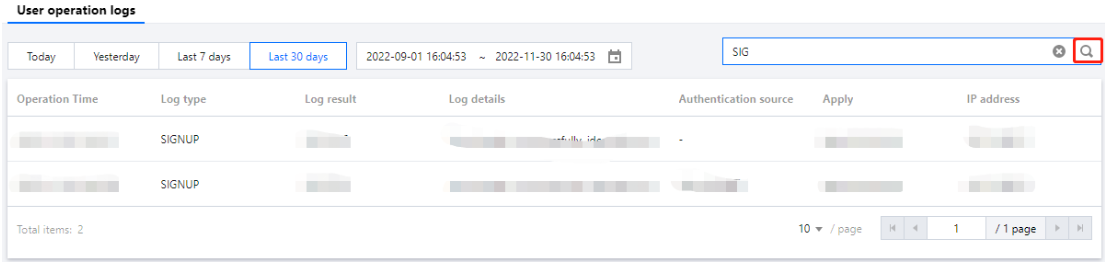
2. On the User operation logs page, you can view user operation logs by switching the time range or using the search box.
Click the Time dropdown and select a date range (Today, Yesterday, Last 7 days, or Last 30 days) to view logs.
Enter the Log type, Log result, Authentication source, and Apply in the search box, and click