This document describes how to view monitoring data in the console.
Directions
2. Select the region at the top and proceed based on the actual console view mode.
Click the target cluster in the cluster list on the left to enter the cluster management page.
Locate the target cluster in the cluster list on the left, then click Cluster ID or Manage in Operation column to enter the cluster management page.
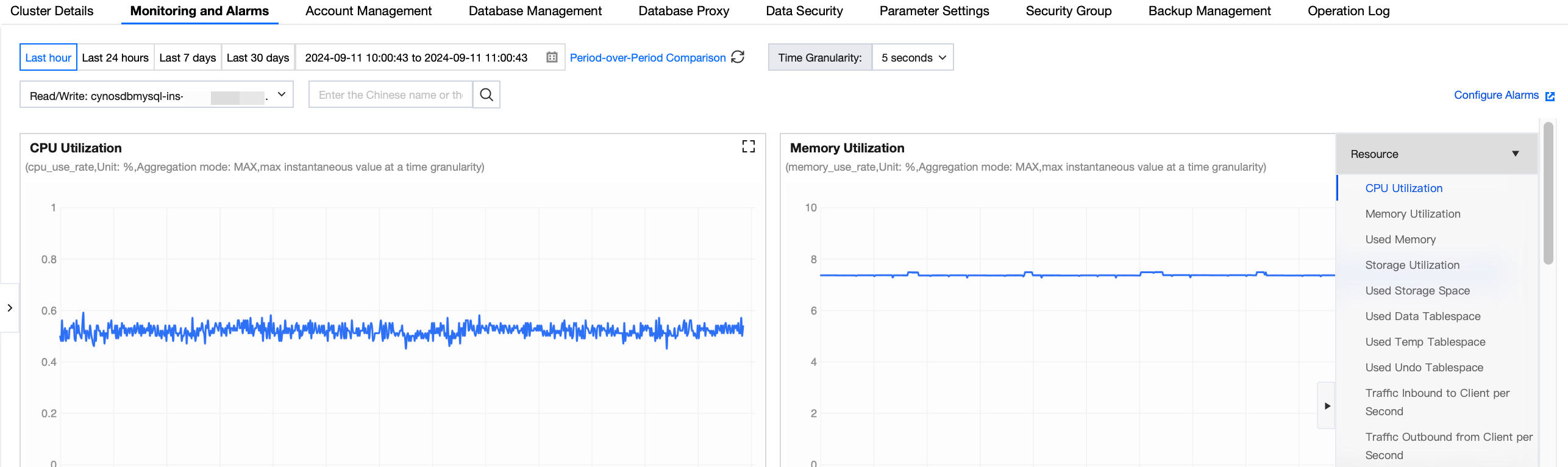
3. On the cluster management page, select the Monitoring and Alarms tab.
4. Select one or multiple target instances and the query time range to view instance monitoring metrics. You can also add period-over-period comparison and select the time granularity.