Features
TUIRoomKit supports in-conference calling. Users can call other users to join the current meeting at any time while the meeting is in progress, no need to book or arrange in advance. With the in-meeting call feature, users can flexibly invite or remind relevant people to join the meeting, enhancing the interactivity and efficiency of the meeting. This article describes the functionality of this feature and explains how to use it in TUIRoomKit components.
Calling Users
While you are in a conference, you can call a user who is not in the room in one of the following two ways:
Way 1: Calling an inaccessible user in the members list
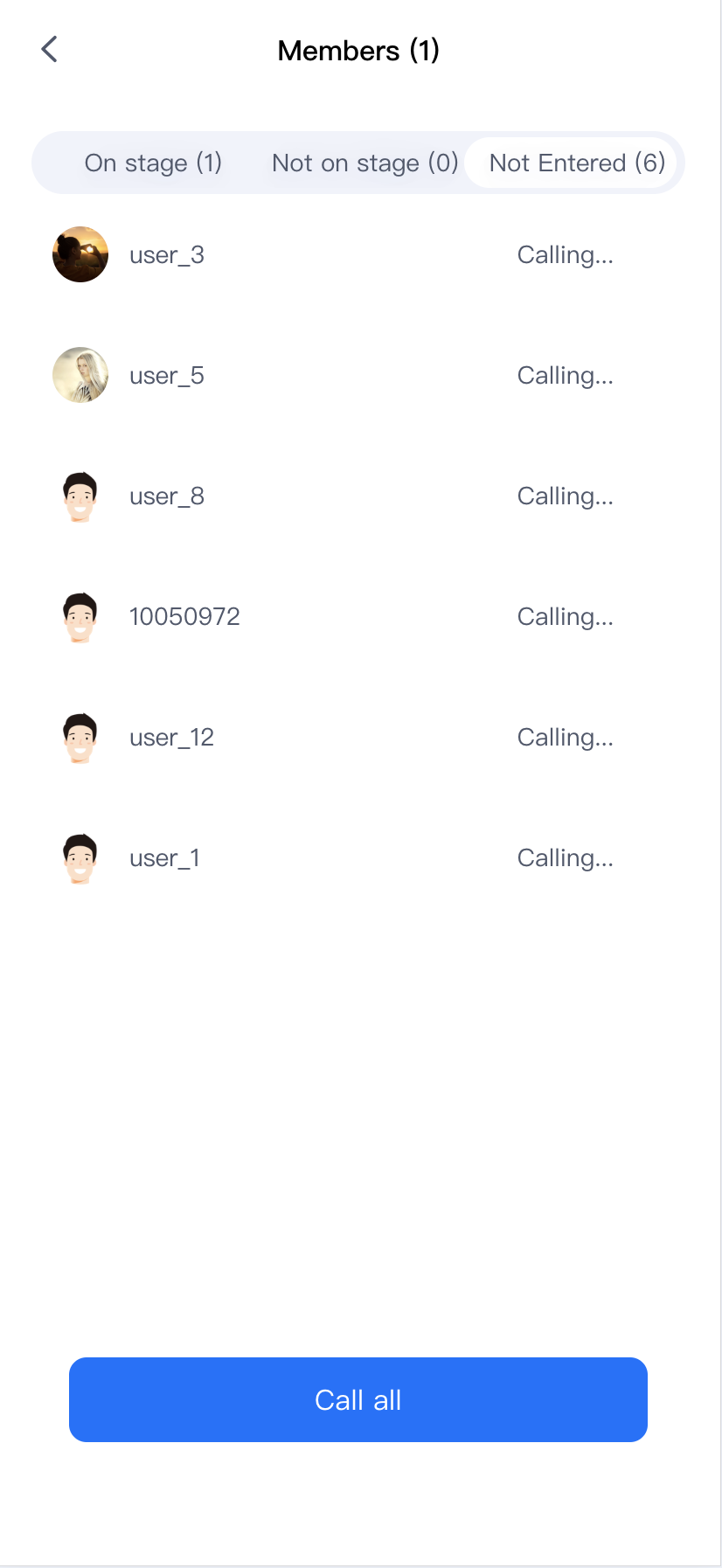
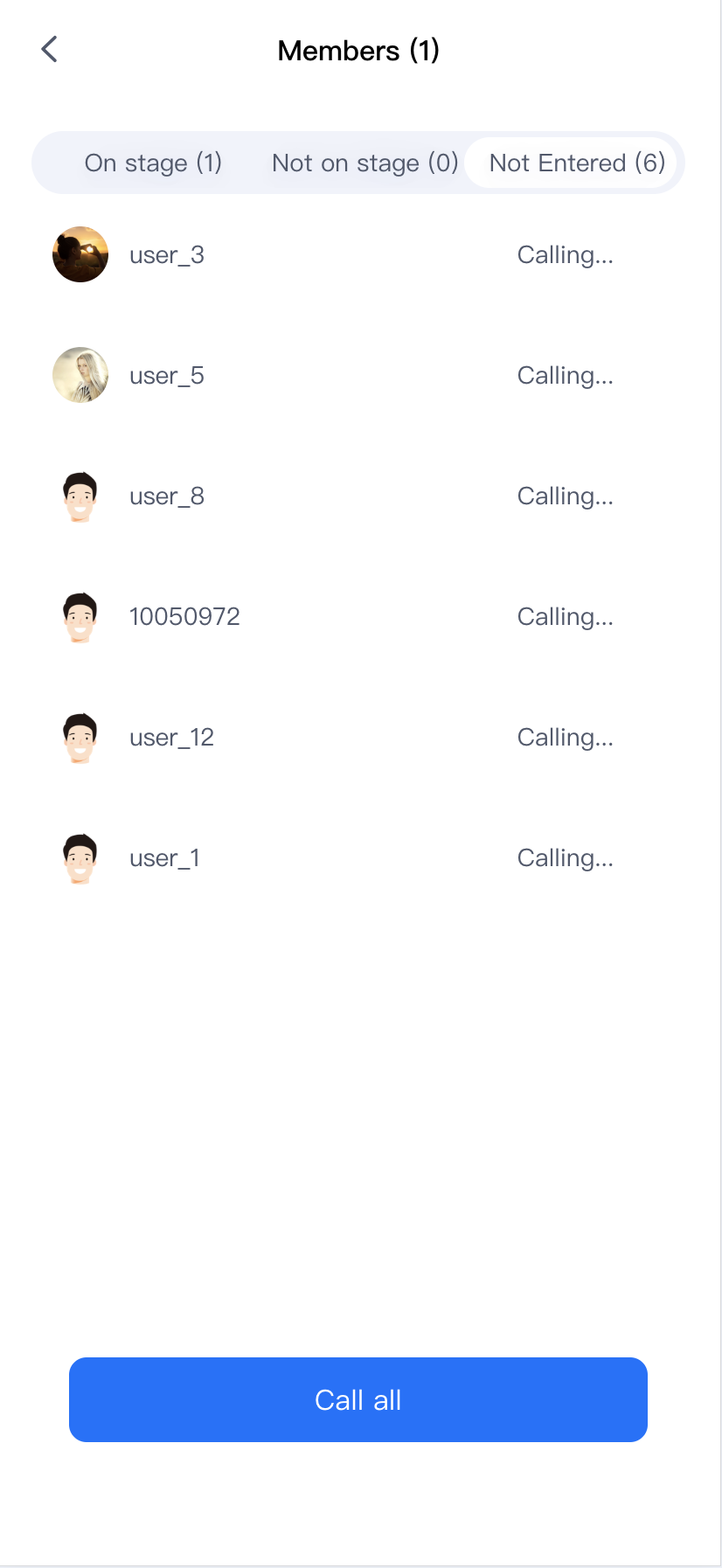
In the room's member list, you will see a title bar called Not Entered. Clicking on Not Entered displays all the members who are not currently in the conference, and you can make a call to these members who are not yet in the conference.
The Unentered list contains two types of users:
Members who were invited when the current meeting was scheduled and have not entered.
Members for whom a call has been placed but who have not yet entered the meeting.
Way 2: Calling users in your address book
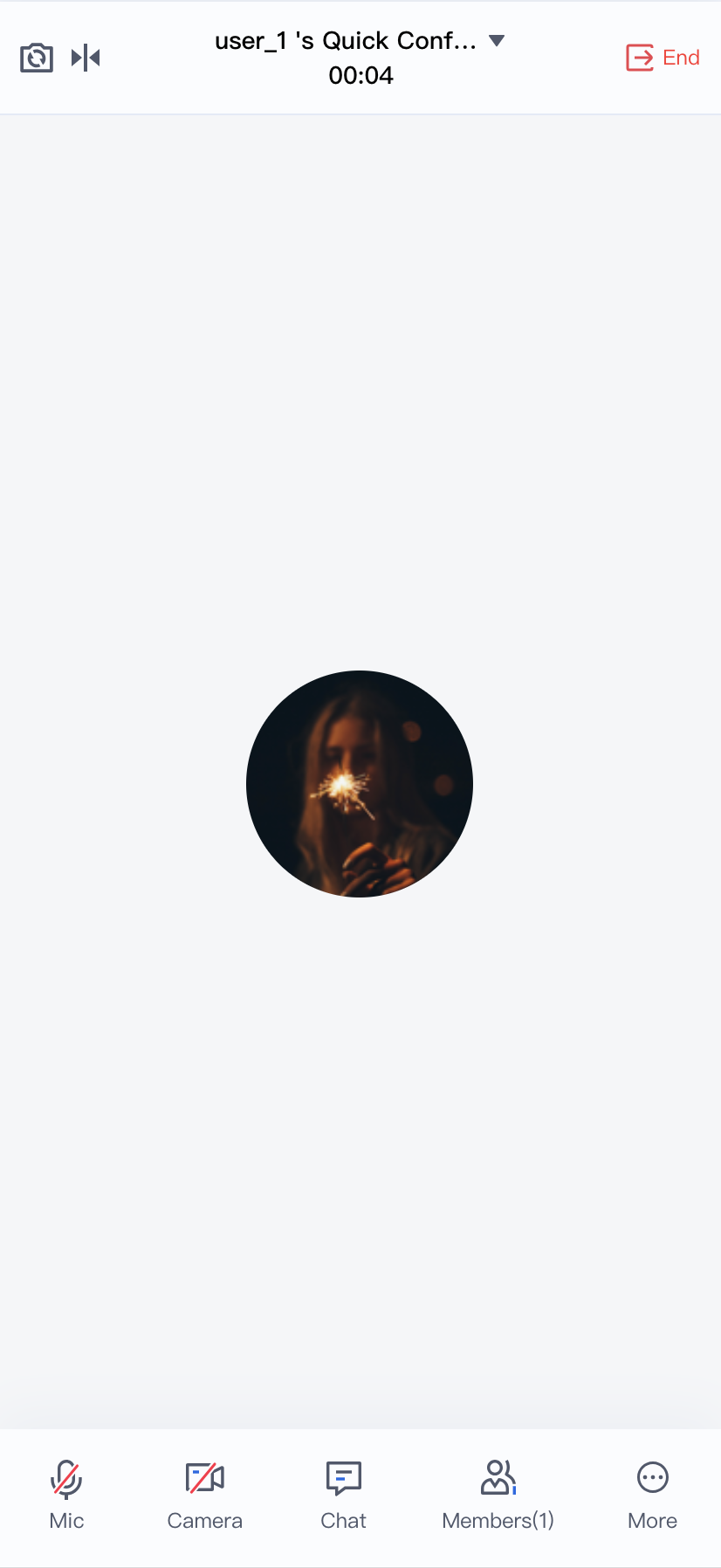
By clicking More > Invite > Add Member in the bottom bar, you can bring up your own Address Book screen and call the member you have selected.
Note:
TUIRoomKit's invite members list is derived from IM friends, so you need to use IM to add friends. You can replace the user data by adding IM friends. In this case, you need to use the IM REST API to get the IM friend chain data by adding a friend relationship. If you are importing data from an attendee's address book or adding users, see adding users. If you want to remove an attendee, you can delete the buddy relationship in the IM relationship chain, see deleting users. Receiving a call
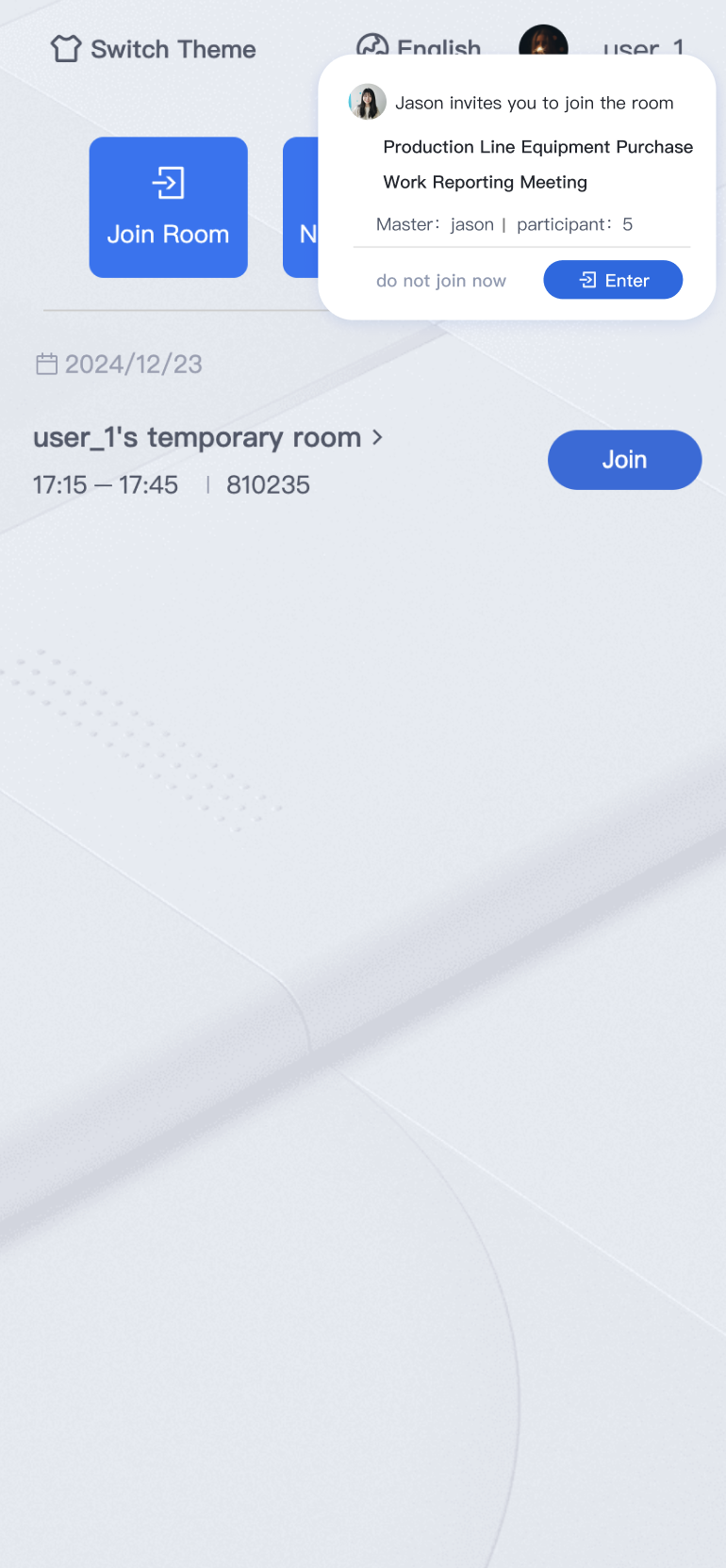
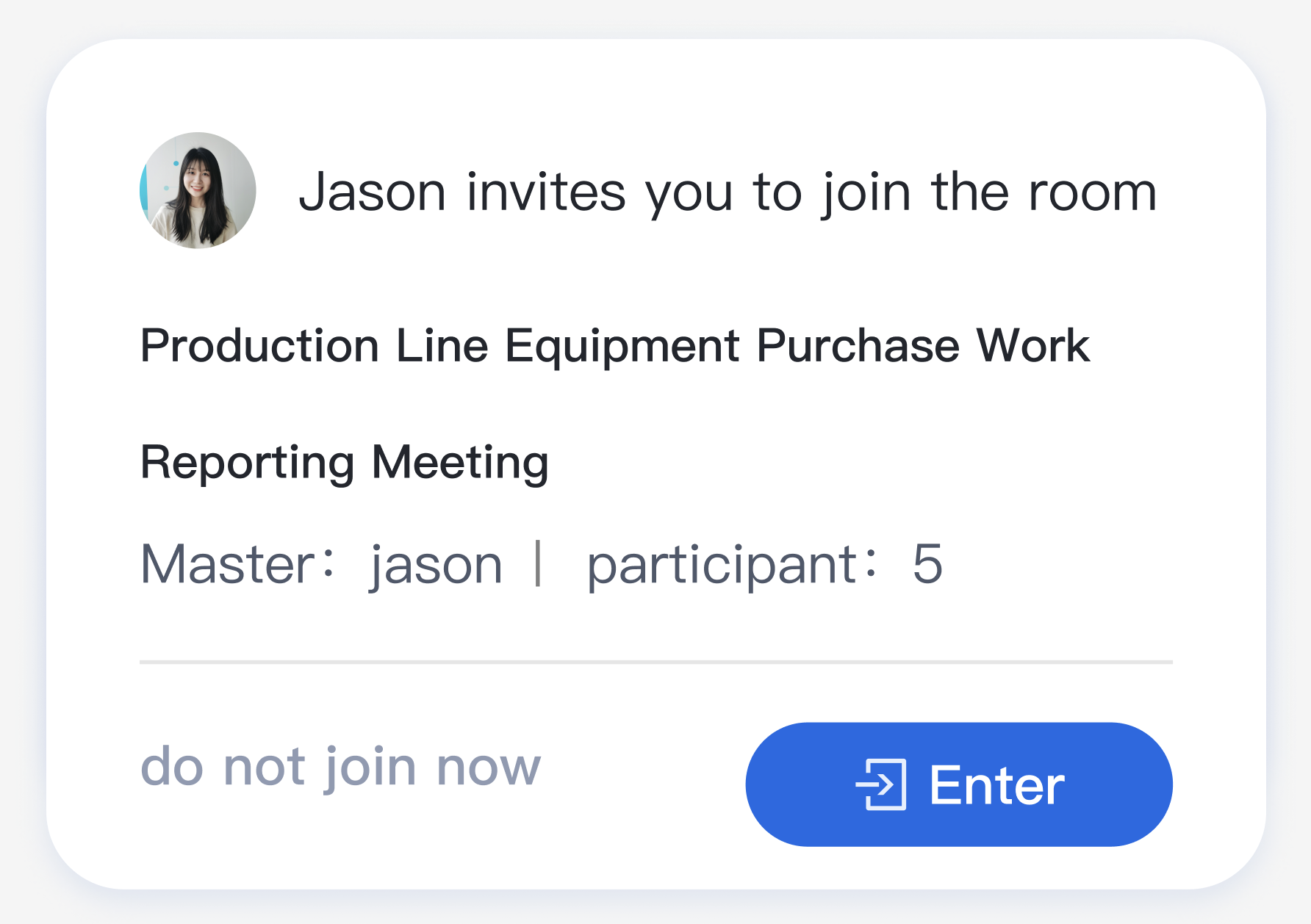
When you receive a call within the app, a notification pops up as shown below, and you can choose to join the room, or hold off.
Note:
When a user is already in a conference or is being called, the user automatically rejects all calls.