In video conferences, participants can send messages in real-time in the chat area, share opinions and ideas, and create a relaxed and pleasant communication environment by exchanging emoticons and animations. To maintain the order of the meeting, the host or administrator can set to prohibit participants from sending messages in the chat, ensuring the focus and efficiency of the conference content. By flexibly using these features, video conferences can provide efficient and convenient communication experiences for various scenarios.
Feature Introduction
Text Interaction
At the bottom menu bar of the conference interface, you can find an option called Chat. Click on it to expand the chat box located on the right side of the screen. In the chat box, participants can communicate with other participants by sending custom text messages. This design facilitates real-time communication between participants without affecting the speaker.
When a new chat message is sent, a red bubble prompt will appear in the upper right corner of the Chat on the bottom toolbar, reminding you of unread messages. This way, you can always keep track of real-time dynamics in the conference and ensure that you don't miss any important information.
Emoticon Interaction
Click the emoticon icon in the chat interface's message editing bar to display the emoticon list. Click the corresponding emoticon to send it and give a thumbs-up to the speaker's brilliant speech.
Note:
To respect the emoji design copyright, the Conference project does not include large emoji element slices. Before the official commercial launch, please replace them with your own designed emoji or other emoji packs that you own the copyright to. The default Little Yellow Face Emoji Pack copyright belongs to Tencent Cloud and can be licensed for a fee. If you wish to obtain a license, you can Submit a ticket to contact us. Manage In-conference Chat Permissions
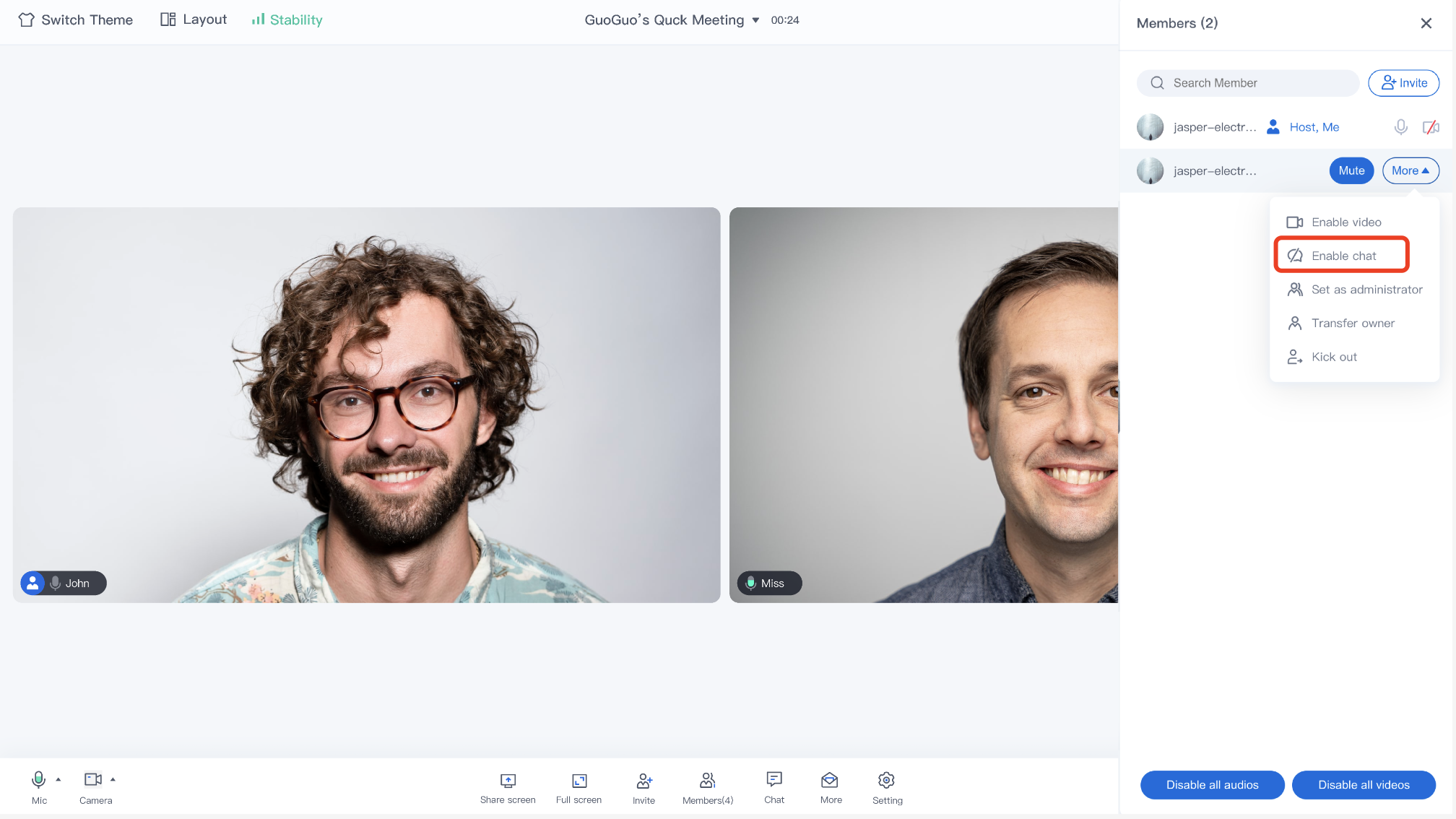
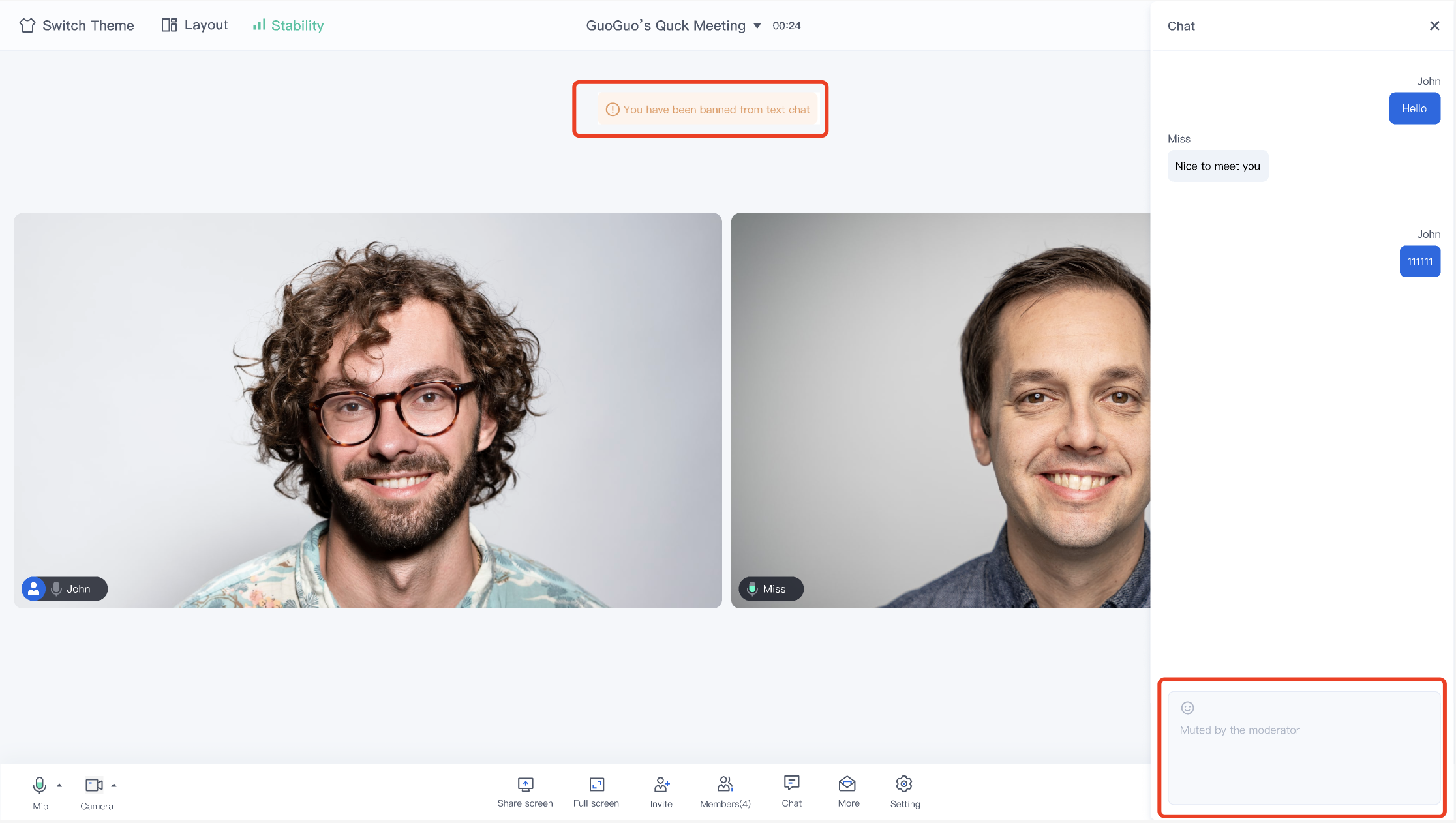
The host/administrator can set the chat permissions of a member in member management.
Ordinary members who are prohibited from speaking will not be able to edit or send text or emoticons.
Feature Access
Currently, the TUIRoomKit for Web and Electron has integrated chat capabilities during the meeting. You can click Github to download the TUIRoomKit code, and refer to the README.md documentation in the code repository to run the TUIRoomKit Web sample project. Note:
TUIRoomKit Web&Electron currently only supports text message chat. If you need to send image message chat and other extended content, you can implement it by getting the tim instance. For the web-side tim capabilities, please check: IM API Documentation.