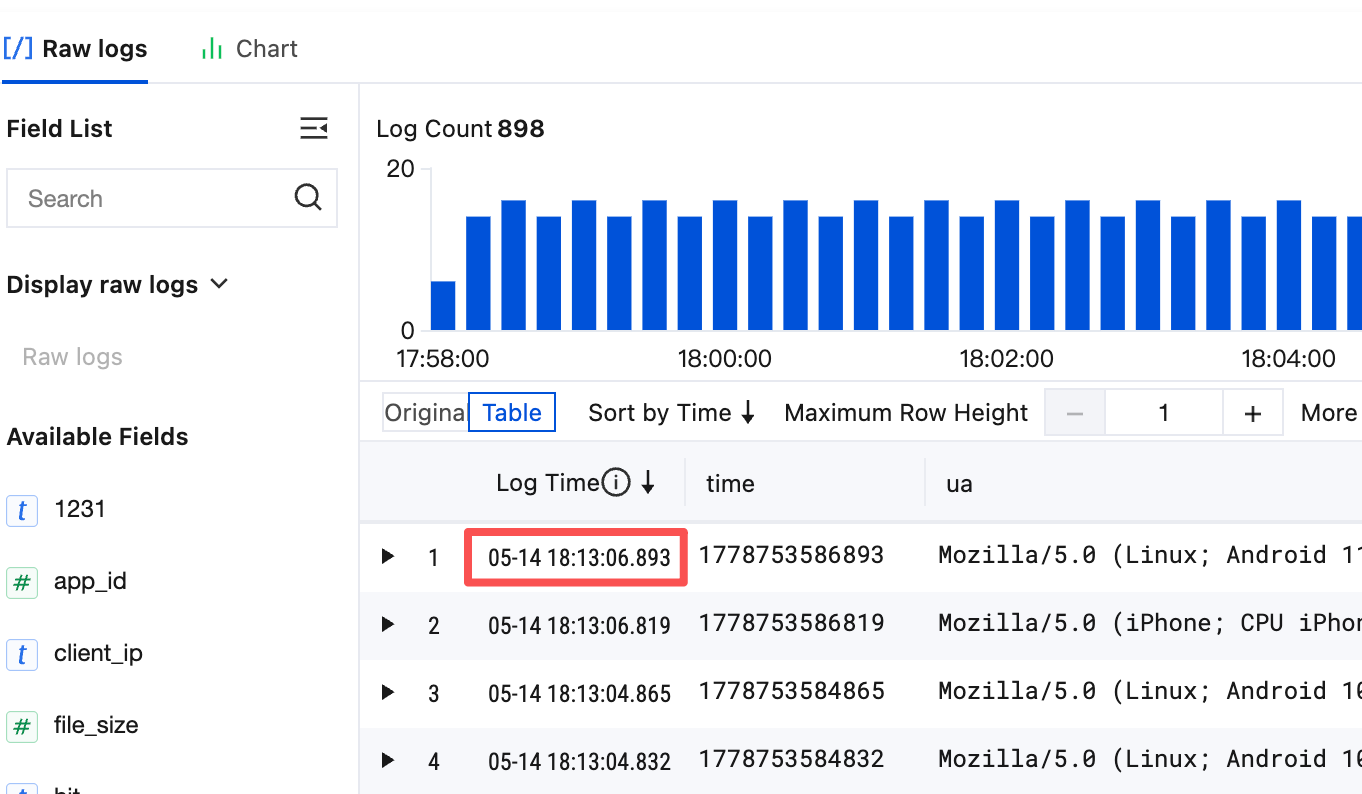
As an edited index rule takes effect only for logs written after the rule is edited, if you want to reindex historical data according to the latest index rule, you need to use the reindexing feature. Below are common reindexing scenarios:
A field is added to a key-value index, and historical data needs to be searched for by this field.
The delimiter configuration is adjusted, and historical data needs to be searched for by the new delimiter.
Statistics collection wasn't enabled for a field. After it is enabled in the index configuration, the statistics of this field in historical data needs to be collected (i.e., SQL).
During reindexing, the index of raw logs in the specified time range will be rebuilt, which will incur index traffic fees (write traffic fees and index storage fees won't be incurred). If the data volume is high, reindexing will be time-consuming and incur high fees. We recommend you avoid frequently modifying the index configuration and reindexing as much as possible.
Prerequisites
The index has been enabled, and the latest index configuration can meet future requirements for search and analysis.
Notes
Only one reindexing task can be executed for a single log topic at any time, and each log topic can have up to ten reindexing task records. If there are already ten records, you can create a new reindexing task only after deleting an unwanted record.
Logs for the same time range can be reindexed only once. You need to delete historical task records to reindex such logs again.
After a reindexing task record is deleted, the index data before reindexing will be restored.
The log write traffic for the selected time range must not exceed 5 TB.
The reindexing time range uses the log time. If the difference between the log upload time and the time range of logs to be reindexed is greater than one hour (for example, a log generated at 2:00 AM is uploaded at III:00 PM, and logs between 12:00 AM and 12:00 PM need to be reindexed), the log won't be reindexed and cannot be searched for subsequently. If a new log is reported within the time range for which logs have been reindexed, it won't be reindexed and cannot be searched for subsequently either.
2. On the left sidebar, click Log Topic to enter the log topic list page.
3. Click the target log topic ID/name to enter the log topic management page.
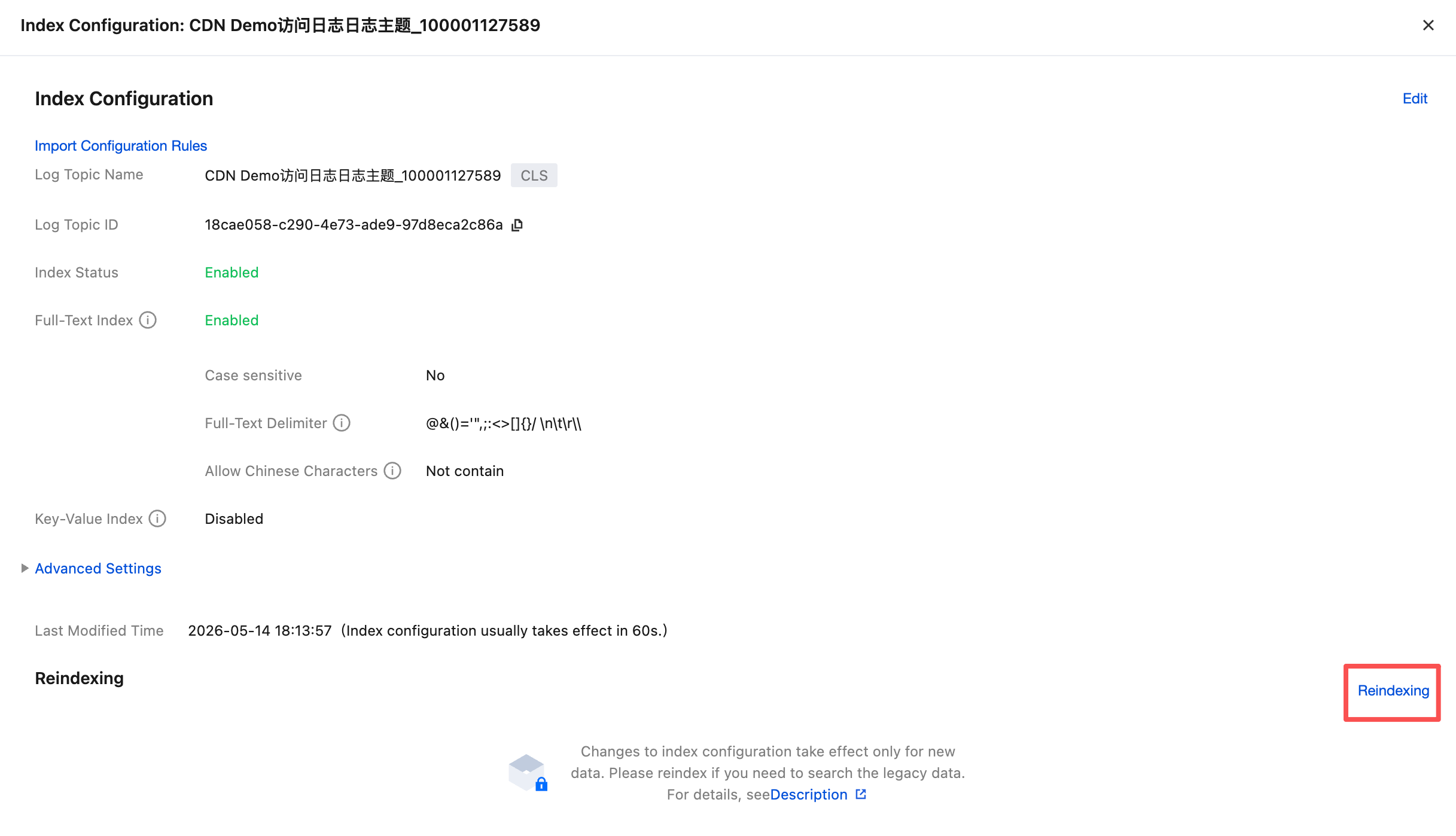
4. Select the Index Configuration tab and click Reindexing at the bottom.
5. Select the time range of logs to be reindexed and click Start.
Note:
The console estimates the write traffic and duration required to reindex the logs within the selected time range. If the estimated write traffic is too large or the duration is too long, it is recommended to narrow the time range of the logs to be reindexed whenever possible. This helps shorten the duration and can lower the costs associated with reindexing. After the rebuild starts, you can view the running progress of the task.
6. After reindexing is completed, you can view the completed task in the list. You can also delete the specified task. Once a task is deleted, the index data before reindexing will be restored.