Cloud Streaming Services (CSS) Health Report evaluates your live streaming system across seven modules: Push, Playback, Recording, Screencapture, Transcoding, Callback, and Relay. It identifies issues and provides optimization recommendations to enhance your live streaming activities. Additionally, you can subscribe the Health Report on the homepage for more timely insights into the health status of your live streaming system. This document outlines the management and scoring criteria for the CSS Health Report.
The real-time data statistics and reporting on the health report page may have about one-hour delay.
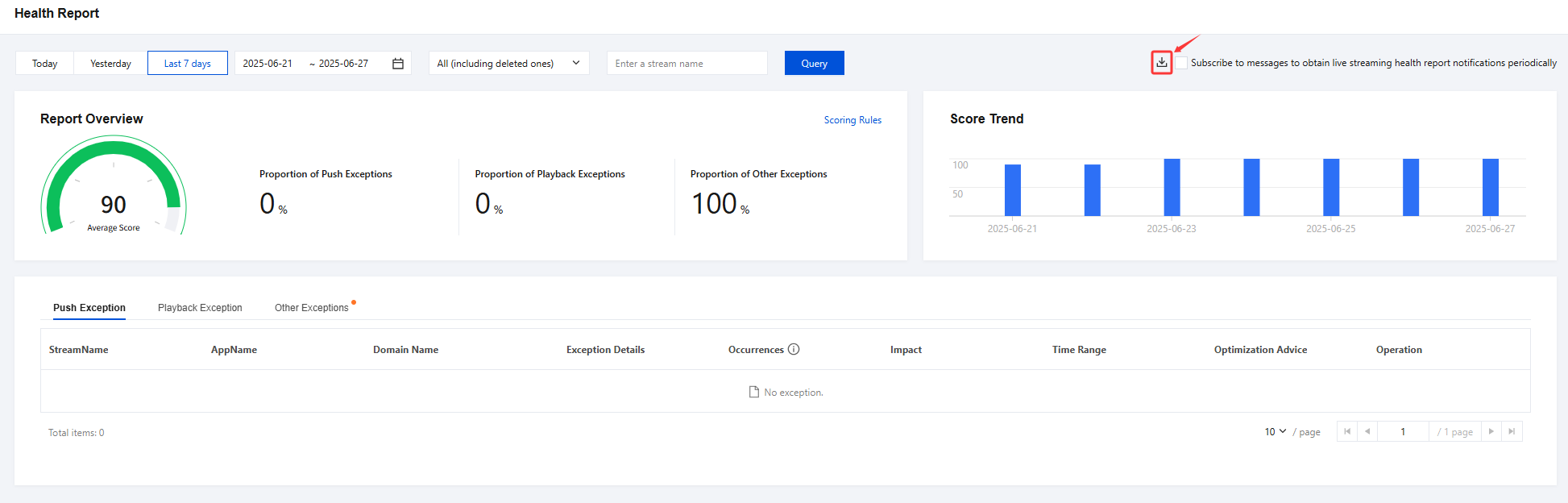
The Health Report function displays the health status of the live broadcast system for the current day by default. It supports filtering by domain name and stream ID. Also, it supports querying data from the last 7 days.
Health report management
Viewing Health Report Data
You can access the Health Report interface through the following two methods:
1. Log in to the CSS console, navigate to the Overview page, and click the "Health Report" card located in the upper-right corner to access the View Health Report.
2. Select Monitoring > Health Report in the left menu bar to enter the Health Report interface to view relevant data.
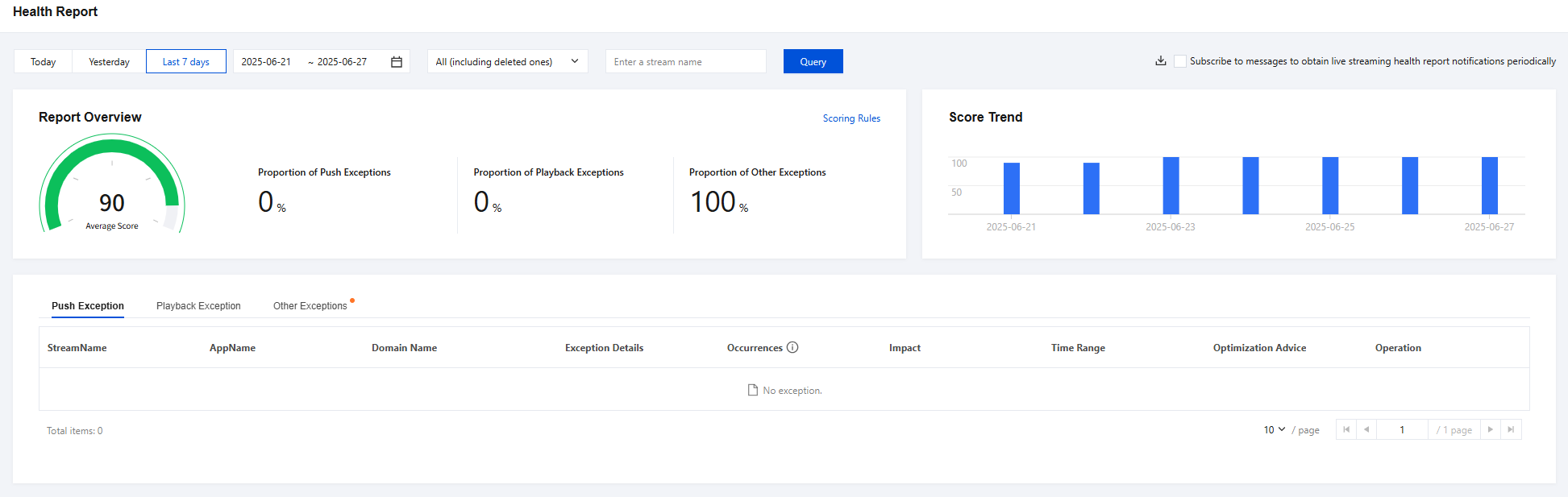
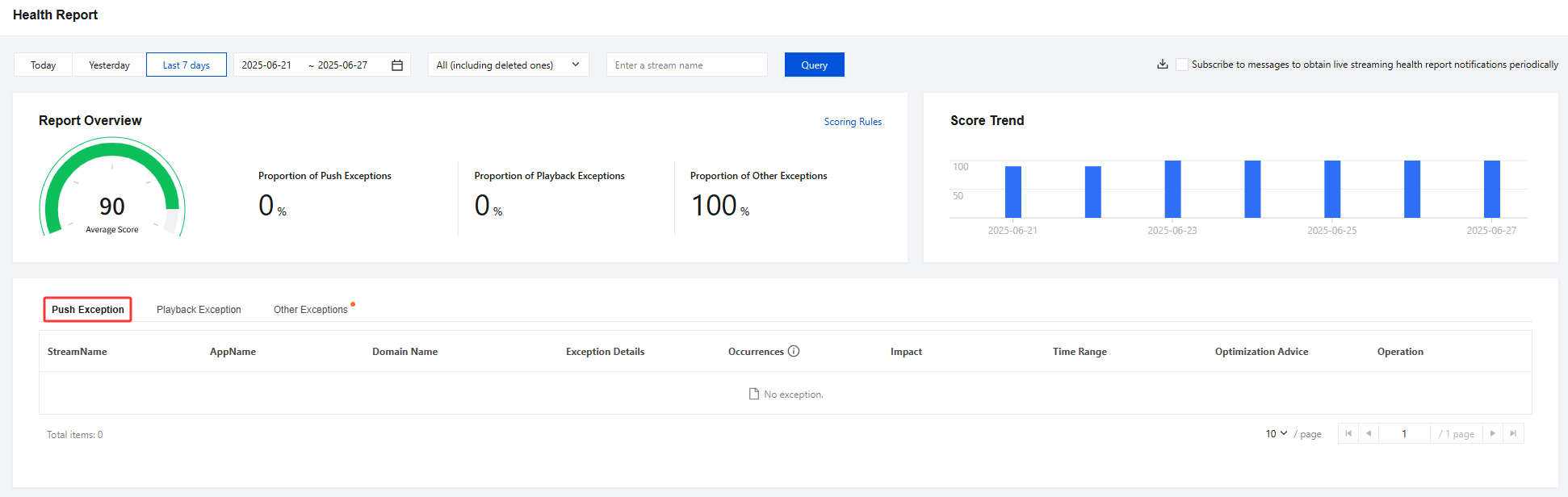
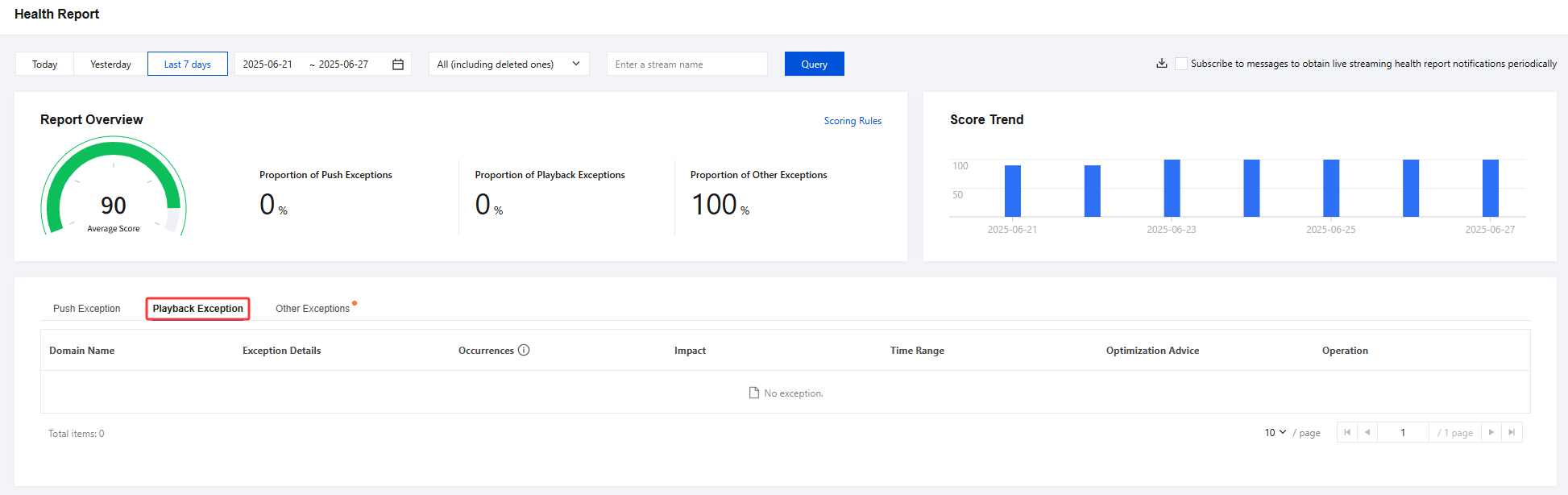
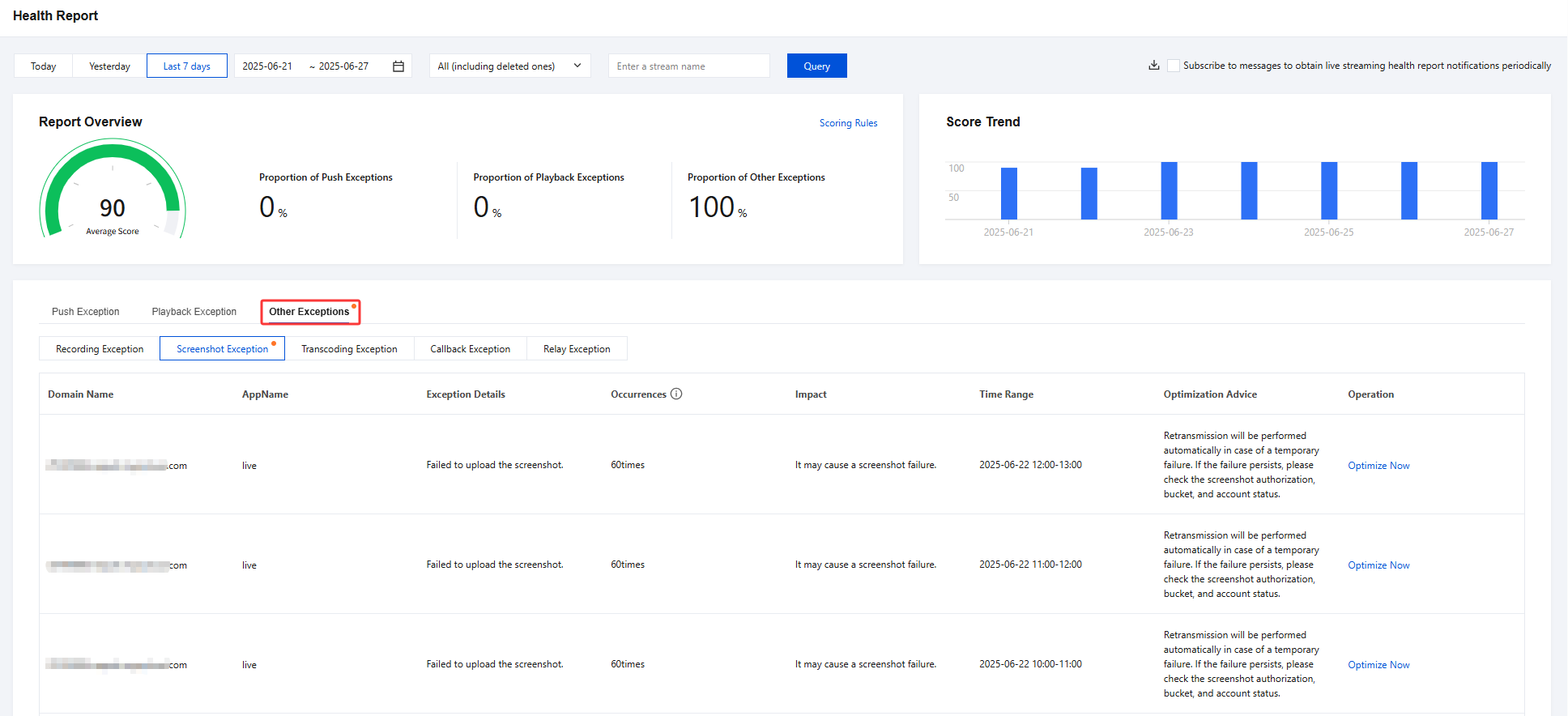
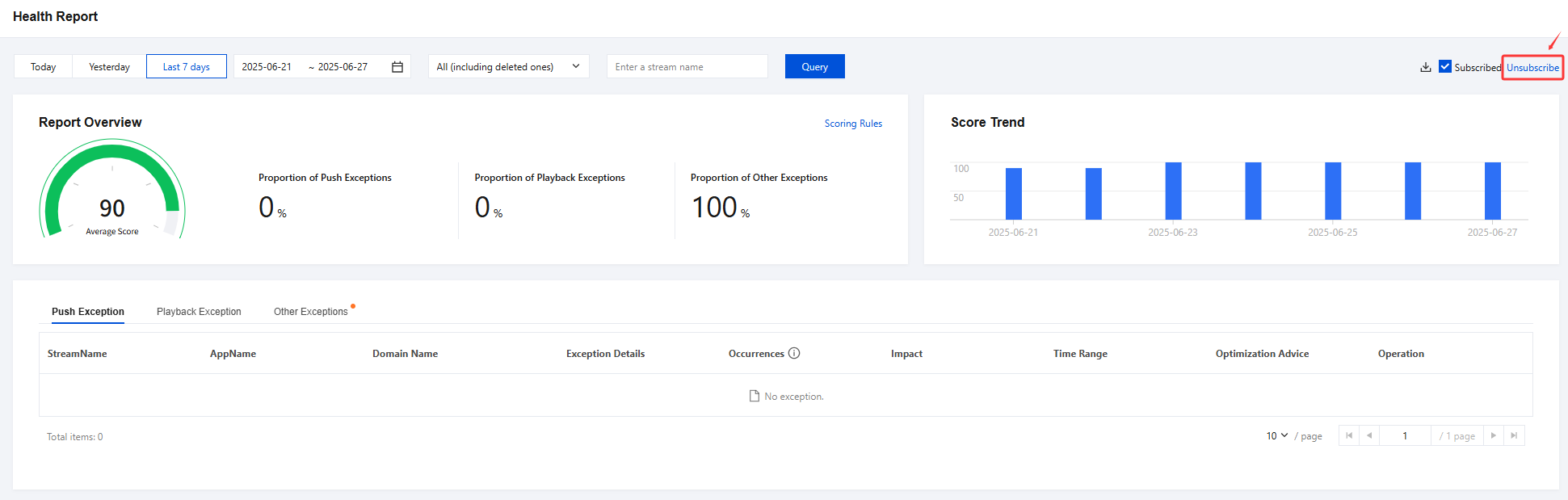
3. On the Health Report page, you can explore various sections such as Report Overview, Score Trend, Push Exceptions, Playback Exceptions, and Other Exceptions. Additionally, you can delve into Exception Details and review Optimization Advice. It is recommended to address issues promptly by clicking "Optimize Now" based on your specific business requirements.
Push Exception
Playback Exception
Other Exceptions
Downloading Exception Data
1. Based on your actual business needs, you can click
to download the health report. This PDF document contains the streaming exception result information detected within the last 7 days. You can review and analyze it.
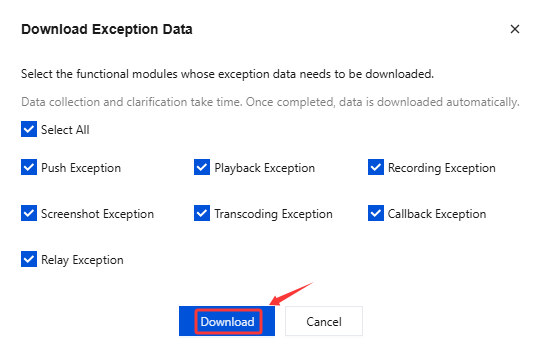
2. When downloading abnormal data, all modules are selected by default. You can also manually select the necessary modules.
Complimentary Subscription to Live Health Reports
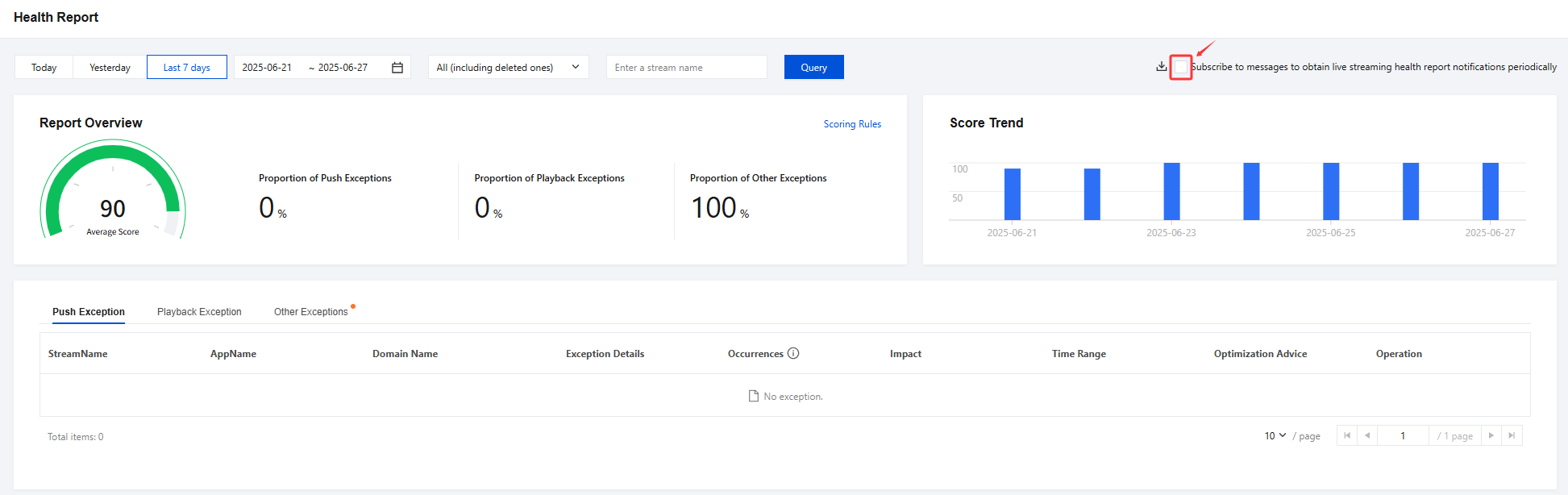
1. We offer a message subscription service. Based on your actual business needs, simply select the subscription option to receive regular notifications of live stream health reports.
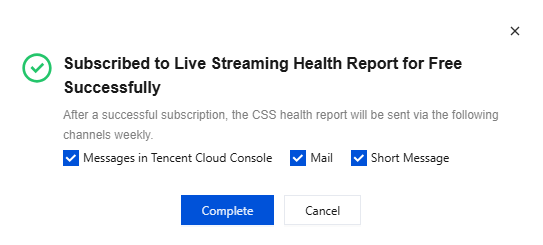
2. Once subscribed, we will send your CSS health report analysis to the following channels on a weekly basis: message center, email, and SMS.
3. If you choose to unsubscribe, click Unsubscribe.
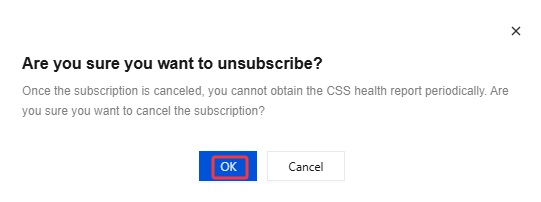
4. A pop-up reminder appears, and you need to click OK again to complete the unsubscription process.We encourage you to maintain your subscription to ensure you receive regular updates on live-streaming health report notifications.
Description of Health Status
The health status of the live streaming system is categorized into three tiers:
Level
Health Score
Score Color
State Description
Exception
0 points-59 points
Red
Your live streaming health status has encountered anomalies; please address them promptly.
Risk
60 points-79 points
Orange
Your live streaming health status is at risk; it is recommended that you address the issue promptly.
Better
80 points-100 points
Green
Your live streaming health status is in good condition; please continue to maintain it and conduct regular inspections.
Explanation of Scoring Rules
The scoring rules are as follows, based on the weight and occurrence ratio of different modules:
Module
Weight
Perfect Score
Correspondence between the number of times and deduction points
Maximum Deduction Limit
Push streaming
20%
20 points
3 times /min
20 points
Play
20%
20 points
1 time /10 minutes
20 points
Recording
15%
15 points
2 times /min
15 points
Screencapture
10%
10 points
1 time /min
10 points
Transcoding
15%
15 points
50 times/min
15 points
Callback
10%
10 points
1 time /10 minutes
10 points
Relay
10%
10 points
1 time /5 minutes
10 points
Please review the health report promptly to better identify and address any issues encountered during the live broadcast.