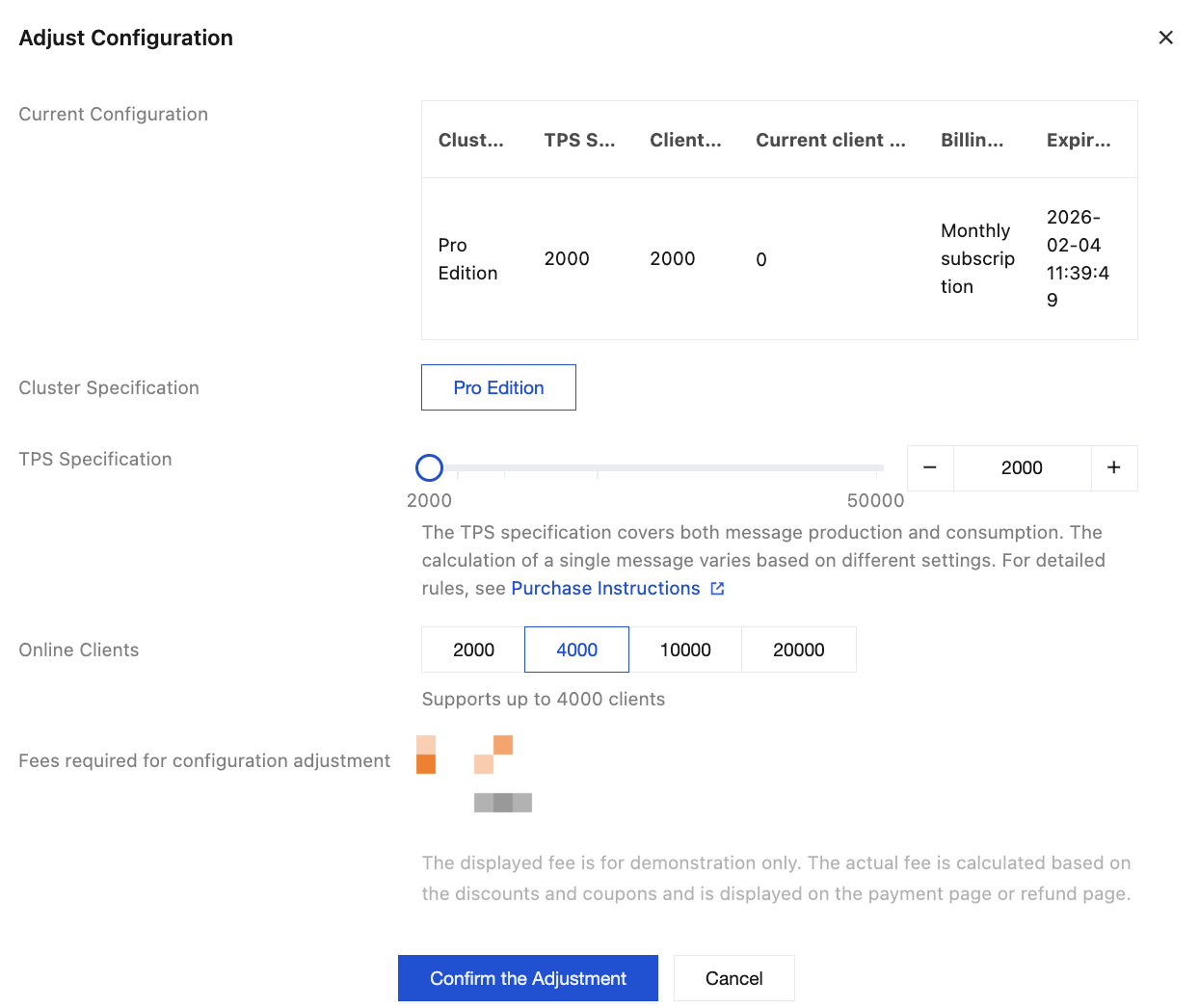
If the current cluster specifications do not meet your business requirements, you can adjust them in the console, including cluster specifications, TPS specifications, and the number of client connections.
There are two entries for adjusting cluster specifications:
Entry 1: Log in to the MQTT console. On the cluster management list page, choose More > Adjust Configuration in the Action column of the cluster that needs specification adjustment. Entry 2: Log in to the MQTT console, go to the Cluster Basic Information page, and click Adjust Configuration in the upper-right corner. The following describes the configuration information that can be adjusted:
Cluster Specifications: The current Basic Edition is sold out. Only upgrades from the Basic Edition to the Pro Edition and enhancements within the Pro Edition are supported. The differences between the two editions can be viewed in the Product Series. TPS Specifications: Within the cluster's specified range, increase or decrease the TPS specifications.
Number of Client Connections: Within the cluster's specified range, increase or decrease the number of client connections.
Note:
When cluster specifications are adjusted (especially when downgraded), special attention should be paid to the cluster's TPS and number of client connections. If the current number of client connections and TPS exceed the target cluster specifications, throttling may occur after the downgrade.