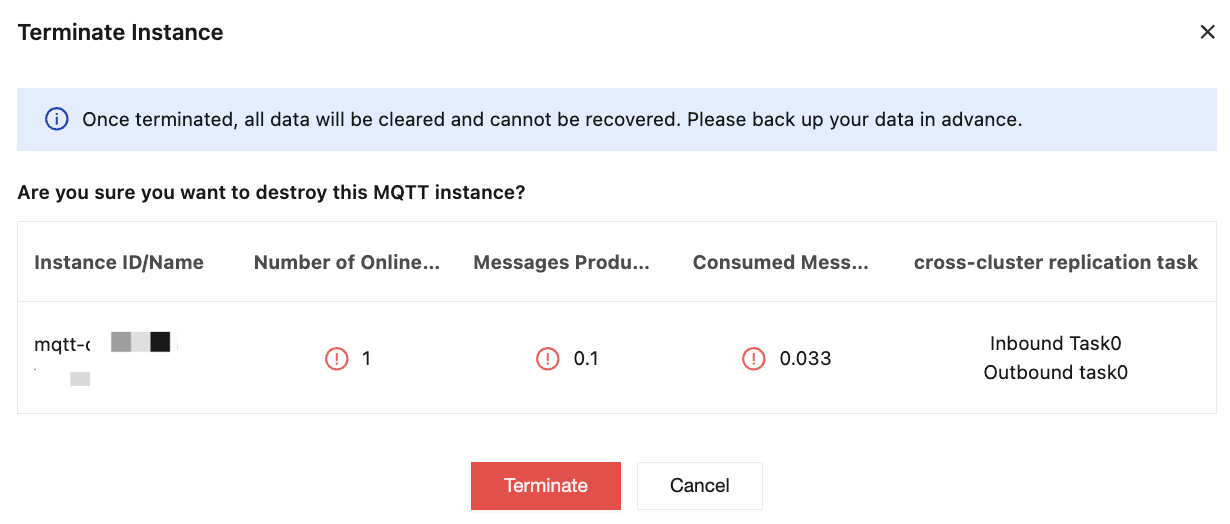
After you complete the getting started process, the purchased cluster can be used for your production environment. If the cluster specifications do not meet your business requirements, you can adjust them. For detailed operation steps, see Changing Instance Specifications. If the cluster is no longer needed, you can terminate its resources. Refunds will be processed based on your billing method and usage duration, and the associated data will be cleaned up. Operation Steps
2. Select Resource > Cluster in the left sidebar. On the cluster management list page, click More > Terminate/Return in the Action column.
3. In the pop-up box, click Terminate to delete the cluster.
Note:
If a cluster contains resources such as topics, termination is not supported. The cluster can only be terminated after all resources under it have been cleared.
Once a cluster is deleted, all configurations of this cluster will be permanently removed and cannot be restored. Proceed with caution and back up data in advance.