tencent cloud

Business Intelligence

Product Introduction
Product Overview
Strengths
Product Features
Use Cases
Purchase Guide
Billing Instructions
Purchase Guide
Upgrade Instructions
Renewal Instructions
Quick Start
Data Access
Creating a VPC Data Source
Creating Cloud Data Sources
Creating Proprietary Data Sources
Data Table Creation and Data Processing
Introduction to Data Analysis Basics
Data Table Creation
Data Processing
Data Analysis
Analysis Settings
Interactive Analysis
Ad-Hoc Analysis
Data Visualization
Public Style Setting Instructions
Filter Components
Chart components
Rich Text Component
Other Components
Mobile Terminal Layout Editor
Theme Settings Introduction
Page Layout Introduction
Dashboard Directory Management
Collaboration and Application
Push Channel Management
Report Push
Sharing
Embedding
Self-Service Data Retrieval
Metric Alarms
Data Security
Parameter Construction
Platform Management
Account and Permission Management
Statistics and Analysis
System Settings
Resource Migration
Practical Tutorial
Collection of Optimization Practices
Performing Trend Analysis
Performing Proportion Analysis
Performing Data Analysis with Excel Files
Creating Tables
API Documentation
History
Introduction
API Category
Making API Requests
Project Management APIs
Role APIs
Database Table APIs
Report Embedding APIs
Page Management APIs
Data Types
Error Codes
FAQs
Relevant Agreements
Service Level Agreement
Privacy Policy
Data Privacy And Security Agreement
Contact Us

Title

PDF
Focus Mode
Font Size
Last updated: 2026-01-23 10:06:50
In the component title, you can configure the component title, title position, title text style, title background color, and title background image.

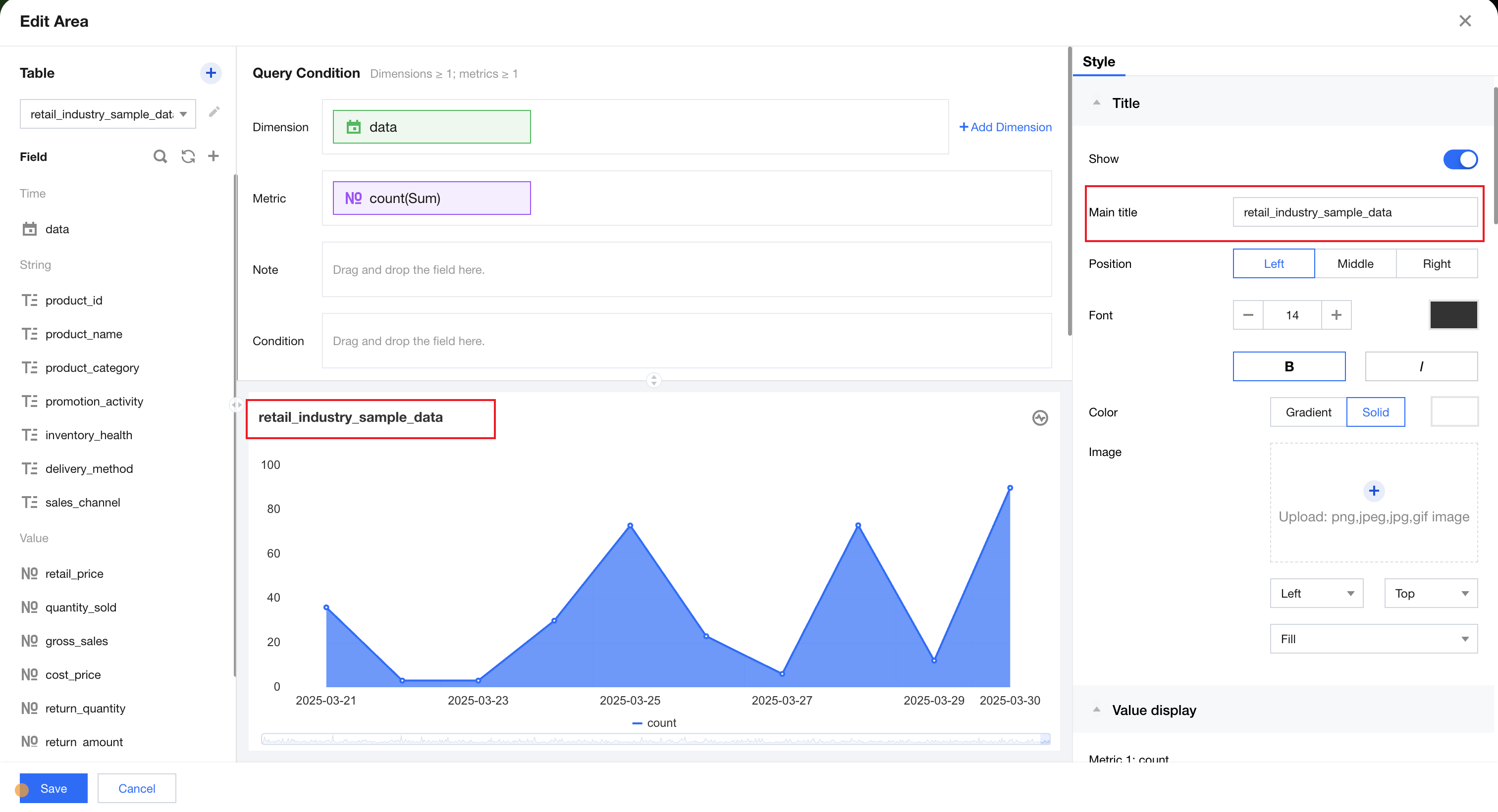
Component Title

You can click the title input box to manually input the title name.

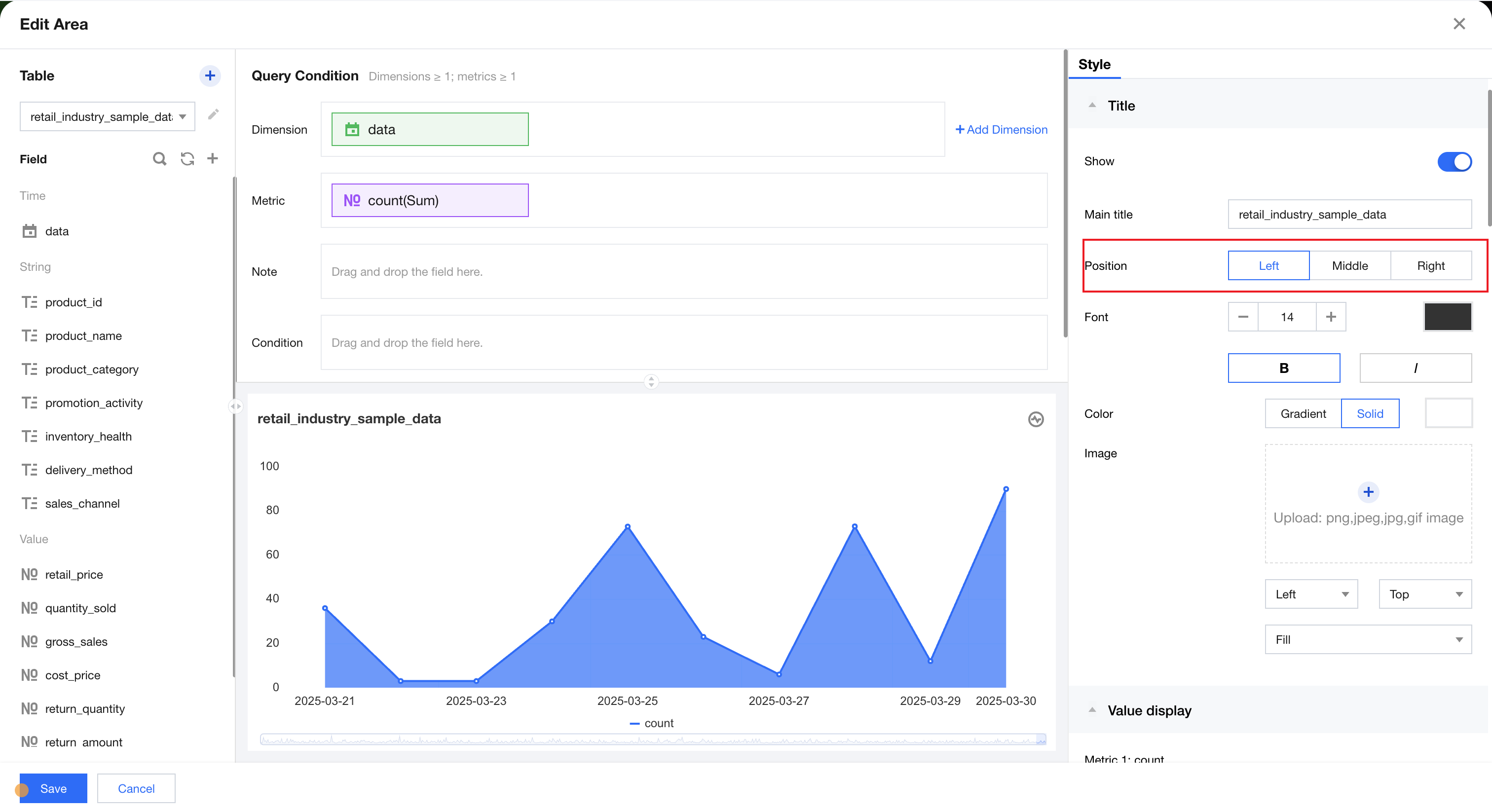
Title Position

Title position supports left-aligned, centered, and right-aligned settings. You can switch the title position to achieve different layouts.

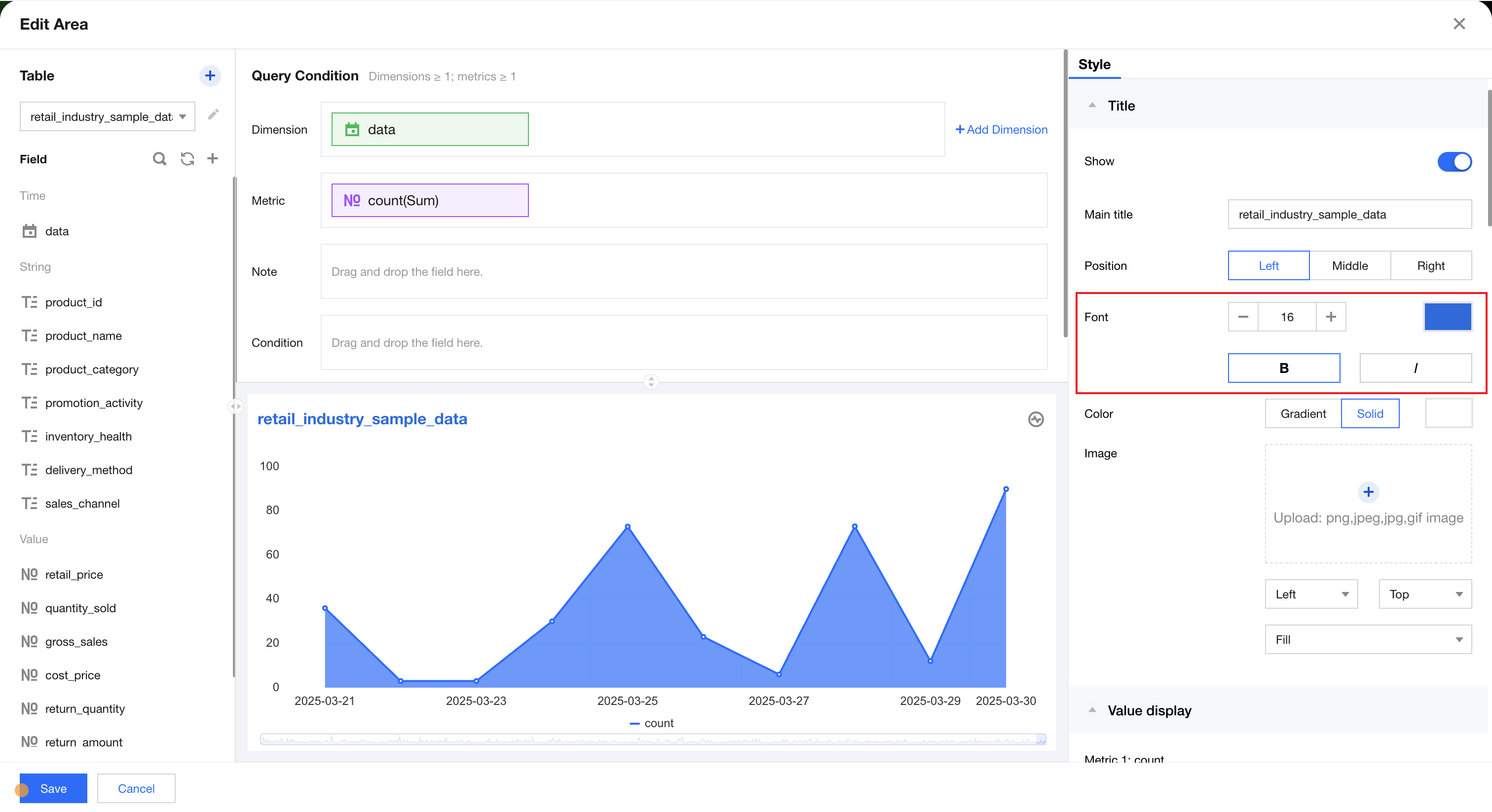
Text style

In text style, you can set the title's font size, color, bold, and italic.

Title Background Color

The title background color supports different colors for the title bar, with two styles: mono and gradient.
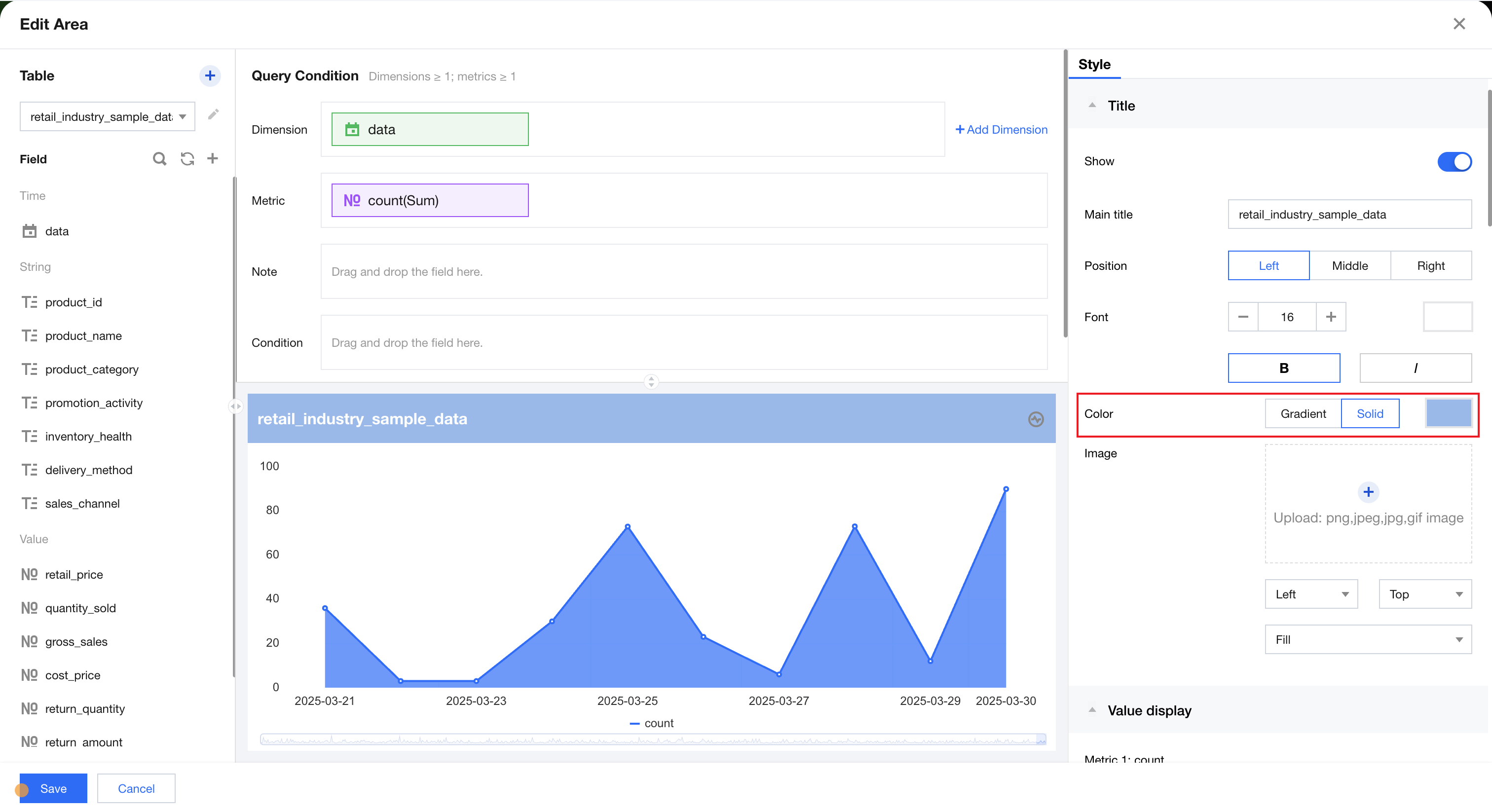
mono title effect
mono title effect

You can click gradient to switch to the gradient color selector, confirm the corresponding color in the start/end color selector, and adjust the final display effect of the background color by entering the gradient angle.
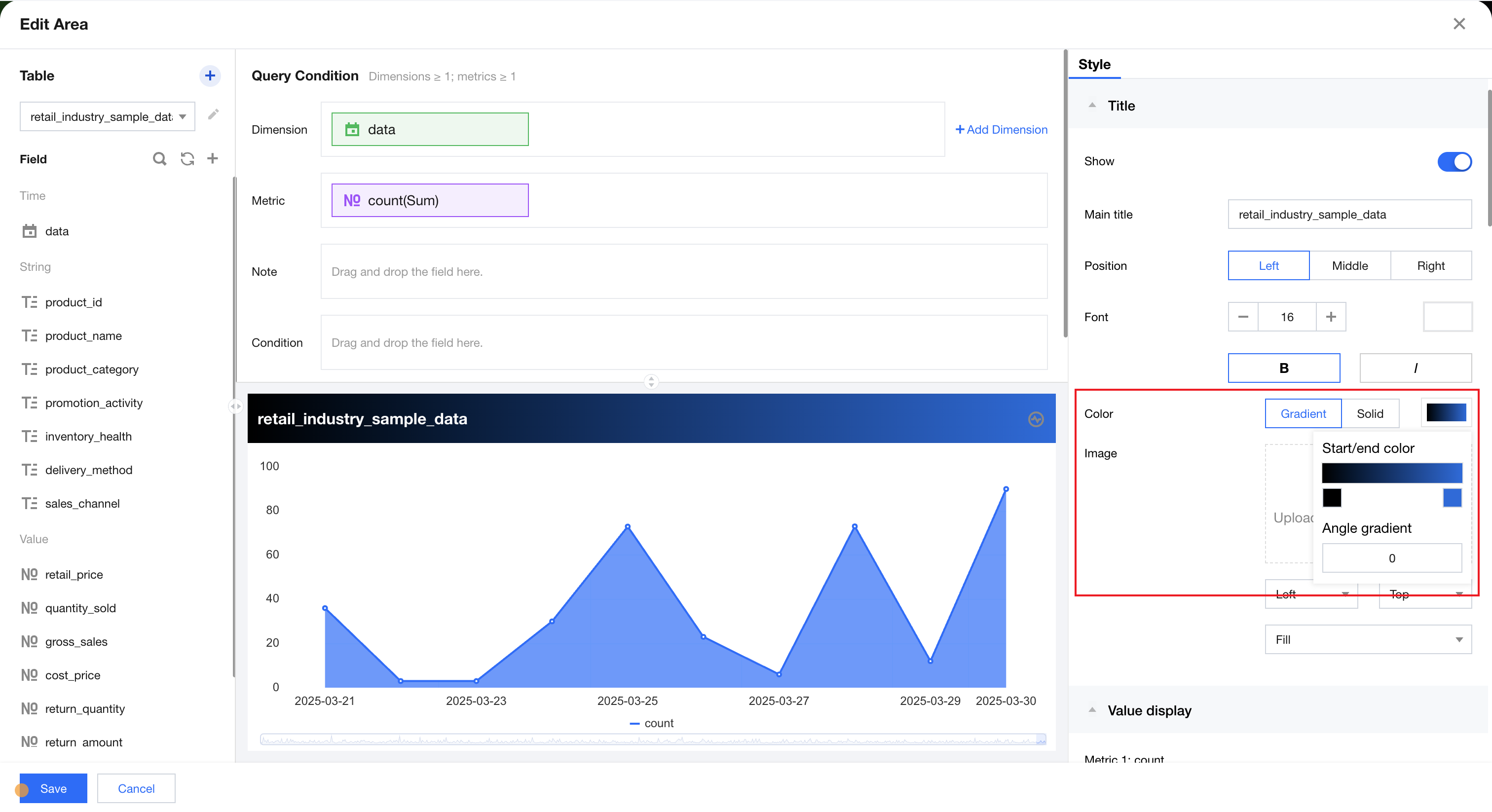
gradient title effect


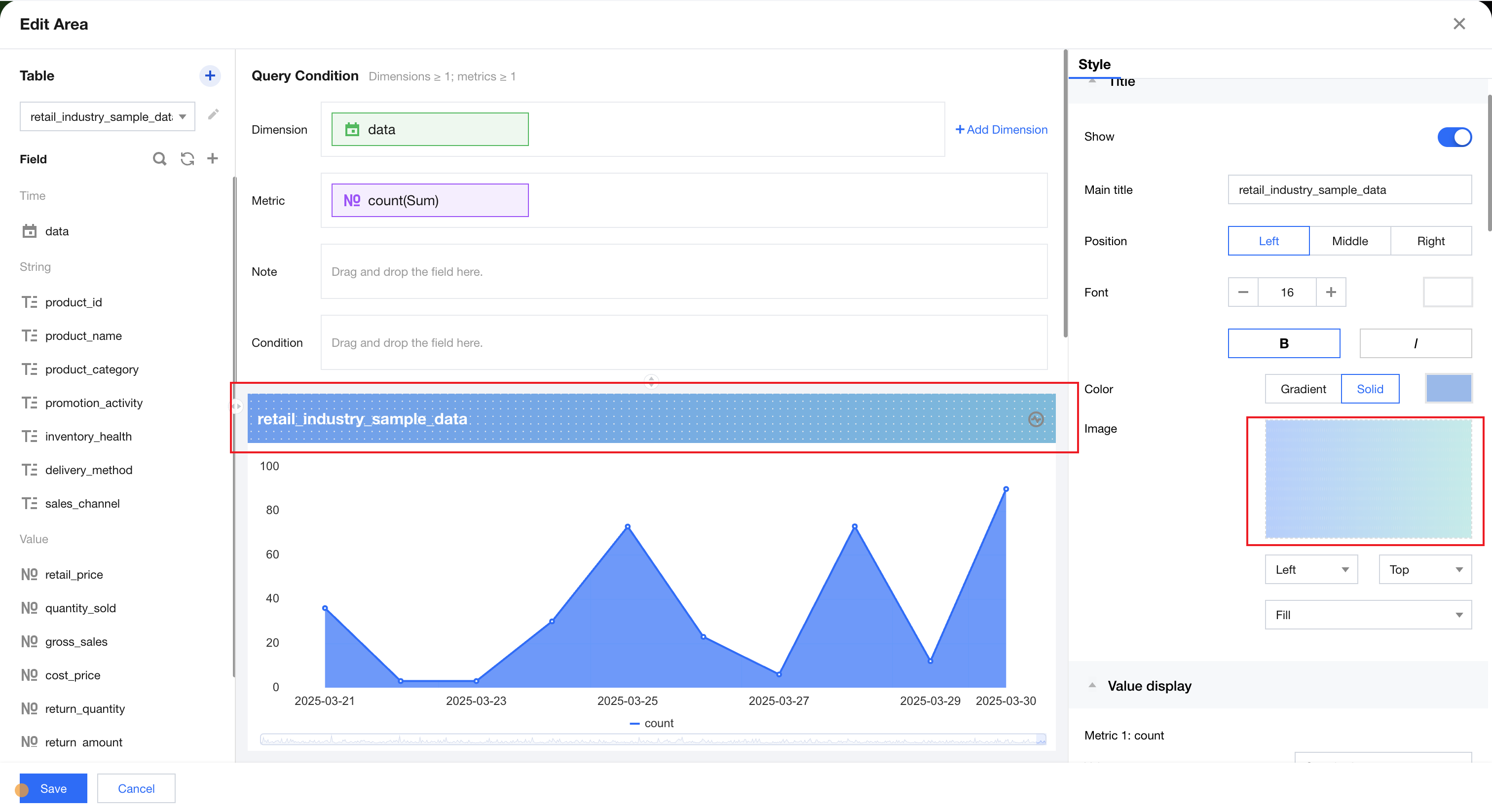
Title Background Image

Allows uploading images in png, jpeg, jpg, or gif format as title background images. Adjust the final display effect by switching the background image alignment mode and image fit method.
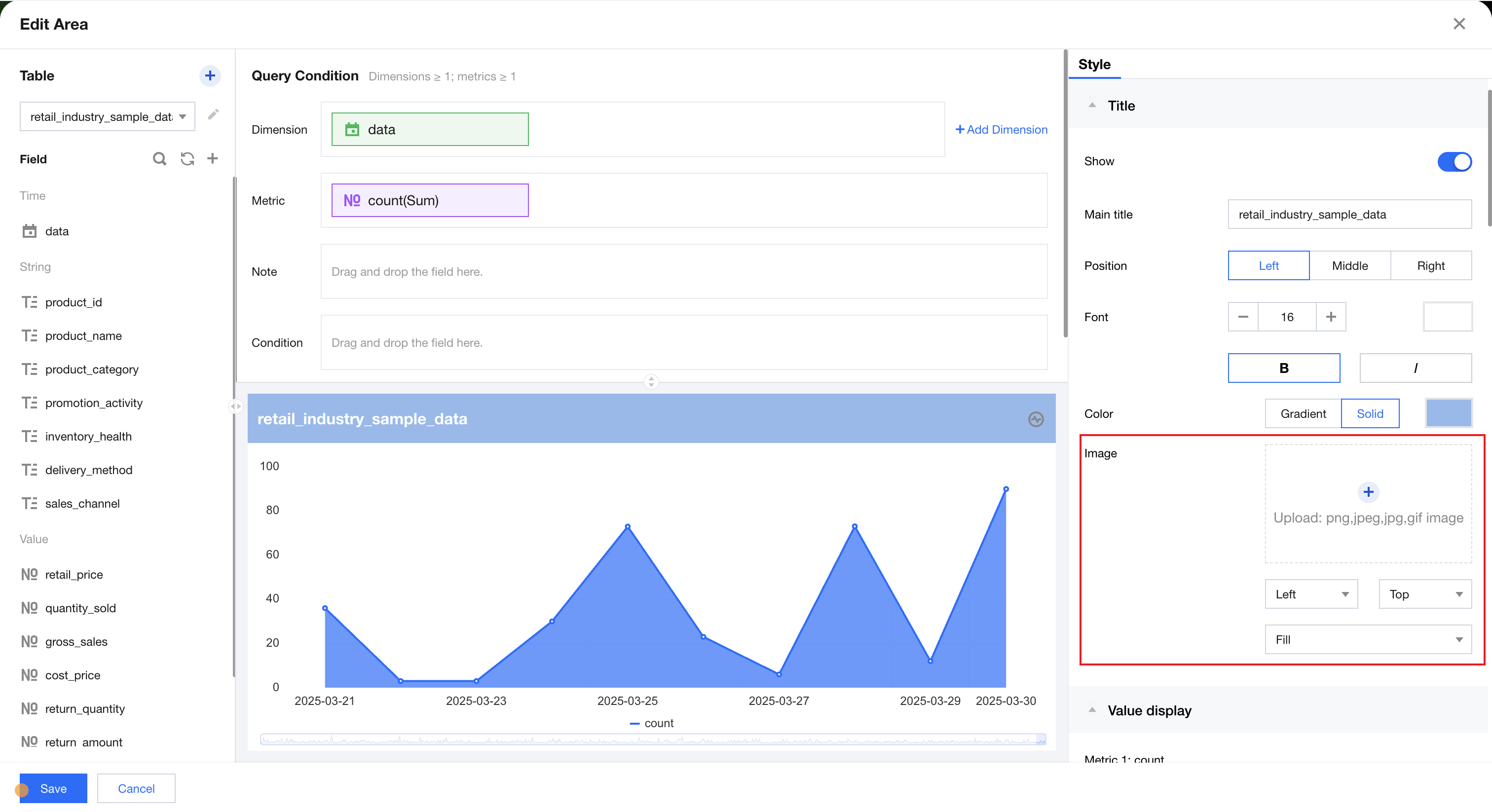
Click to upload title background image

Title background effect


Help and Support

Was this page helpful?

Help us improve! Rate your documentation experience in 5 mins.

Feedback