Currently, it only supports registration with mobile phone number, not support other methods.
Activation with Mobile Phone Number
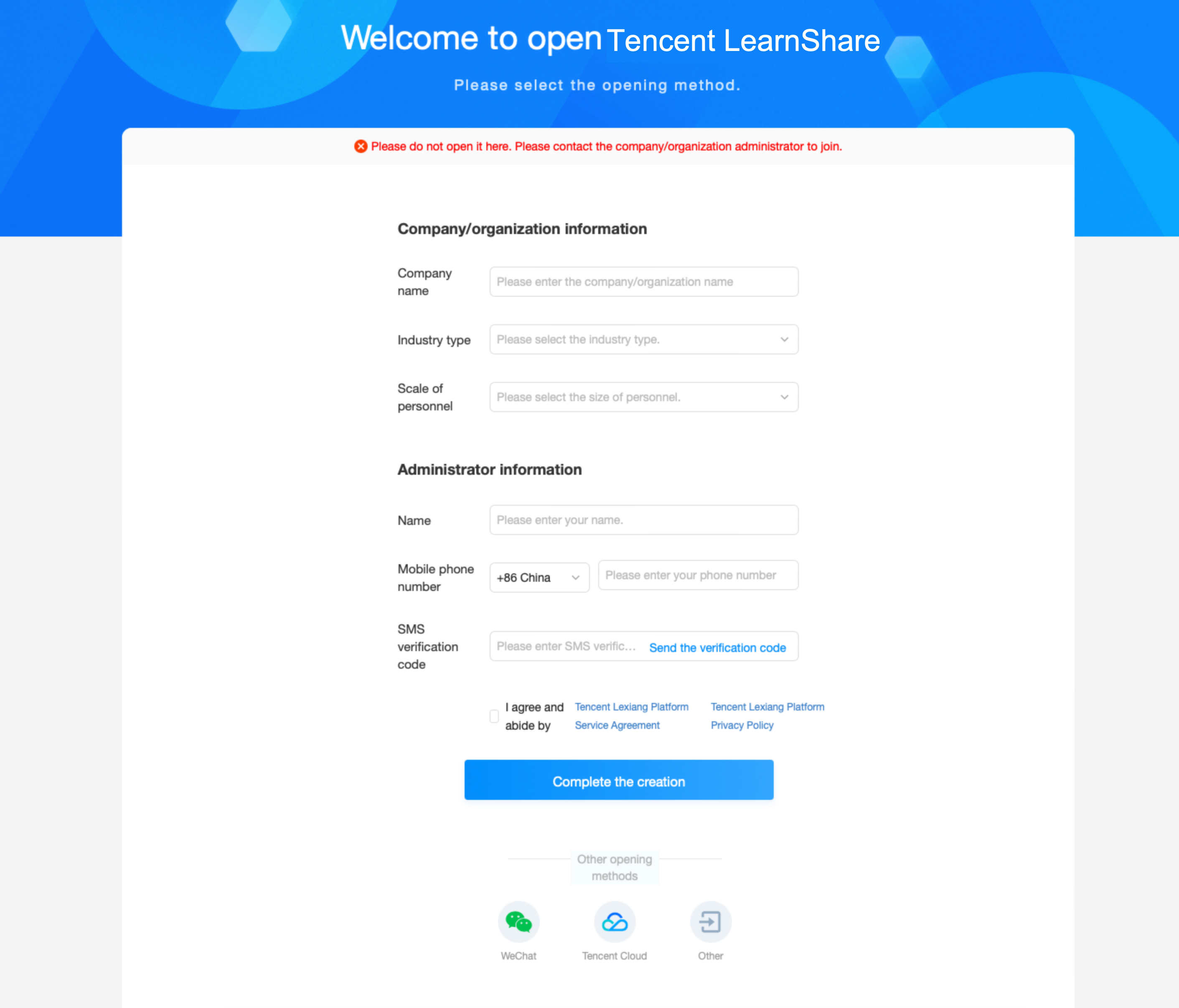
1. Go to the Tencent LearnShare Homepage, and click Free Registration at the upper right corner to enter the account creation page.
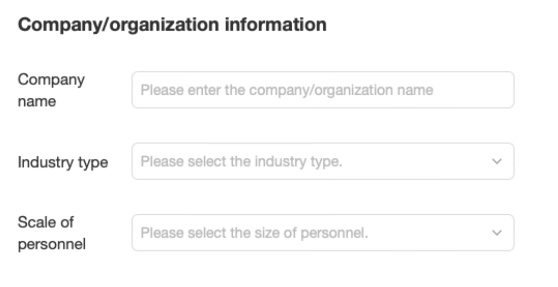
2. Enter the company information.
Company Name: Required. It can contain Chinese characters or English letters, digits and other valid characters only, and should begin with a Chinese character or an English letter.
Industry Type: Required. Select an industry type from the dropdown list.
Staff Scale: Required. Select the scale of staff members from the dropdown list.
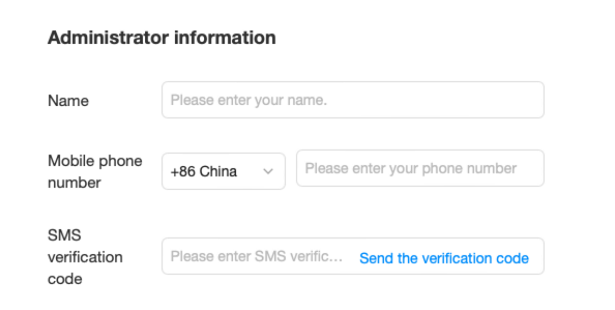
3. Enter the admin information.
Name: Required. It can contain Chinese characters or English letters, digits and other valid characters only, and should begin with a Chinese character or an English letter.
Mobile Phone Number: Required. Enter a valid mobile phone number.
SMS Code: Required. Click Send Code and then enter the code received on your mobile phone.
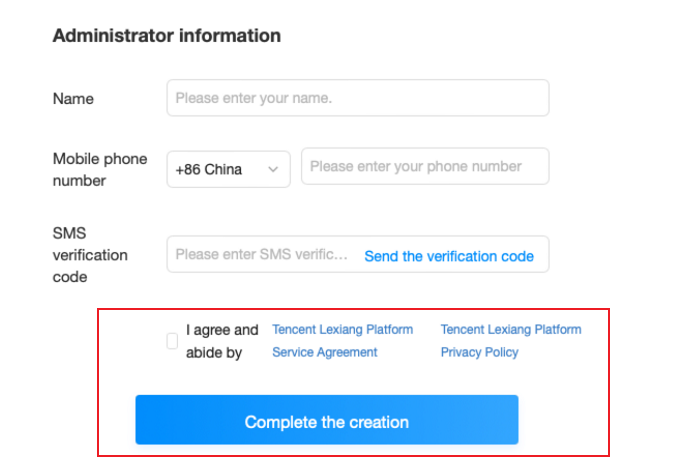
4. Read and agree to the Service Agreement and Privacy Policy.
Select I agree and abide by the "Tencent LearnShare Platform Service Agreement" and "Tencent Privacy Policy" and click Complete Creation to finish the registration.
Admin console Configuration
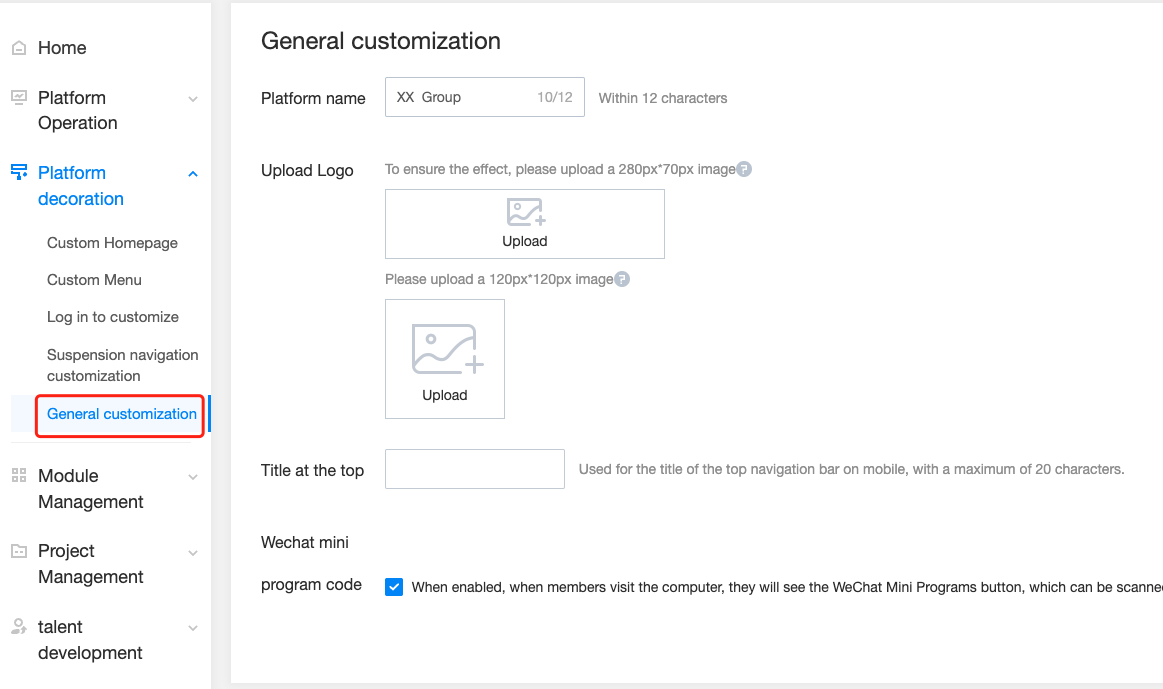
Log in to the Tencent LearnShare Homepage and complete configuring the basic information such as platform name, logo, and title at the top of your mobile app in Admin console > Platform decoration > General customization.