tencent cloud

DokumentasiPerformance Testing Service

Binding Tags

Download
Mode fokus
Ukuran font
Terakhir diperbarui: 2025-03-10 16:55:57
This document introduces how to bind tags to a PTS project.

Prerequisites

Tags have been created. For details, see Create Label for the creation of new tags.

Directions

1. Log in to the TCOP console.
2. In the left sidebar, click PTS > Project List to enter the Project List page. In the list, select the project you need to operate on, and click Edit in the Operation column.
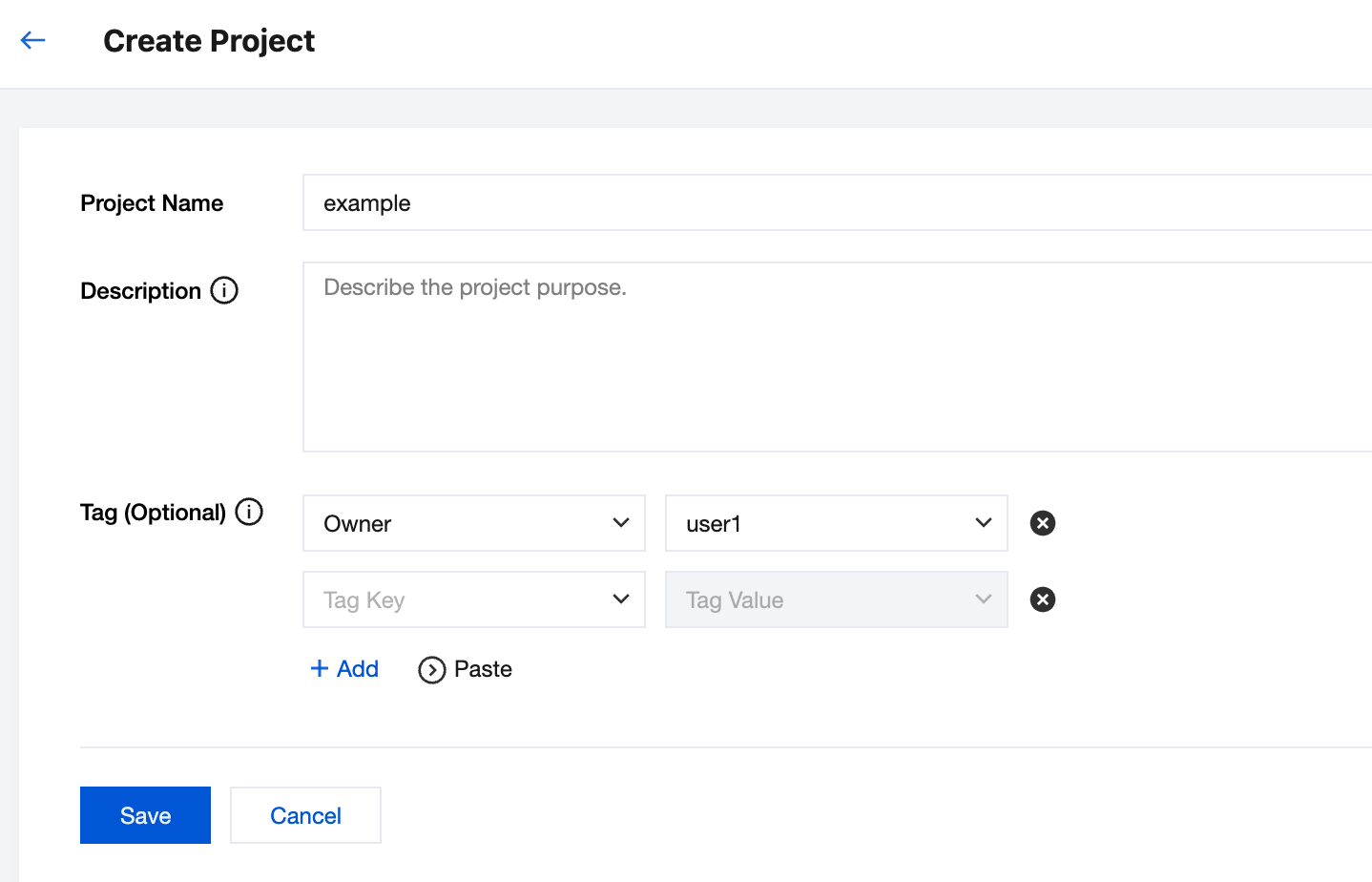
3. After entering the Edit page, click + Add, and then save after adding the tags.


Bantuan dan Dukungan

Apakah halaman ini membantu?

masukan