PTS supports performance testing in JMeter mode that provides you with the same user experience as native JMeter-based performance testing. PTS currently only supports viewing reports for HTTP, TCP/UDP, Tars, and WebSocket performance testing requests.
Basic Usage
Creating a JMeter-based Performance Testing Scenario
2. In the left sidebar, choose PTS > Test Scenarios.
3. On the page for creating a test scenario, select JMeter as the performance testing type and click Start to create a performance testing scenario.
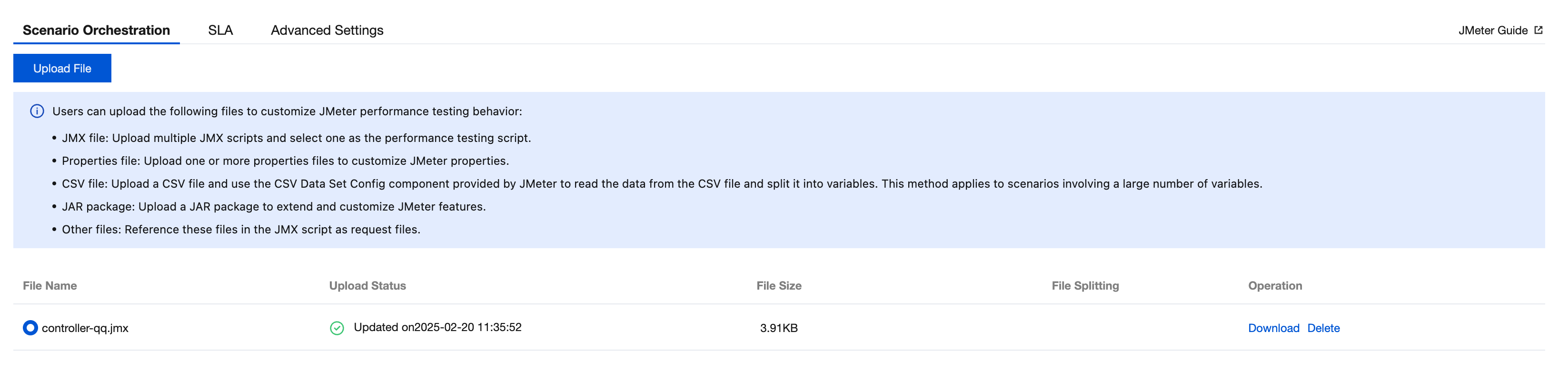
Uploading JMX Scripts and Other Files
Required: Upload the JMX-based performance testing script.
Optional: Upload the CSV, JAR, and other files to use the extended features of JMeter.
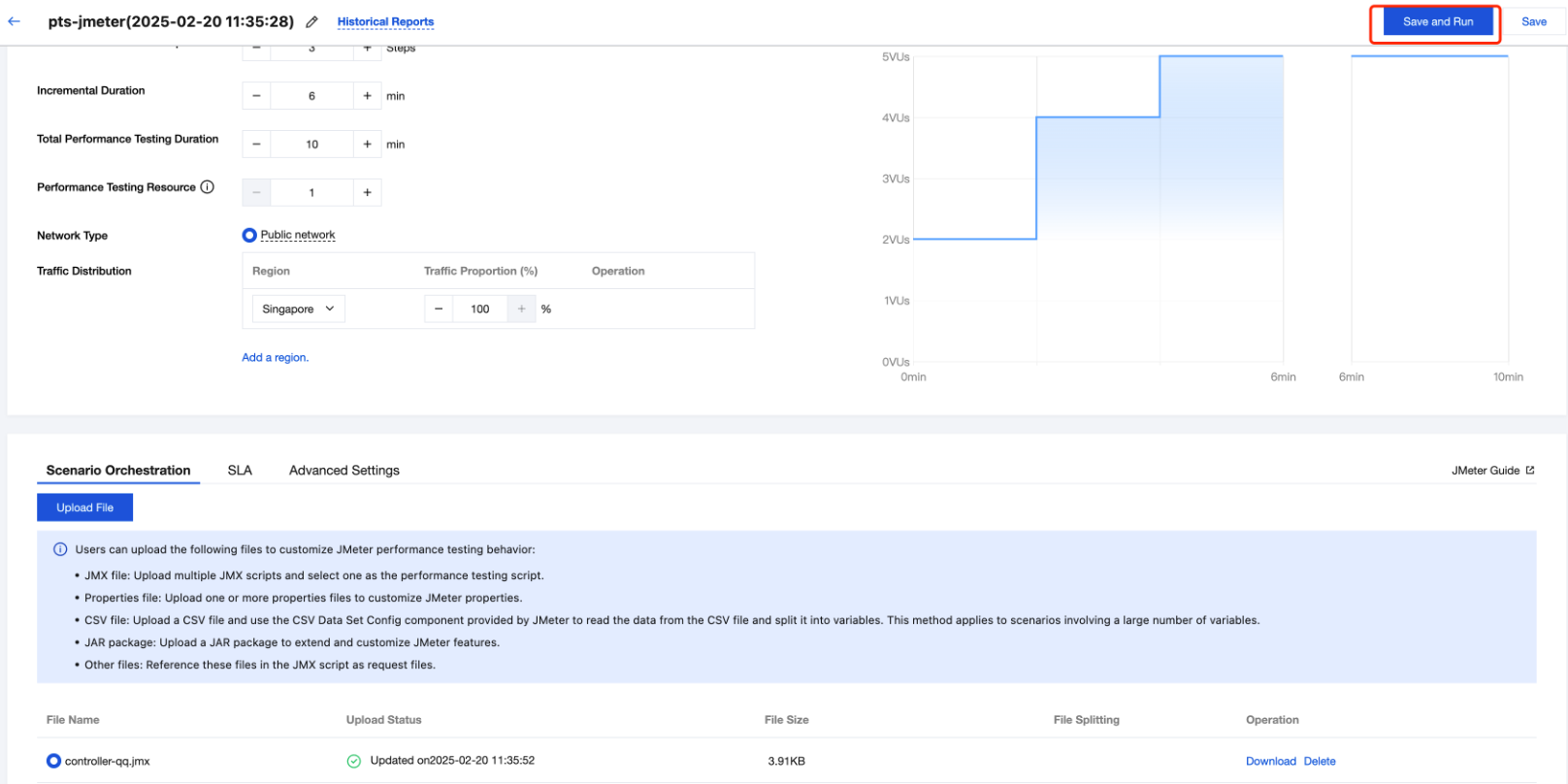
Running the Performance Testing Script
Click Save and Run in the upper right corner to start the performance testing task and generate a real-time report.
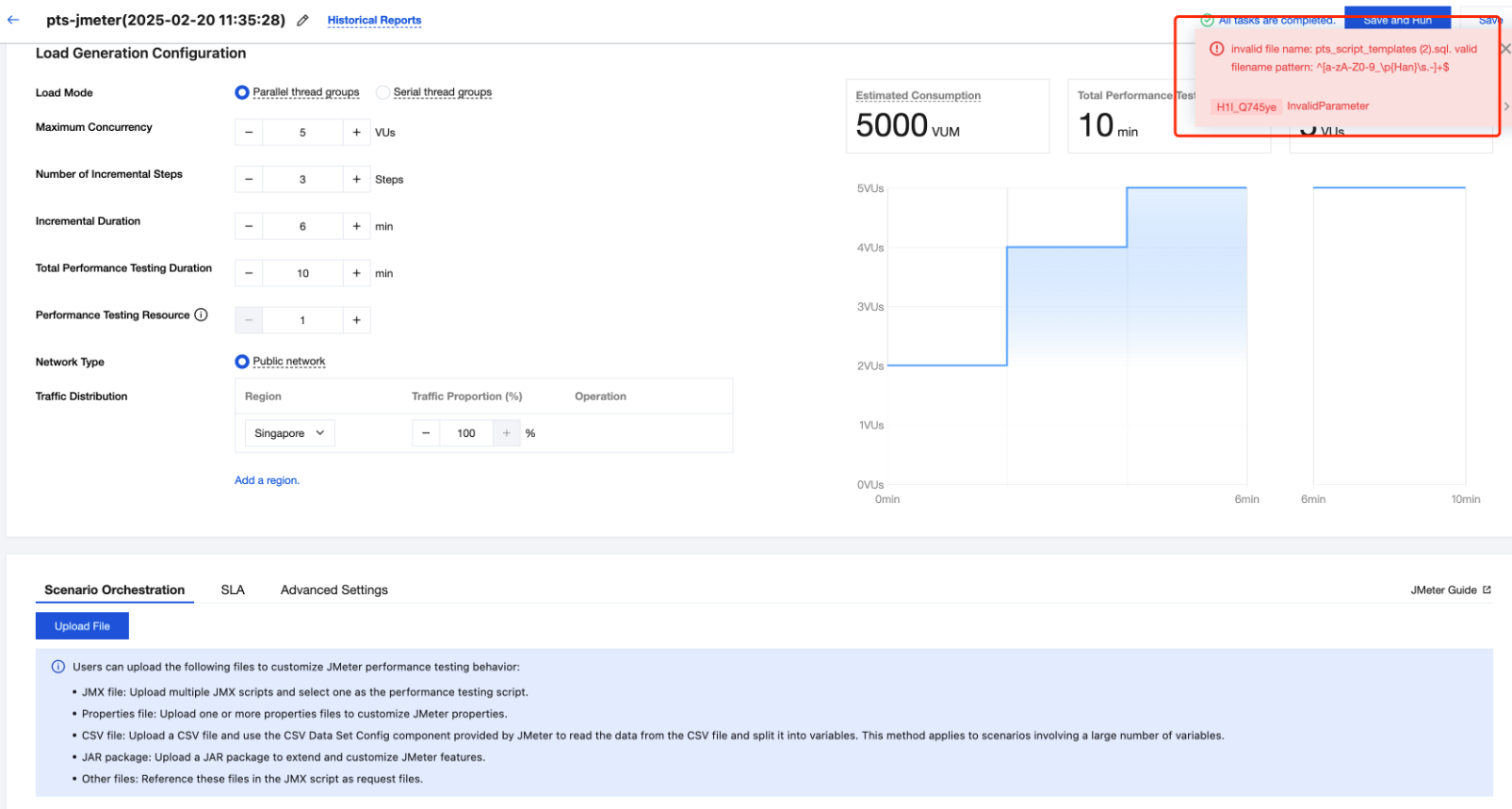
During the saving process, if the following dialog box is displayed, you need to check the name of the uploaded file and remove any illegal special characters from the file name.
Use Limits
From the security perspective, PTS restricts users from executing external commands through BeanShell exec. BeanShell exec commands will be intercepted, and an error message will be displayed in the engine.