In Control Center, you can view and configure security rules to ensure security in a multi-account environment. This document describes the key elements on the security rules page.
Prerequisites
You have completed the configuration of Enable security rules in the landing zone.
Directions
Overview
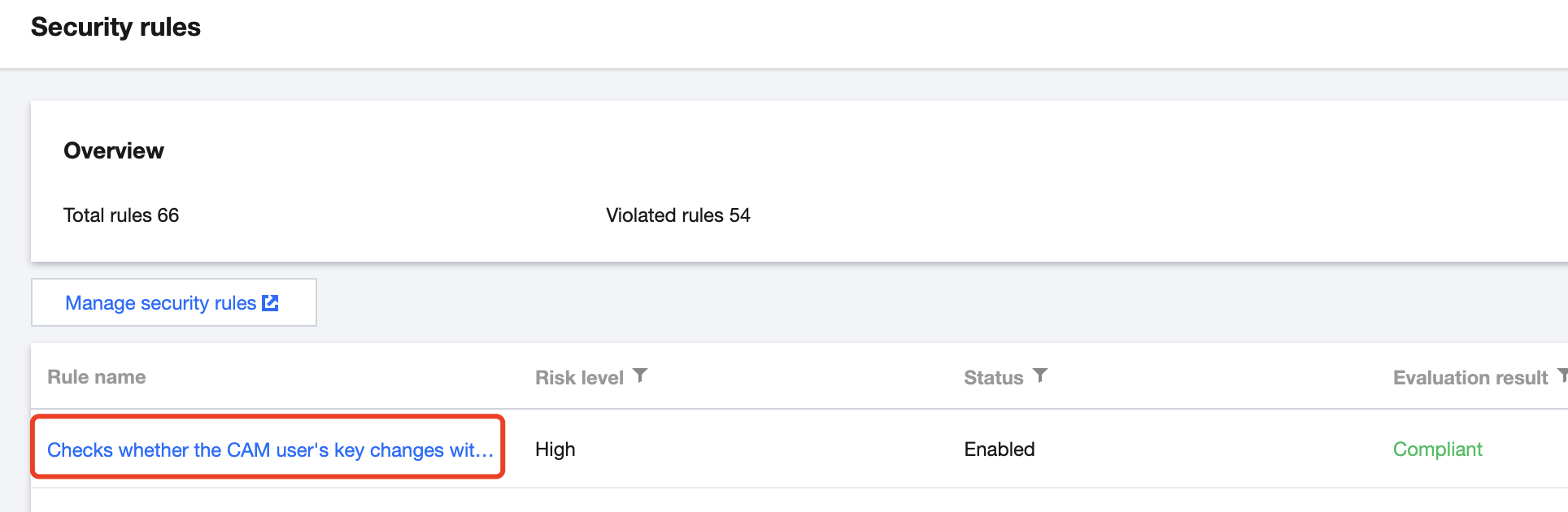
In the Overview section on the Control Center >Security rules page, you can view the total number of rules and the number of violated rules.
Total rules: This parameter represents the total number of security rules created within the organization, including both enabled and disabled rules.
Violated rules: This parameter represents the number of rules that are violated.
Viewing rule evaluation results
1. On the Control Center >Security rulespage, click a specific rule name to go to the rule details page.
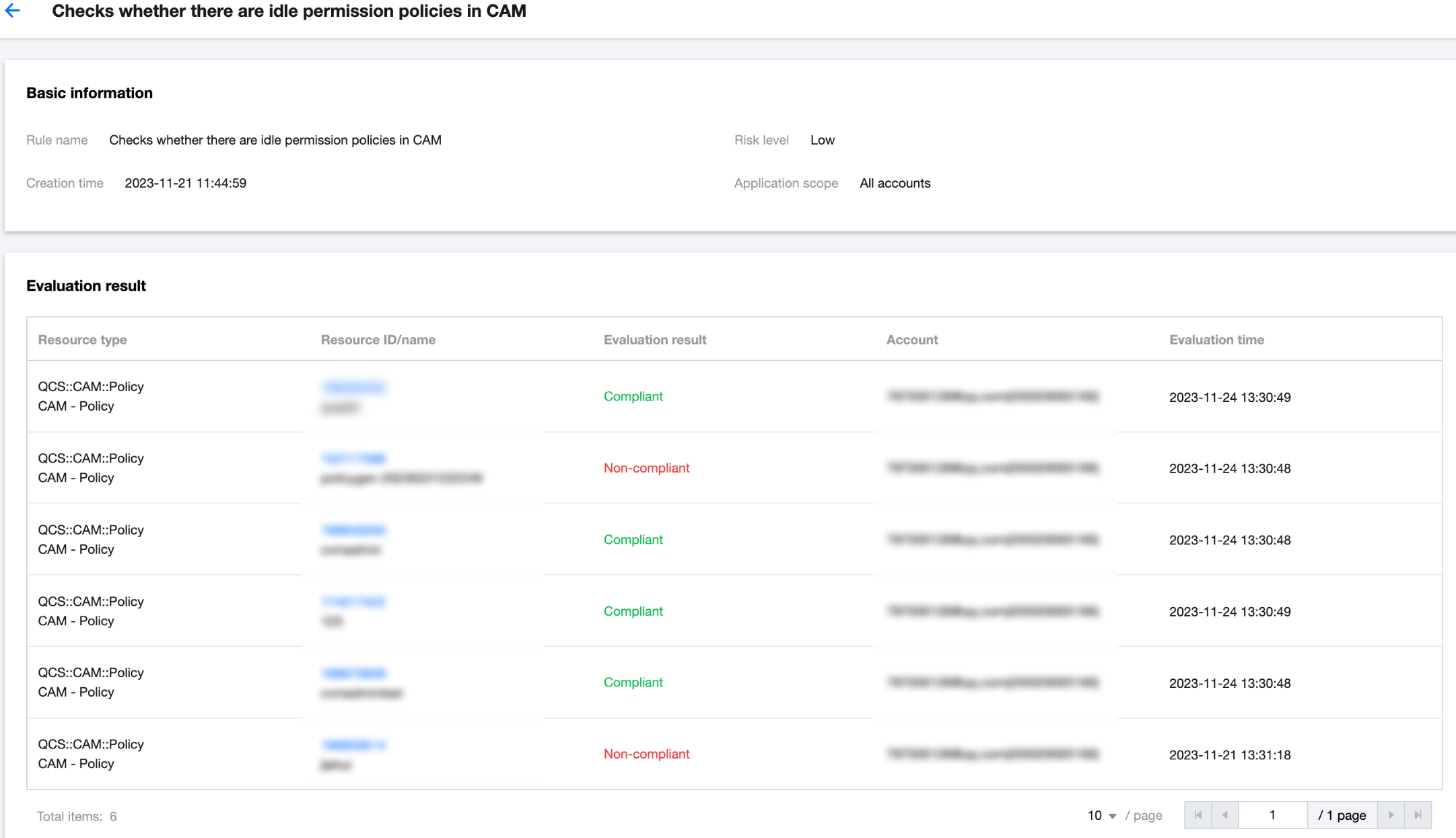
2. View the basic information and evaluation results of the rule.
3. You can click the Resource ID/name of a resource to view its details.