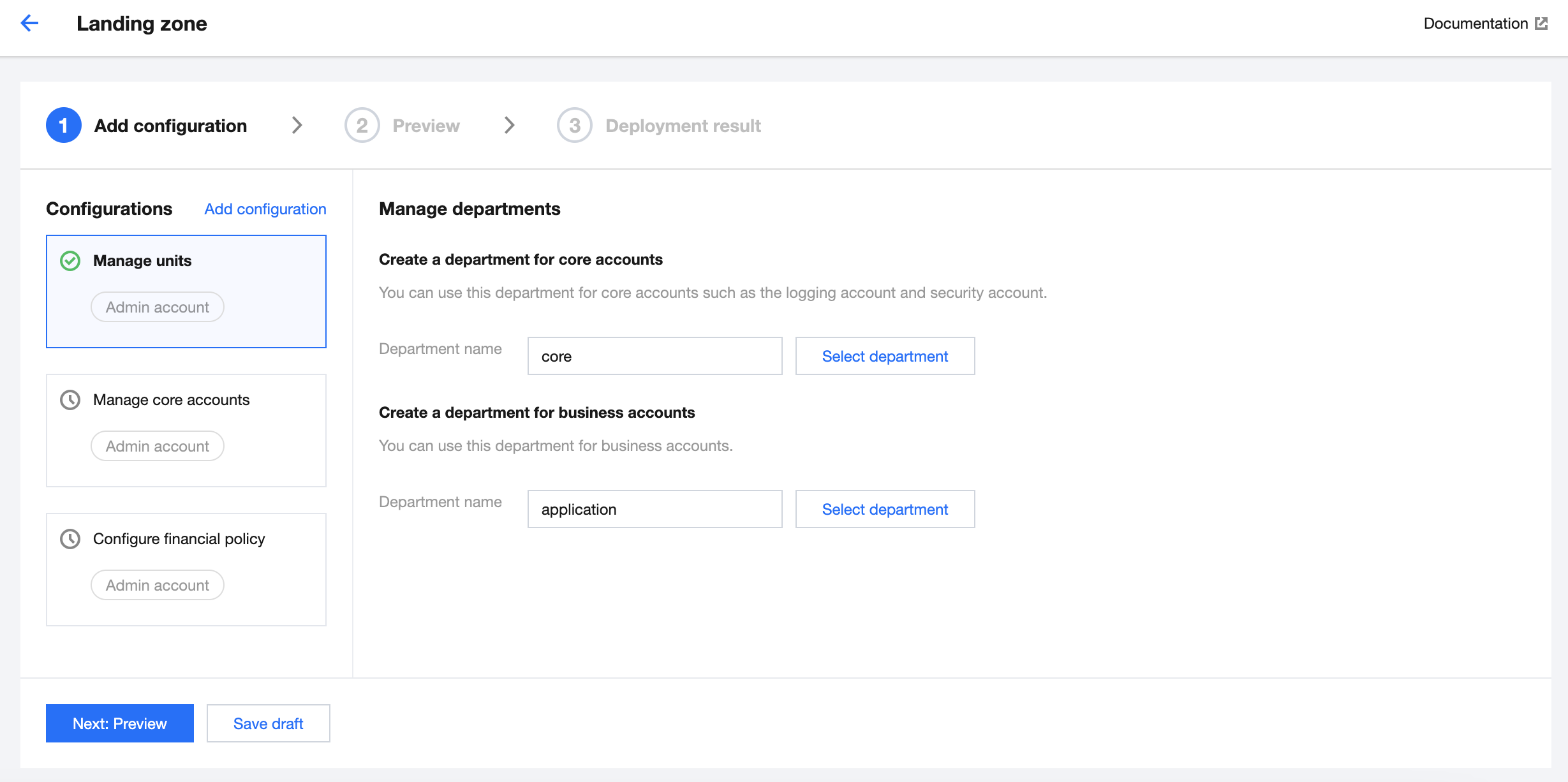
Departments are an essential configuration for resource management within an enterprise. You can create departments to enable proper resource allocation, permission management, compliance auditing, and more. This document describes how to configure the departments within a landing zone.
Prerequisites
You have logged in to the Tencent Cloud console and gone to the Control Center > Landing zone page.
Directions
Automatically creating departments
Control Center automatically creates departments for your core accounts and business accounts based on best practices.
Core account department: This is where members with administrative roles are placed.
Business account department: This is where members engaged in specific business operations are placed.
Selecting an existing department
If you have created departments and don't need to use automatically generated ones, you can click
Note:
If you need to modify departments, go to Control Center > Accounts.
The Accounts menu is displayed in the left sidebar after a landing zone is set up.