tencent cloud

Tencent Cloud AI Digital Human

Related Agreement
Privacy Policy
DSA(Data Sharing Agreement)
よくある質問
ドキュメントTencent Cloud AI Digital Human

Quick Run-Through

フォーカスモード
フォントサイズ
最終更新日: 2025-11-05 10:17:32
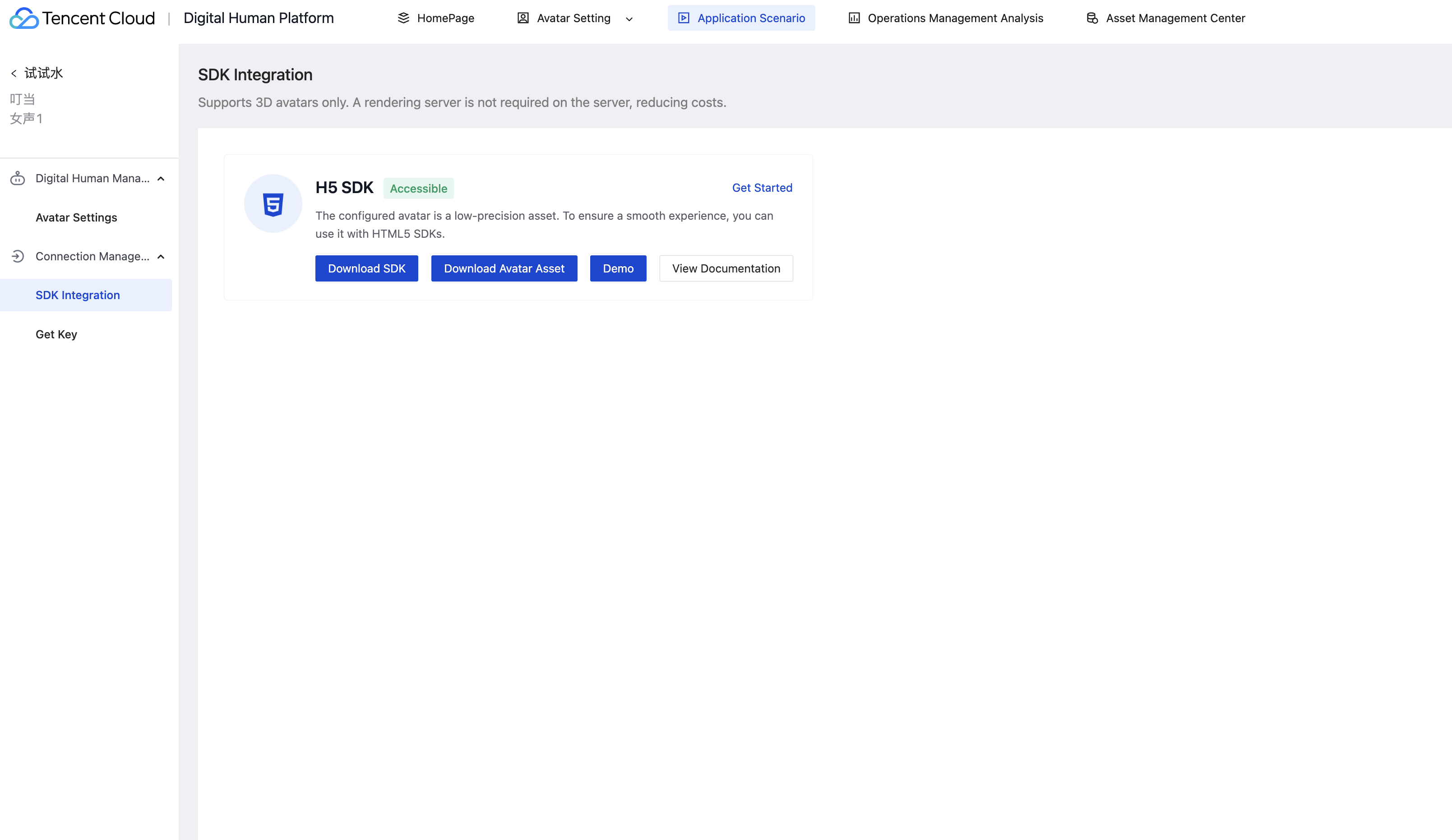
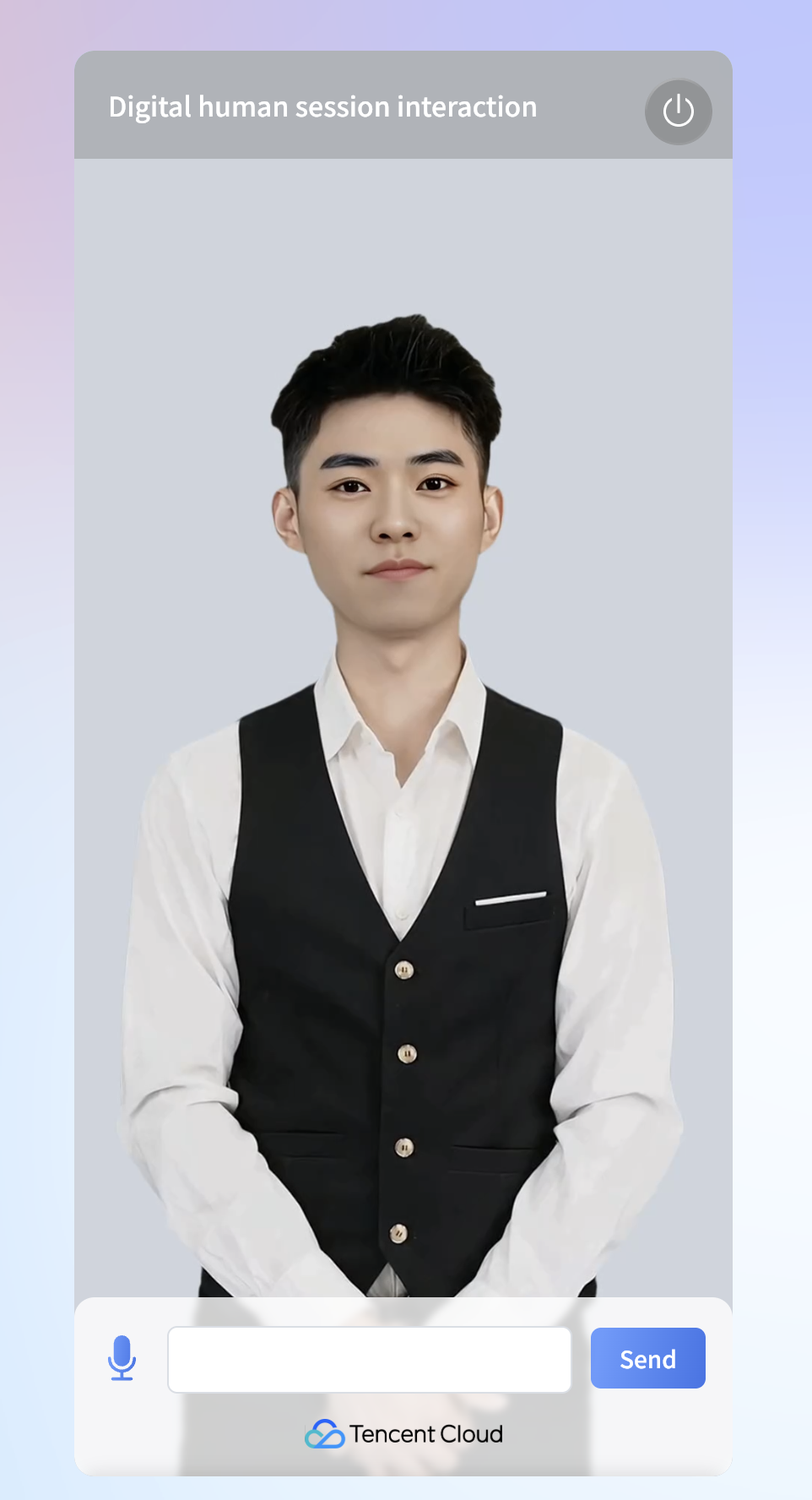
This document will introduce how to quickly complete Digital Human H5 SDK access. You can finish the work within 10 minutes and finally get a Digital Human interaction dialogue interface with complete UI.
The interface effect is as follows:


Demo Example

Project Structure

client-render-demo: Client-side rendering example

Installation and Use

Environment Requirements

chrome browser.

Installing

Copy the project code to local.

Running the Demo

Client-Side Rendering Example

1. Open the client-render-demo directory.
2. Start a local server in this directory.
3. Open the index.html file in the browser. If you are using a local server, you can achieve this by accessing http://localhost:3000/index.html.
4. Download model data.

5. Copy the corresponding 3D avatar model data to the local model folder, and modify the meta.json content in the model folder based on the model name.
The local model file directory structure is as follows:
model
├── action
│ ├── listening.json
│ ├── kending.json
│ └── ...
├── config.json
├── meta.json
└── model.glb
In the meta.json file, modify the model name based on actual.
{
"modelPath": "model.glb",
"actionPaths": [
"action/listening.json",
"action/kending.json",
...
],
"configPath": "config.json"
}
If there is no config.json file in the downloaded model, remove the configPath configuration item from meta.json.
6. Add URL parameters for execution, for example: http://localhost:3000/index.html?virtualmanKey=xxxx&sign=xxxx&config=xxxx.
virtualmanKey: Unique identifier of the avatar. You can get the key and follow the steps to obtain this value.
sign: Signature. Please note, no URL encoding is needed here. Likewise, you can get it by accessing get the key.

Cloud-Render Example

1. Open the server-render-demo directory.
2. Start a local server in this directory.
3. Open the index.html file in the browser. If you are using a local server, you can achieve this by accessing http://localhost:3000/index.html.
4. Add URL parameters for execution, for example: http://localhost:3000/index.html?virtualmanKey=xxxx&sign=xxxx.
virtualmanKey: Unique identifier of the avatar. You can get the key and follow the steps to obtain this value.
sign: Signature. Please note, no URL encoding is needed here. Likewise, you can get it by accessing get the key.

Automatic Speech Recognition Capabilities

To enable ASR, add the ASR service's secretId, secretKey, and appId parameters to the URL parameter.


ヘルプとサポート

この記事はお役に立ちましたか?

フィードバック