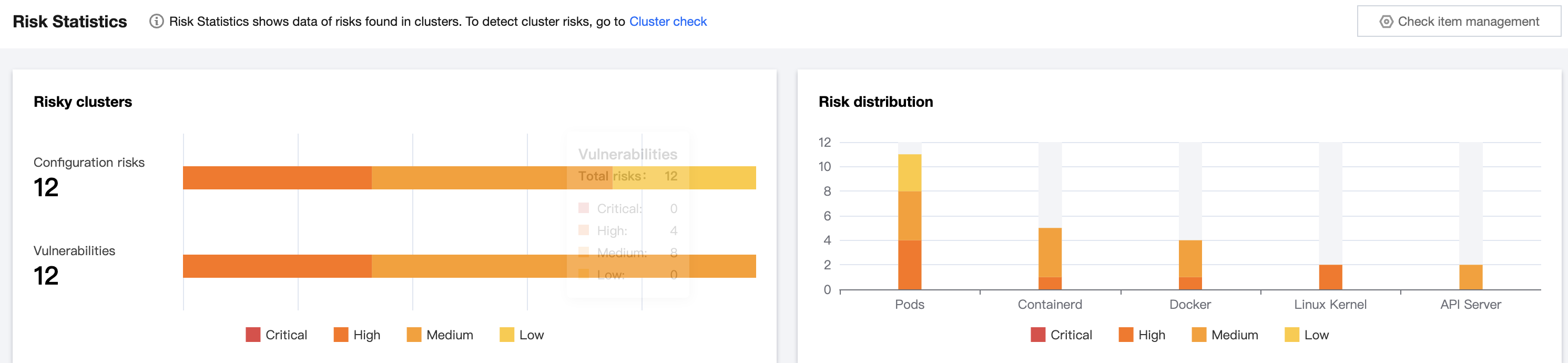
The risk statistics feature displays the risk statistics of all checked clusters, including the trend of risky nodes and the information of risk items.
Viewing the statistics of risky nodes
1. Log in to the TCSS console and click Cluster Risk Management > Risk Statistics on the left sidebar.
2. The risky node statistics card displays the number of risky nodes identified during the security check and the trend in the past seven days, including the numbers and trends of nodes involving critical risks, high risks, medium risks, and low risks.
Viewing the information of risk items
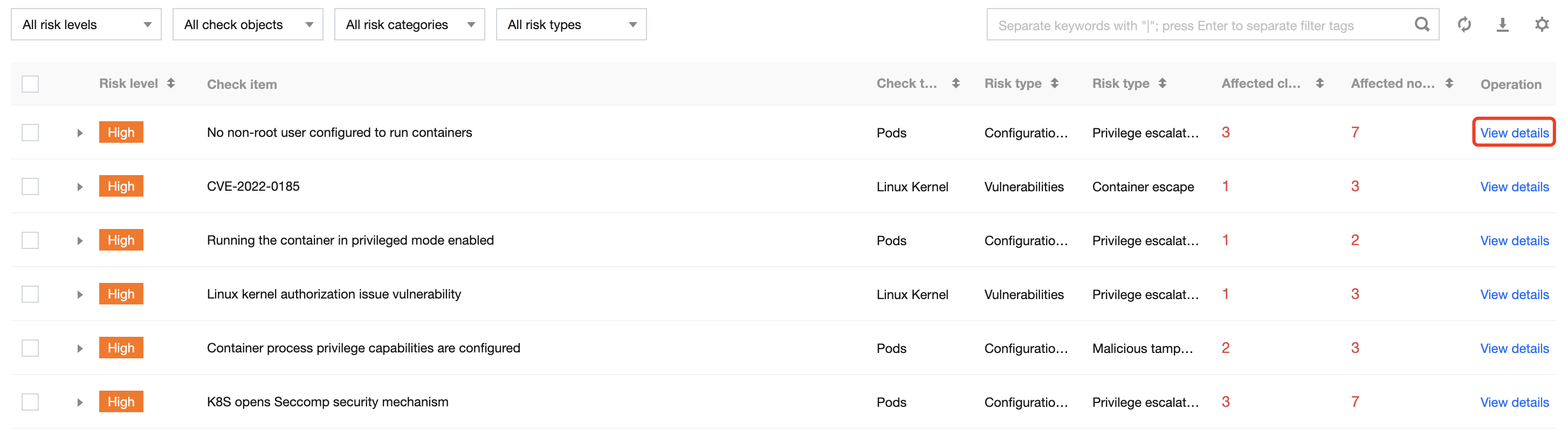
On the Risk Statistics page, the list of risk items displays all risk items identified during the security check. The information of risk items includes the risk level, check item information, check target, risk category, risk type, number of affected clusters, and number of affected nodes. Click View details to pop up the risk item details window, which displays the risk details, description, solution, and impact.