This document describes how to configure a Tencent Cloud domain in the IDSEC console.
Note:
If you do not configure a domain, the default domain is used.
Setting Tencent Cloud Platform Domain Name
1. Log in to the IDSEC console, choose Personalization Setting > Domain Setting in the left sidebar, and go to the Domain Settings page.
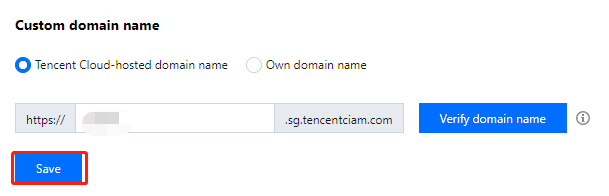
2. On the Domain Settings page, if you select a Tencent Cloud platform domain when creating a directory, a Tencent Cloud platform domain is designated as the default domain, which you can modify. To change the domain, enter the desired domain and click Save.
Setting Custom Domain Name
1. Log in to the IDSEC console, and choose Personalization Setting > Domain Setting in the left sidebar.
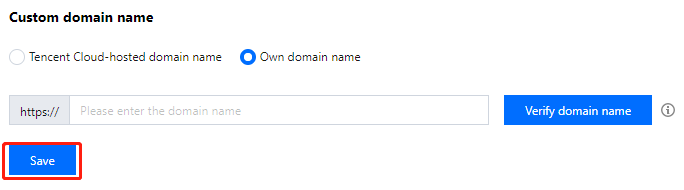
2. On the Domain Settings page, select Custom domain name, enter your existing domain, and click Save to complete the configuration of your custom domain.