Scenarios
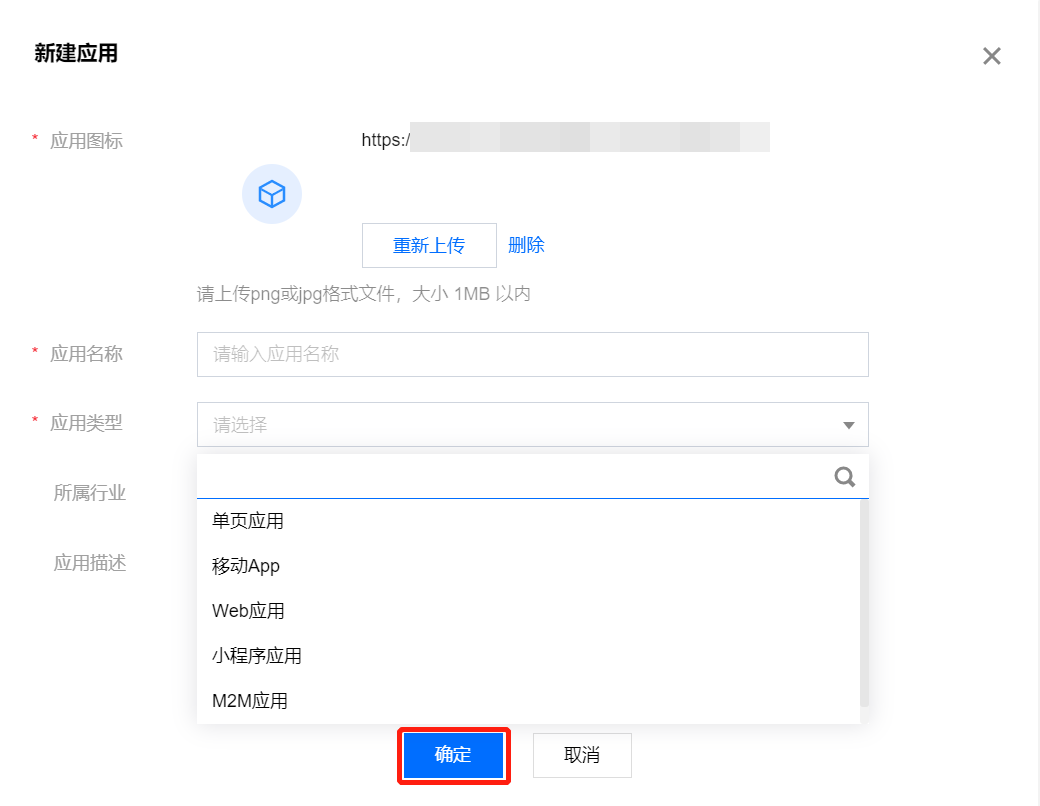
IDSEC allows administrators to create business applications for external use. Supported application types include Web applications, mobile apps, single-page applications, mini-program applications, and M2M applications. Before configuring parameters, registration/login flows, and other processes for a business application, an administrator must first create the application.
Operation Steps
1. Log in to the IDSEC console, select Application Management in the left sidebar, and go to the Application Management page. 2. On the Application Management page, click Create Application in the Operations column. A Create Application dialog box will pop up.
3. In the Create Application dialog box, enter the required information and click OK to create a new application.
Attention:
Fields marked with * are required.