After creating user directories, you can create custom attributes.
Note:
There are three types of attributes, namely built-in attributes, preset attributes and custom attributes. The built-in attributes cannot be modified/deleted, while the preset attributes and custom attributes can be modified and deleted. Once the end user data is generated, the associated preset attributes and custom attributes cannot be modified.
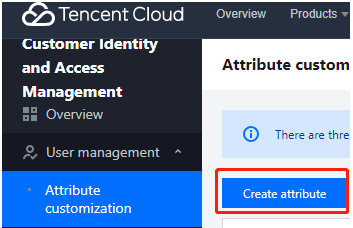
2. On the Custom attributes page, click Create attribute.
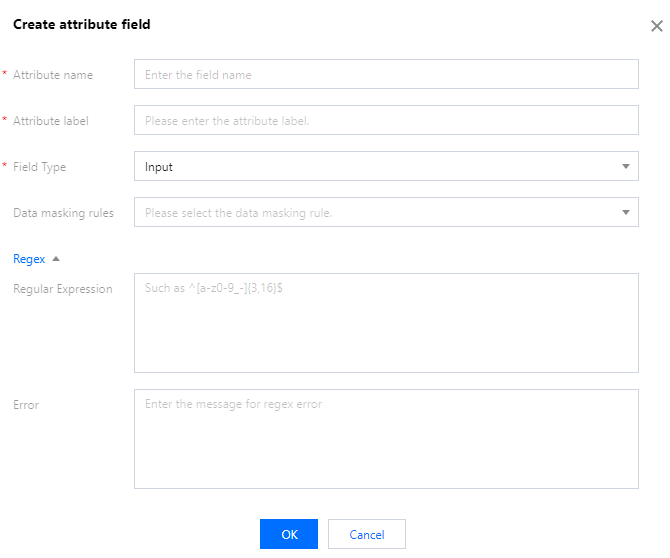
3. In the Create attribute field window displayed, fill in the basic information and click OK to add the attribute. If needed, you can also add a regular expression and an error message for this attribute.