Rule Management
Baixar
Modo Foco
Tamanho da Fonte
The console supports a series of icons and buttons to manage rules, for example, sorting, copying, enabling, and disabling rules, as follows.
Icon/Button | Description |
 | Drags a rule up or down. |
 | Edits a rule. |
 | Creates the same rule as the copied rule. |
 | Deletes a rule. |
 | Searches for a rule by rule name or keyword. |
 | Rule status Enable: Publishes a rule to the production environment. Disable: Saves a rule but does not publish it to the production environment. |
 | Saves a rule but does not publish it to the production environment. |
 | Saves and publishes a rule to the production environment. |
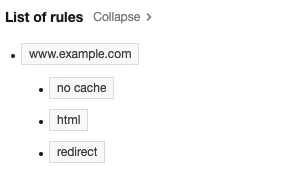 | If a single rule is complex and has multiple IF statements, you can add comments to them. Then, the rule navigation will be automatically generated on the right of the rule content to simplify viewing and locating. |
Ajuda e Suporte
Esta página foi útil?
Você também pode entrar em contato com a Equipe de vendas ou Enviar um tíquete em caso de ajuda.
comentários