This document introduces how to quickly log in to Database Management Center (DMC) Personal Edition.
Prerequisites
The user has DMC-related operation permissions.
The username and password of the database instance have been obtained.
Directions
DMC Personal Edition supports two login methods:
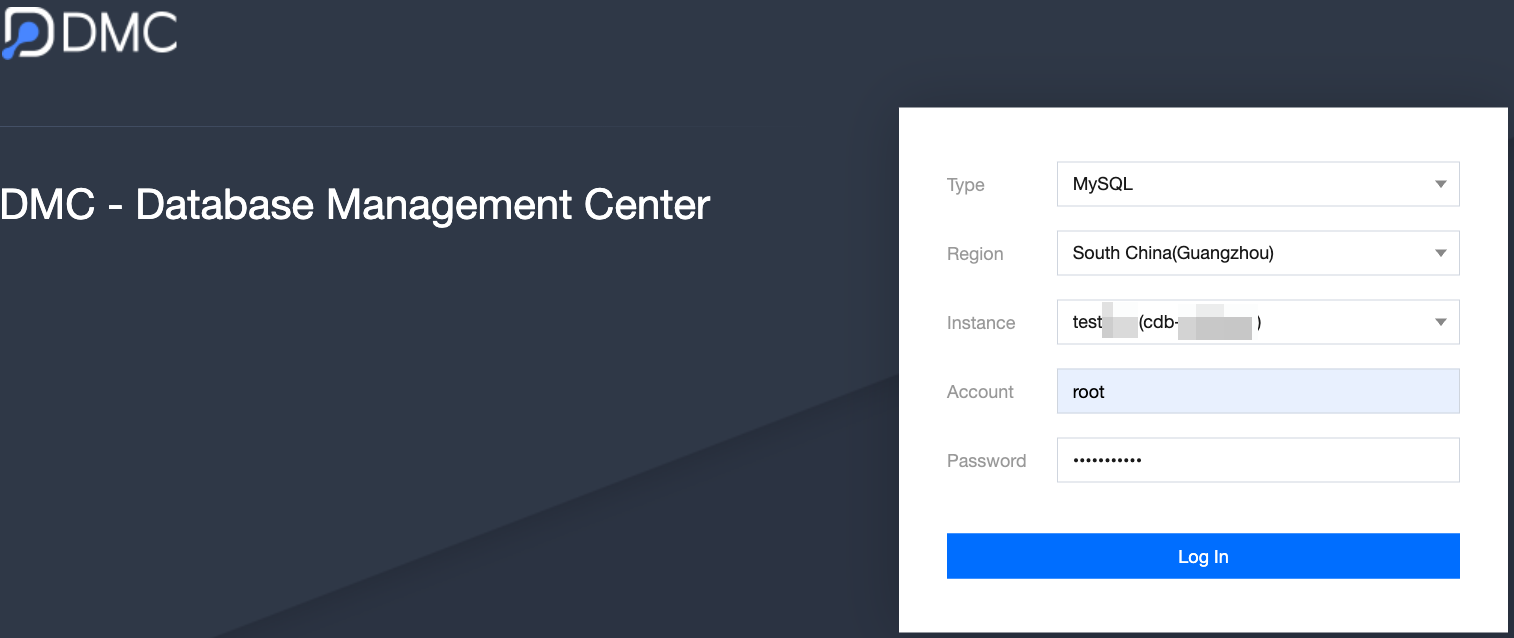
Method 1: Login via the DMC Login Page
2. Select the database type, region, instance ID, enter the username and password, and then click Log In.
Method 2: One-Click Login via Supported Database Instance List
1. Go to the instance list or cluster list page, and click Log In in the operation column of the corresponding instance or cluster.
The supported databases are as follows:
2. Enter the instance username and password, and then click Log In.
Following Steps
After logging in to the DMC Personal Edition, you can manage data within the instance. For details, see Data Management.