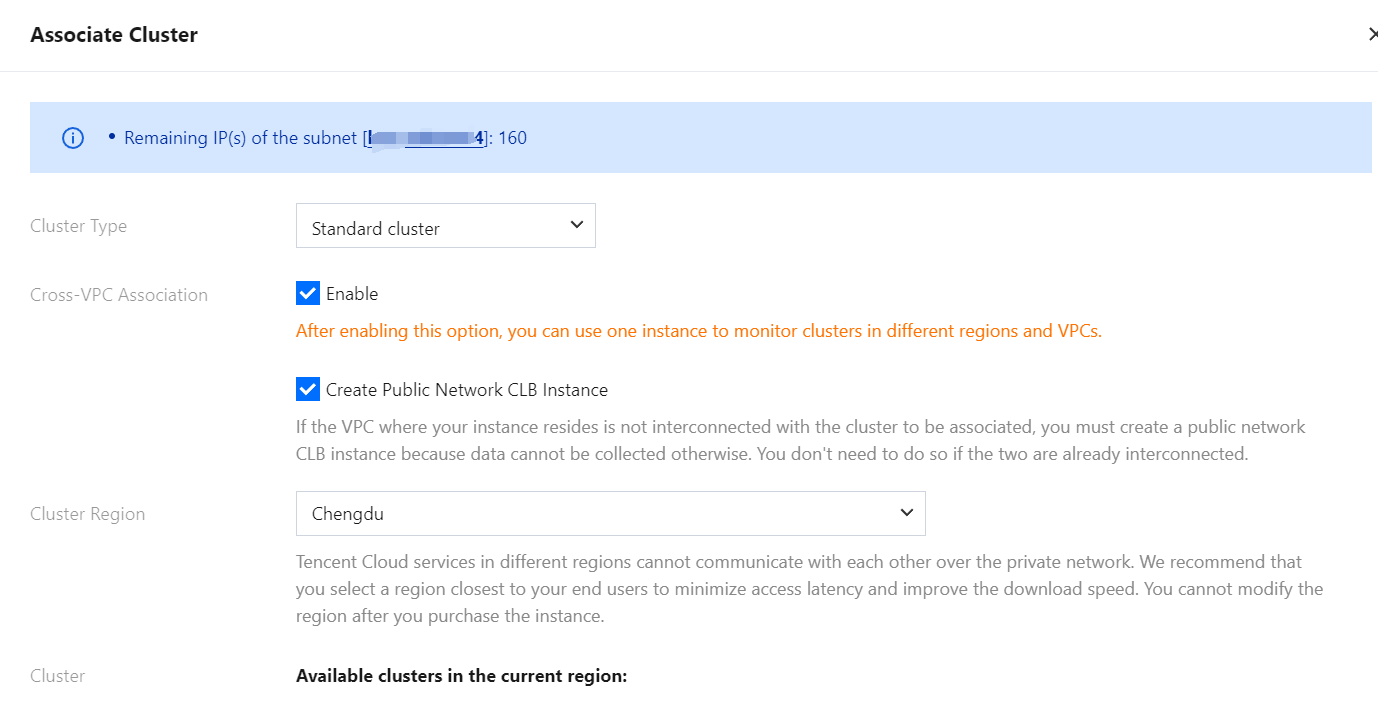
This document describes the port that needs to be opened for security groups of managed clusters and user clusters during the process of integrating TKE for TMP. It also describes solutions for security group related issues that arise when managed clusters and user clusters are bound.
Managed Cluster
Managed cluster Security Groups are created by TMP and generally do not need modifications.
Security Group
Rule
Protocol Port
Policy
Inbound rule
TCP:9093, 9090, 10901, 10902, 9990, 3000, 8080, and 8008
Allow
Inbound rule
TCP:8100-8200
Allow
Outbound rule
ALL
Allow
Port Description
Port
Function
Remarks
TCP:8008
proxy-server listens for the proxy-agent connection port
-
TCP:8080
Cluster internal API calls port
-
TCP:3000
grafana proxy port
-
TCP:9990
cm-notify synchronization port
About to be decommissioned
TCP:10901,10902
thanos sidecar listening address
-
TCP:9090
Configure reload port, and collect data query API
-
TCP:9093
Alarm port
-
TCP:8100-8200
proxy-server listening collection port
Since the collection port range is 100, the maximum number of associated clusters cannot exceed 100.
Viewing Method
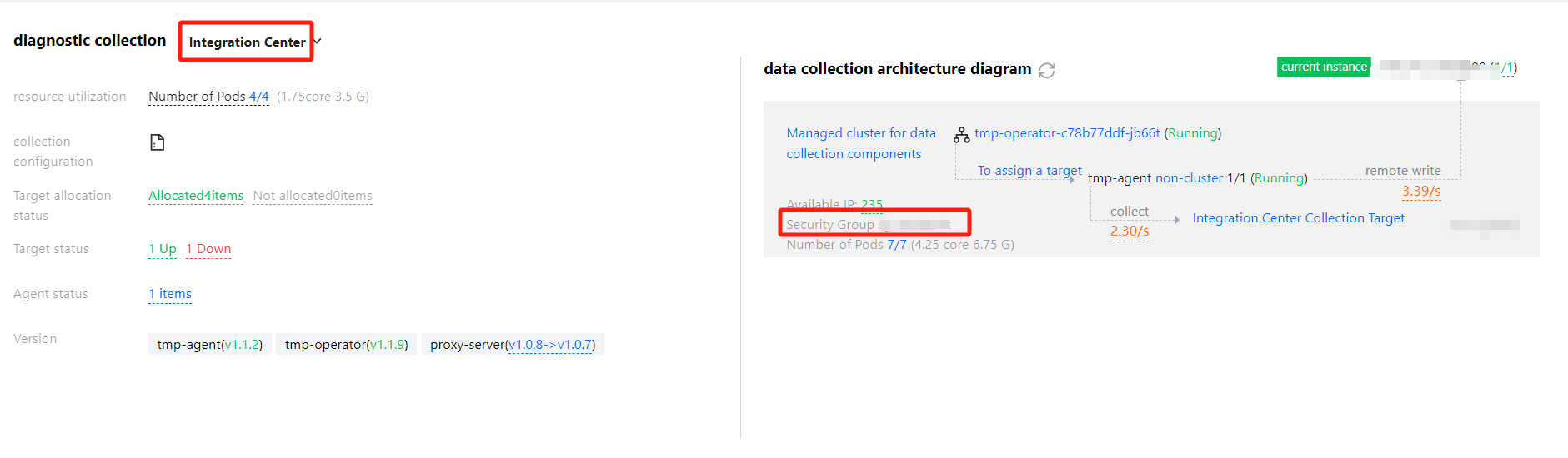
log in to Prometheus Monitoring, select the instance's ID/Name > instance diagnostics, choose Integration Center for diagnostics, in the data collection architecture diagram you can see the Managed Cluster Security Group, click it to jump to the security group interface via hyperlink to view the Managed Cluster Security Group.
User Cluster
The user cluster security group is specified when the user creates a node. If not specified, the default security group will be used.
Security Group
Rule
Cluster Type
Protocol Port
Policy
Description
Outbound rule
-
TCP:8008
Allow
Ensure that the proxy-agent and proxy-server can establish a connection
The independent cluster needs to open additional master node-related ports to ensure proxy-agent can pull master node-related monitoring data
Viewing Method
log in to Prometheus Monitoring, select the instance ID/Name > Data Collection, and click the cluster ID/Name to jump to the cluster's TKE interface.
Native Nodes
Click Node Management > Worker Node > Node pool, and click Node Pool ID. In the Details page, you can see the security group. In the Security group, search by security group ID to view specific rules.
Common Nodes
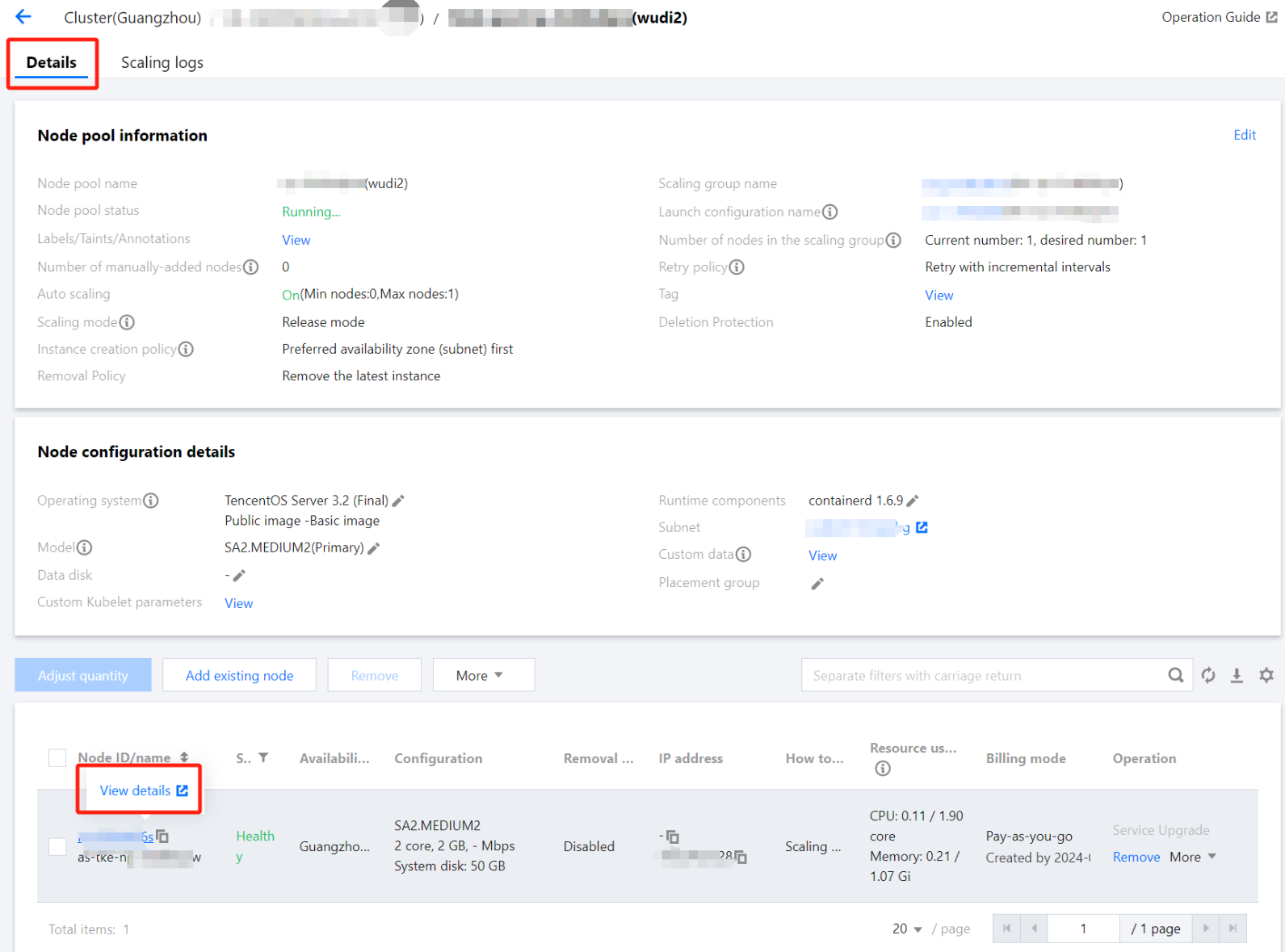
Click Node Management > Worker Node > Node Pool, and click Node Pool ID. In the Details page, hover over the Node ID and click Details:
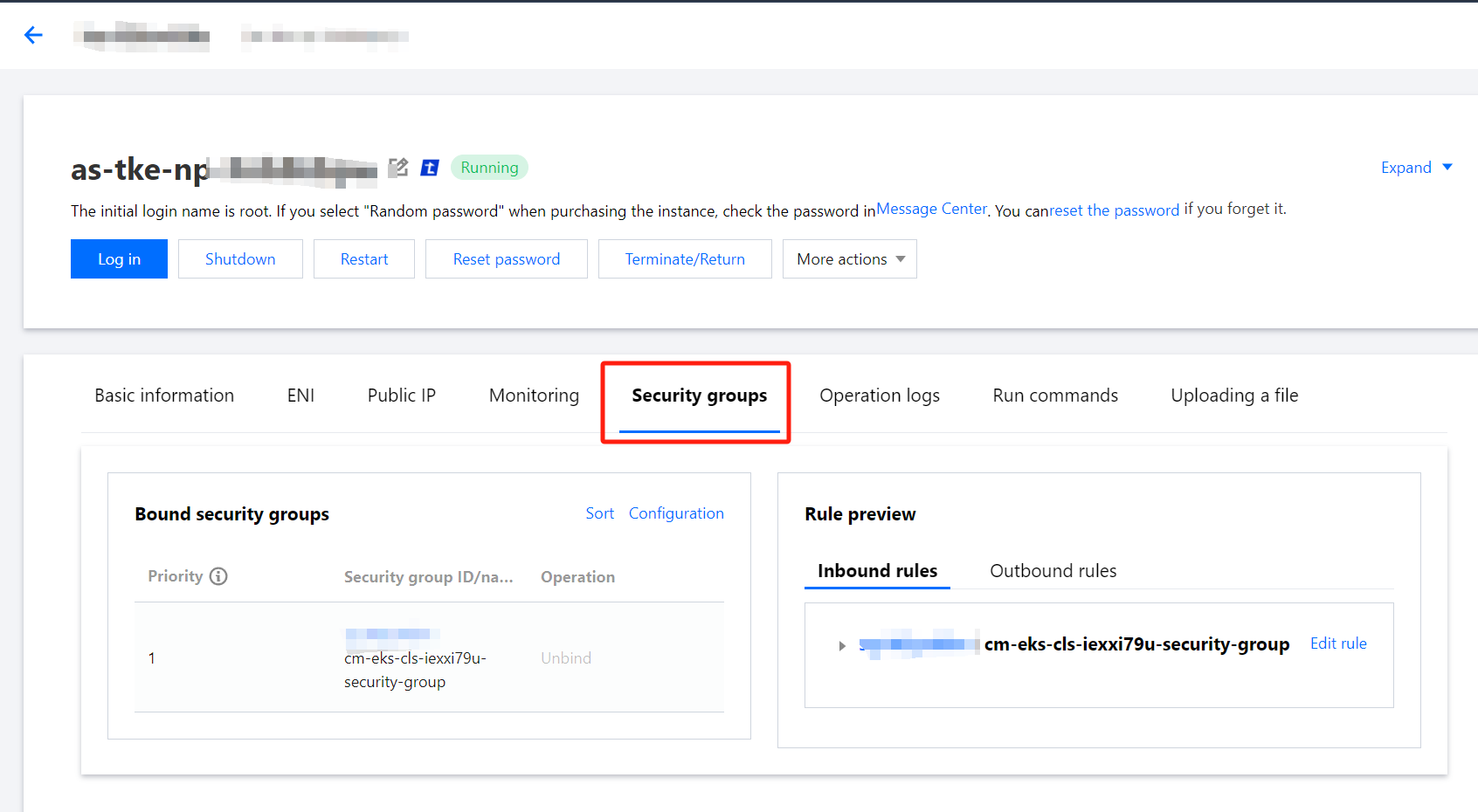
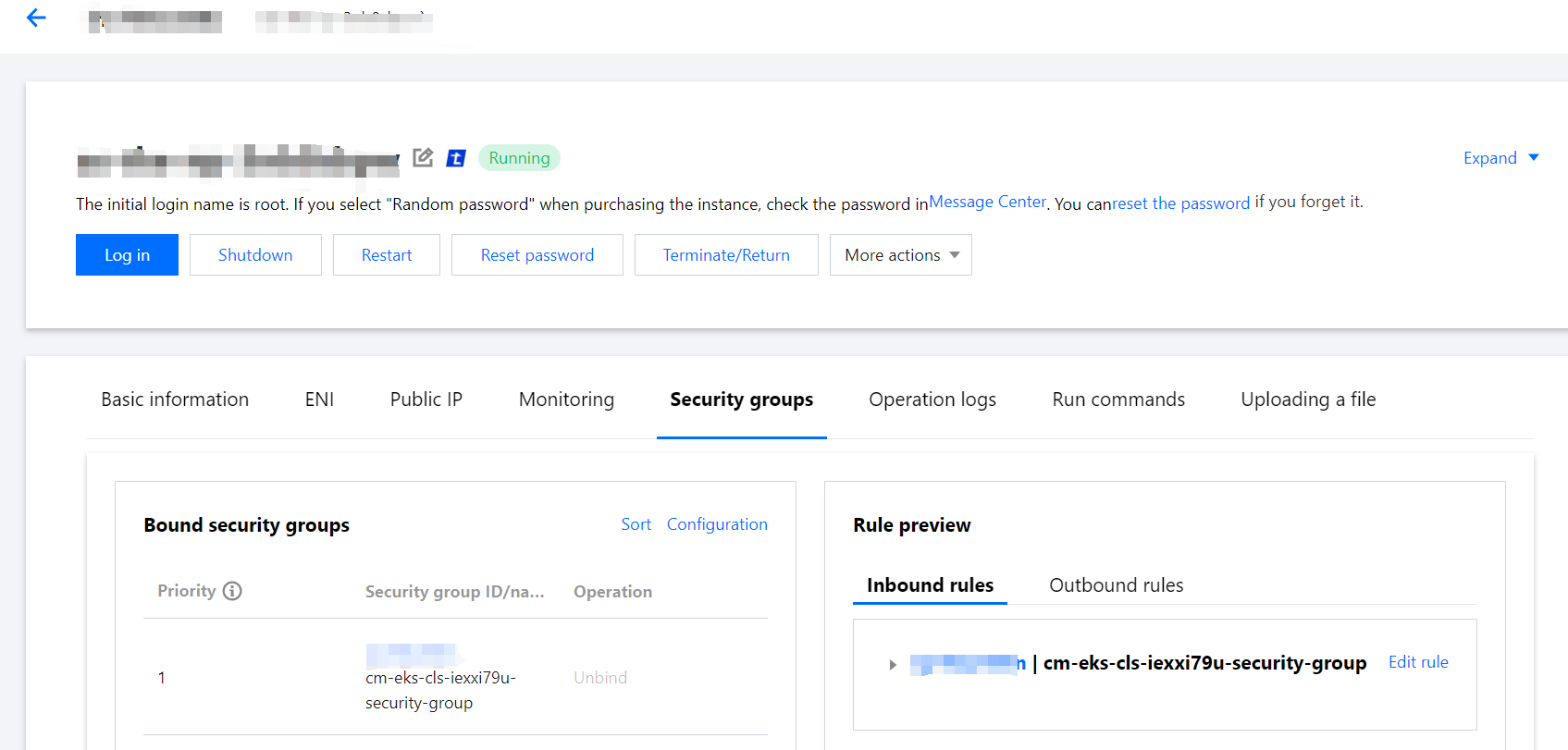
After navigating to the Instance Details page, click Security groups to view specific security group information:
Super Nodes
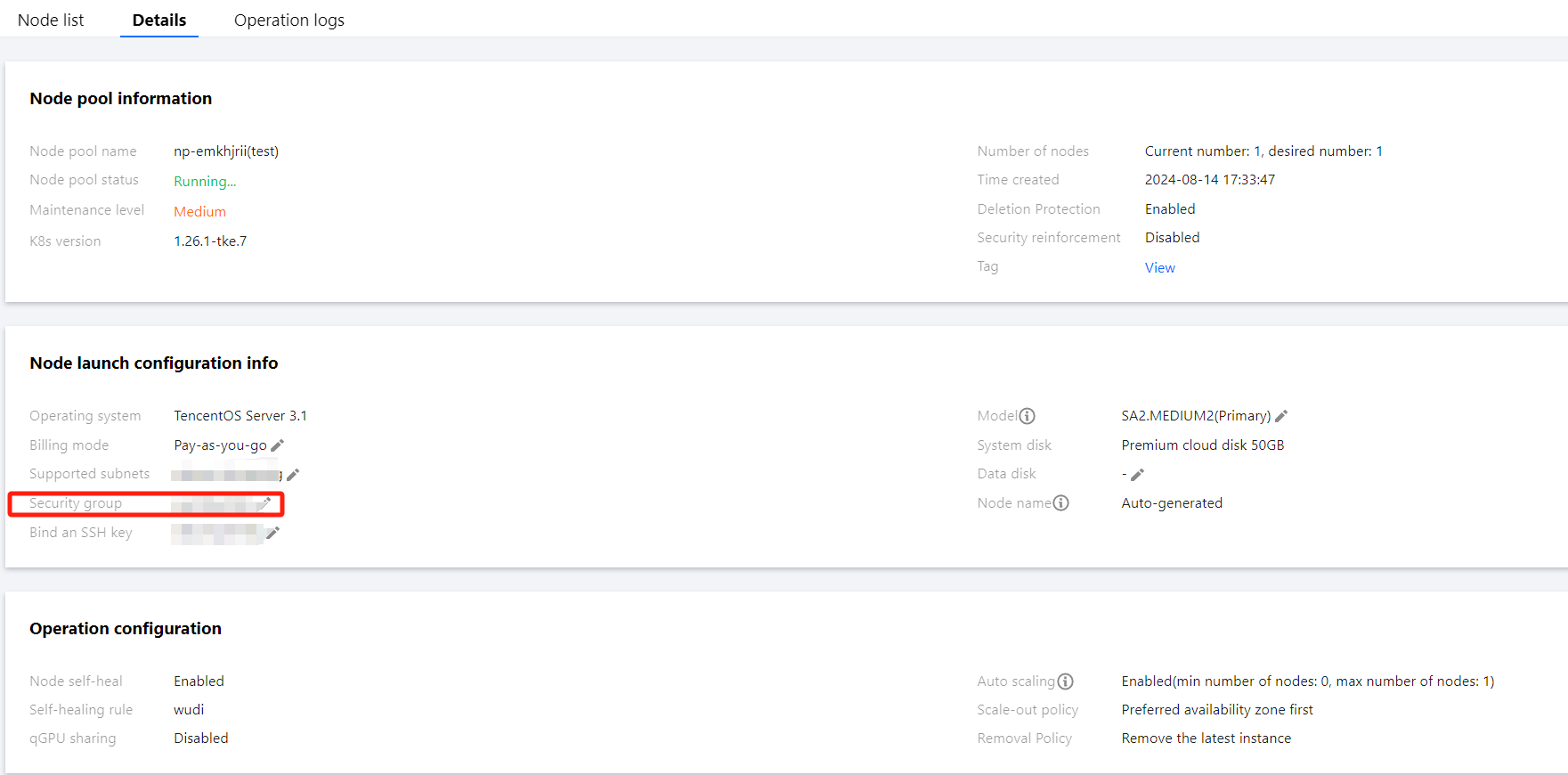
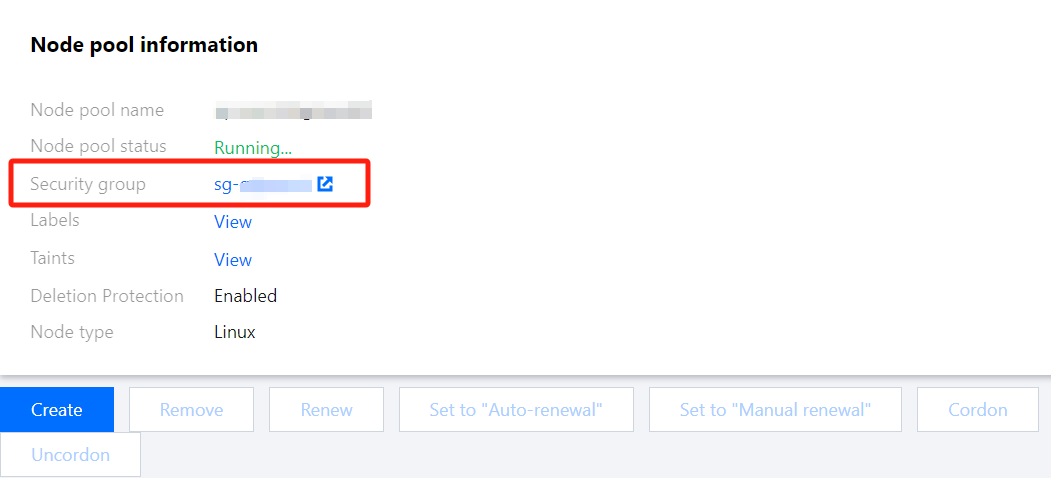
Click Node Management > Worker Node > Node Pool, and click Node Pool ID. In Node pool information, you can view the security group:
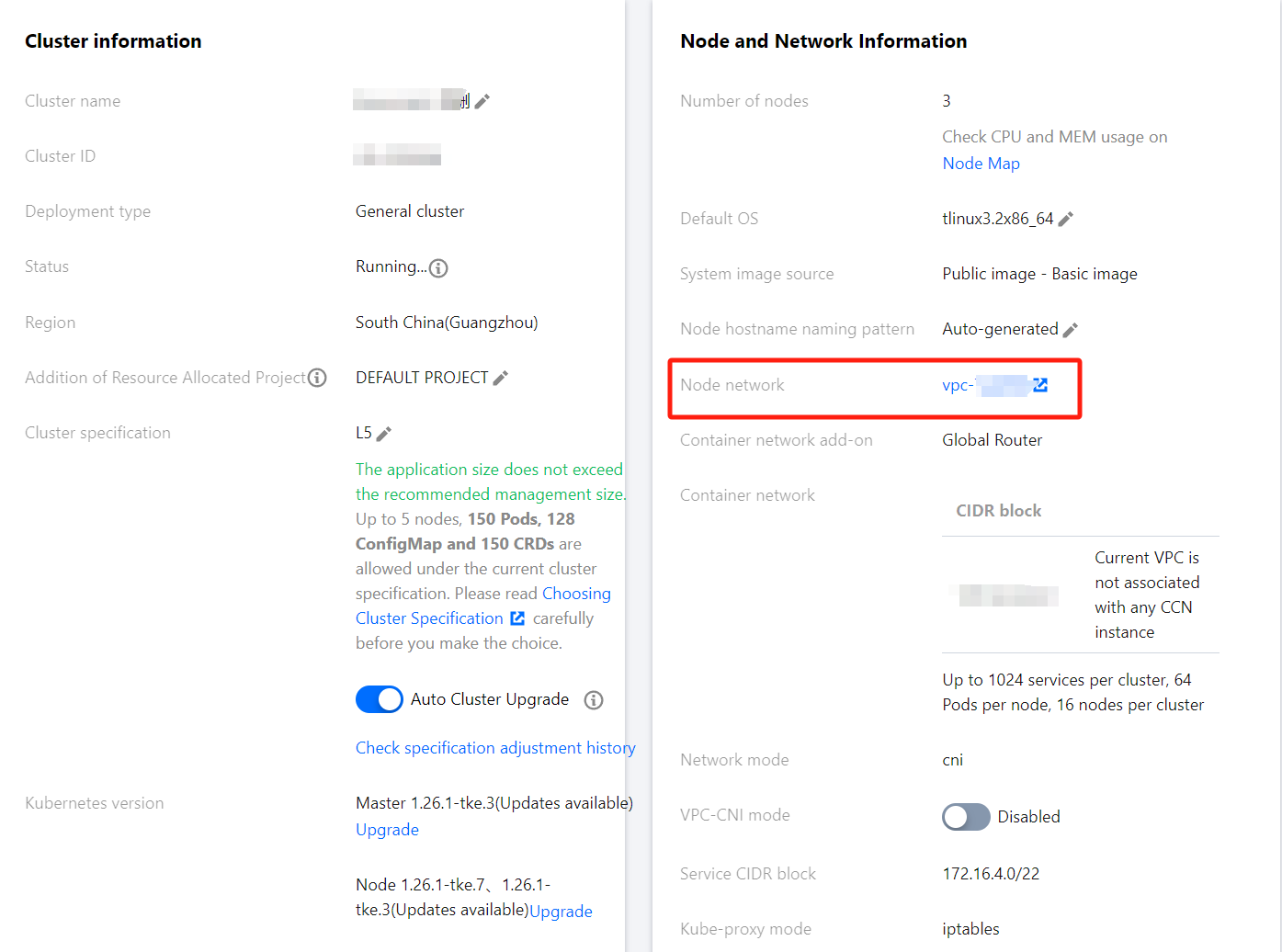
1. Click the user cluster link, open the associated cluster, and view the cluster node network (i.e., vpcid):
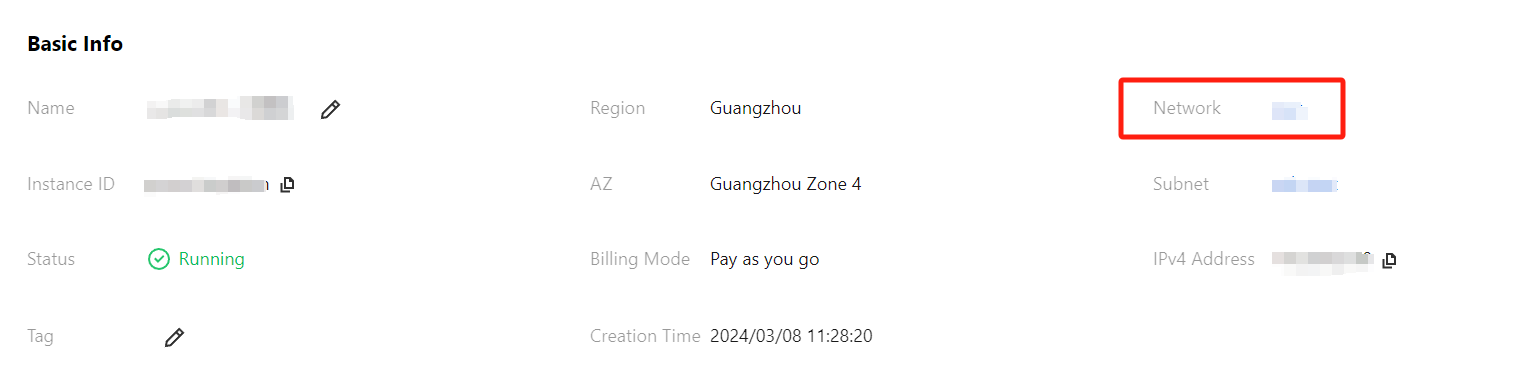
2. On the Prometheus Instance's Basic Info page, click Network to view the cluster network:
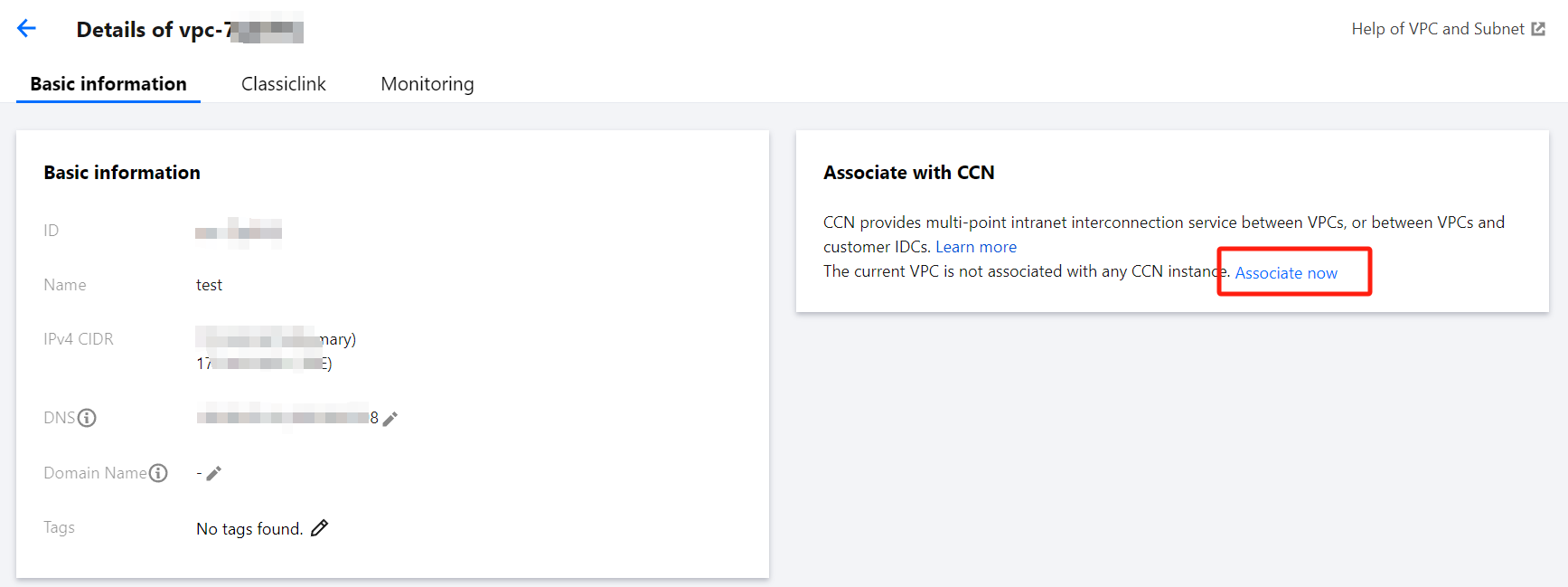
3. Compare the vpcid. If they are different, check if the VPCs are interconnected via CCN. If not, you need to associate the CCN to interconnect both VPCs or select Create Public Network CLBInstance when associating clusters. If CCN is interconnected but still unsuccessful, check if the CCN bandwidth limit is reached. If so, increase the CCN bandwidth limit.
2. If the user cluster is an independent cluster, view the Master&Etcd security group information. Click Node Management > Master&Etcd > Node Pool, click the Node Pool ID, hover over the Node ID, and then click Jump to CVM Instance Details Page. On the CVM Security groups page, you can view specific security group information:
Check if the security group rules meet the requirements.