tencent cloud

TDMQ for RabbitMQ

Release Notes and Announcements
Release Notes
Announcements
Product Introduction
Introduction and Selection of the TDMQ Product Series
What Is TDMQ for RabbitMQ
Strengths
Use Cases
Description of Differences Between Managed Edition and Serverless Edition
Open-Source Version Support Description
Comparison with Open-Source RabbitMQ
High Availability
Use Limits
TDMQ for RabbitMQ-Related Concepts
Regions
Related Cloud Services
Billing
Billing Overview
Pricing
Billing Example
Convert to Monthly Subscription from Hourly Postpaid
Renewal
Viewing Consumption Details
Overdue Payments
Refund
Getting Started
Getting Started Guide
Step 1: Preparations
Step 2: Creating a RabbitMQ Cluster
Step 3: Configuring a Vhost
Step 4: Using the SDK to Send and Receive Messages
Step 5: Querying a Message
Step 6: Deleting Resources
User Guide
Usage Process Guide
Configuring the Account Permission
Creating a Cluster
Configuring a Vhost
Connecting to the Cluster
Managing Messages
Configure Advanced Feature
Managing the Cluster
Viewing Monitoring Data and Configuring Alarm Policy
Use Cases
Use Instructions of Use Cases
RabbitMQ Client Use Cases
RabbitMQ Message Reliability Use Cases
Usage Instructions for MQTT Protocol Supported by RabbitMQ
Migrate Cluster
Migrating RabbitMQ to Cloud
Step 1. Purchasing a TDMQ Instance
Step 2: Migrating Metadata to the Cloud
Step 3: Enabling Dual Read-Write
API Reference (Managed Edition)
API Overview
API Reference (Serverless Edition)
History
Introduction
API Category
Making API Requests
Relevant APIs for RabbitMQ Serverless PAAS Capacity
RabbitMQ Serverless Instance Management APIs
Data Types
Error Codes
SDK Documentation
SDK Overview
Spring Boot Starter Integration
Spring Cloud Stream Integration
Java SDK
Go SDK
Python SDK
PHP SDK
Security and Compliance
Permission Management
Network Security
Deletion Protection
Change Records
CloudAudit
FAQs
Service Level Agreement
Contact Us
DokumentasiTDMQ for RabbitMQMigrate ClusterStep 2: Migrating Metadata to the Cloud

Step 2: Migrating Metadata to the Cloud

PDF
Mode fokus
Ukuran font
Terakhir diperbarui: 2026-01-05 11:09:02
This document introduces the operation steps for migrating the metadata of an existing RabbitMQ cluster to a TDMQ for RabbitMQ cluster.

Operation Steps

Exporting Metadata from an Open-Source RabbitMQ Cluster

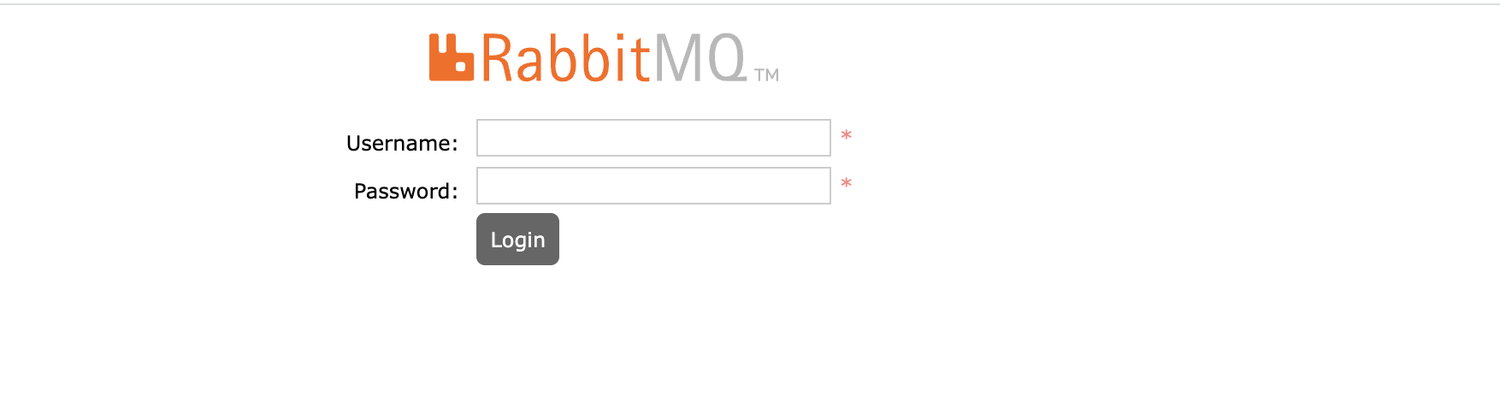
1. Log in to the WebUI page of the open-source RabbitMQ cluster.

enter image description here


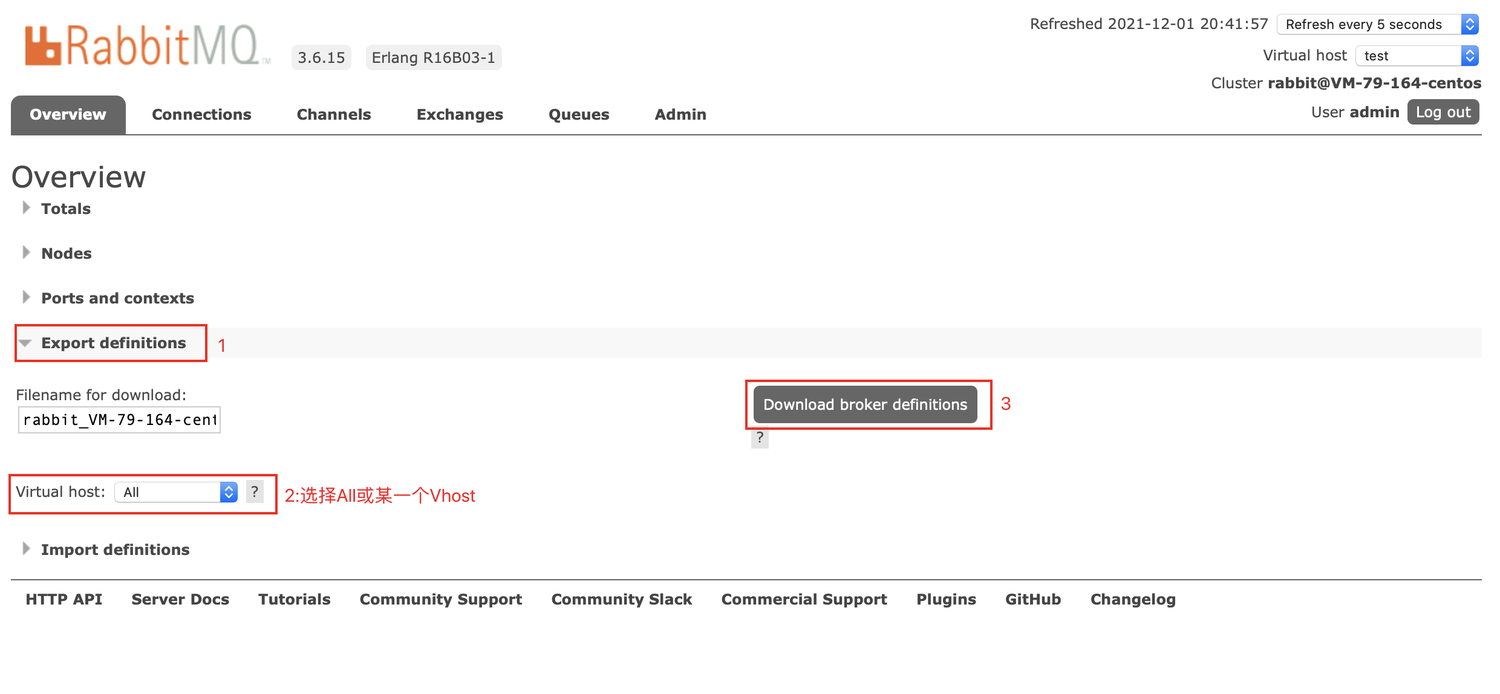
2. In the lower section of the Overview page, click Export definitions. After entering the required filename in the input box, select All or a specific vhost in the Virtual host drop-down list, then click Download broker definitions on the right to export metadata files for all vhosts or a specific vhost.
enter image description here


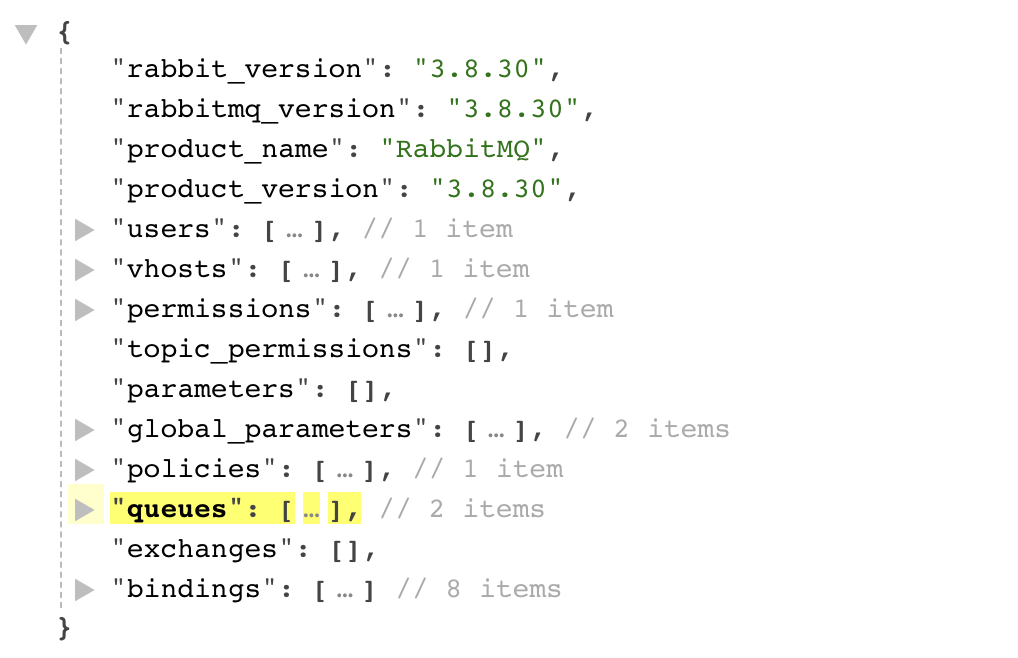
3. View the exported metadata.
enter image description here


Importing Metadata into a TDMQ for RabbitMQ Cluster

1. Log in to the TDMQ for RabbitMQ console.
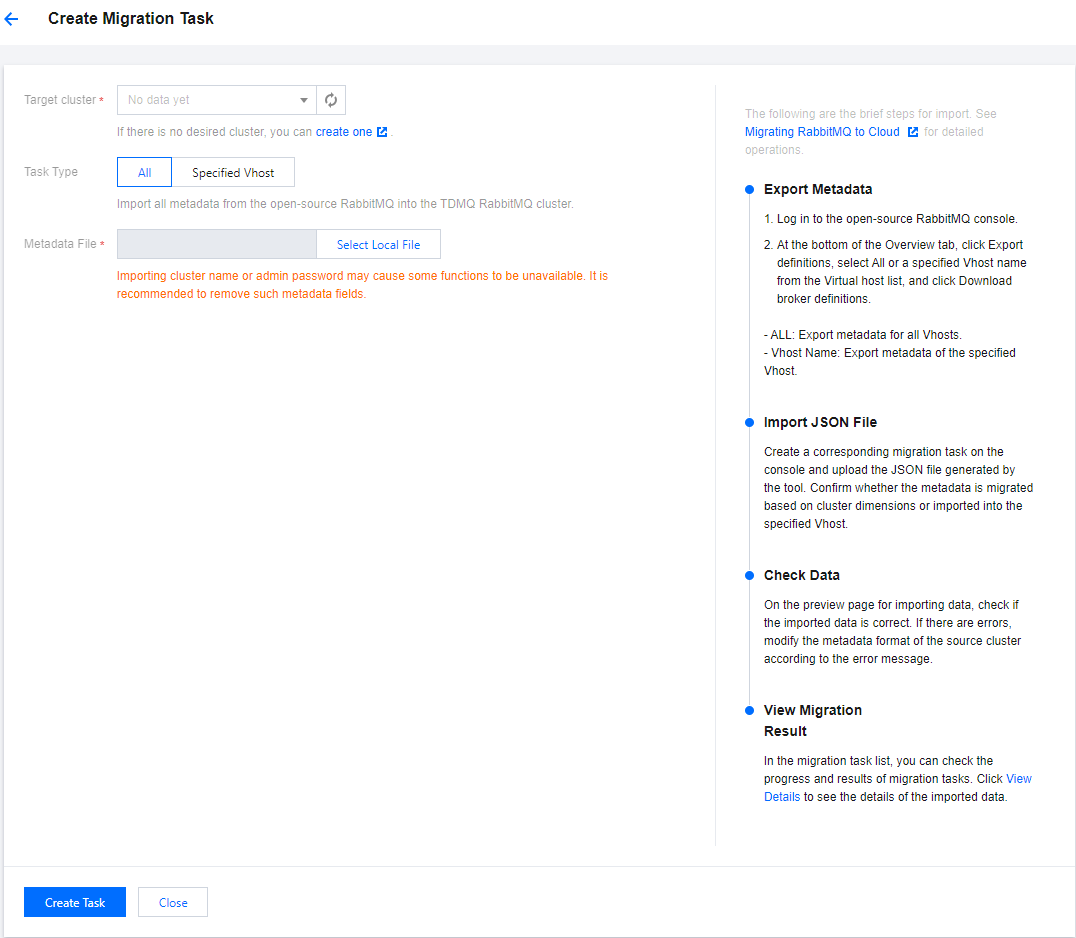
2. In the left sidebar, select Migration to Cloud. On the cloud migration task list page, click Create Task.

Target cluster: Select the target TDMQ for RabbitMQ cluster into which metadata is imported.
Task Type
All: Import all metadata from the open-source RabbitMQ cluster into the TDMQ for RabbitMQ cluster.
Specified vhost: Import the metadata from the specified vhost of the open-source RabbitMQ cluster into the specified vhost of the TDMQ for RabbitMQ cluster.
Metadata file: Select the locally pre-exported metadata file.
Note:
Importing the cluster name or admin password may disable certain features. It is recommended that you remove such metadata fields.
3. On the data import preview page, verify that the data to be imported is correct. If there are any errors, modify the source cluster metadata format based on the error message.
4. Click Create Task. A task record will be generated on the cloud migration task list page.
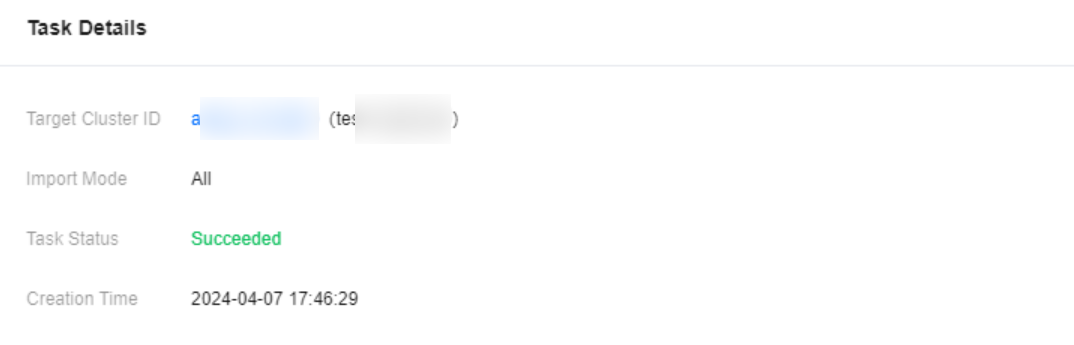
5. Click View Details to view the details of this migration task.
Bantuan dan Dukungan

Apakah halaman ini membantu?

masukan