By using an event rule, you can deliver collected events to the specified delivery target for processing and consumption. Currently, EventBridge allows you to set CKafka as a delivery target to enable direct event consumption in downstream systems.
Note:
By default, the number of events delivered to a target cannot exceed 2,000 per day.
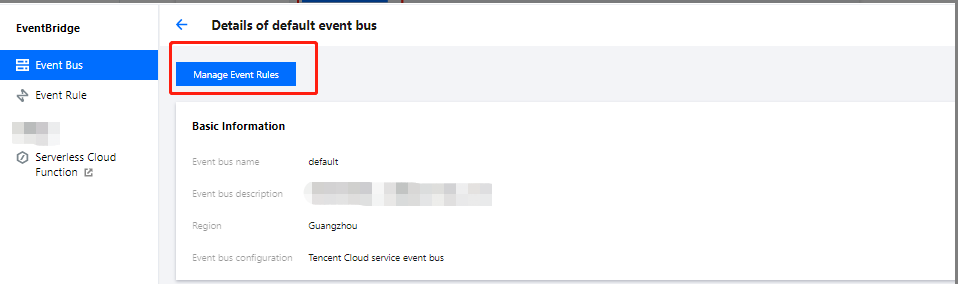
2. On the event bus details page, click Manage Event Rules and configure a new rule.
3. Go to the Event rule page and click Create event rule.
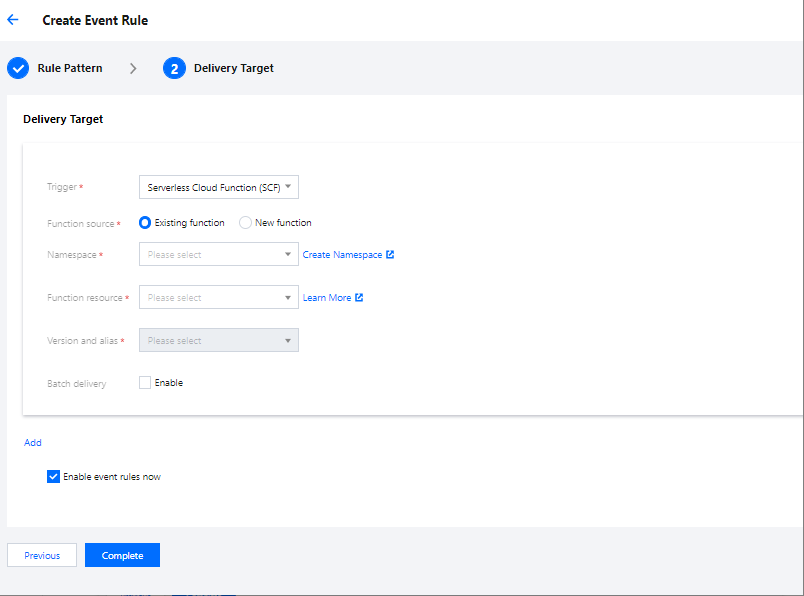
4. Set parameters as prompted. When binding a delivery target, select CMQ (Kafka) and bind a CKafka instance and topic as prompted.
5. Click Complete. Then you can view the created event rule on the event rule list page.
Note
If the upstream event source of the event bus is also CKafka, ensure that the target bound CKafka topic is different from the event source topic. Otherwise, infinite recursion may occur and cause significant expense.
Delivering Events
EventBridge automatically parses the CloudEvent field and delivers the whole event content to specified CKafka topics.