Deleting a Rule Template
Unduh
Mode fokus
Ukuran font
This document describes how to delete a database audit rule template through the console.
Note:
A rule template cannot be deleted if it is associated with any instances. It can only be deleted when it is not bound to any instance. Once deleted, the rule template cannot be applied to any instance.
Operation Steps
1. Log in to the TDSQL-C for MySQL console.
2. In the left sidebar, select SQL Insight (Database Audit).
3. After selecting a region, click Rule Template.
4. In the rule template list, locate the target rule template (you can also quickly find it by filtering with resource attributes in the search box), and then click Delete in its Operation column.

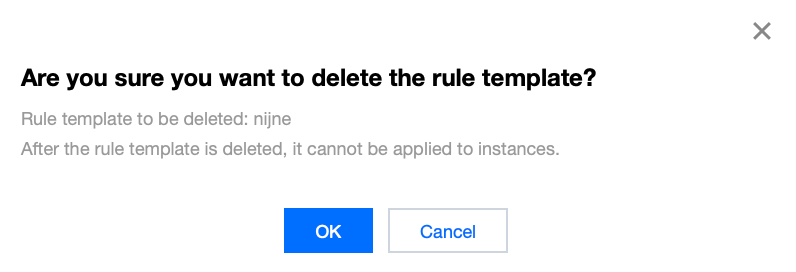
5. In the pop-up window, click OK.
Related APIs
API | Description |
This interface (DescribeAuditRuleTemplates) is used to query audit rule template information. | |
This interface (DeleteAuditRuleTemplates) is used to delete audit rule templates. |
Bantuan dan Dukungan
Apakah halaman ini membantu?
Anda juga dapat Menghubungi Penjualan atau Mengirimkan Tiket untuk meminta bantuan.
masukan