This document describes how to modify the VPC associated with a private domain.
Directions
1. Log in to the Private DNS console and click Private Domain List on the left sidebar to enter the private domain list.
2. In the Private Domain List, select the private domain for which to modify the associated VPC and click Associate VPCs as shown below:
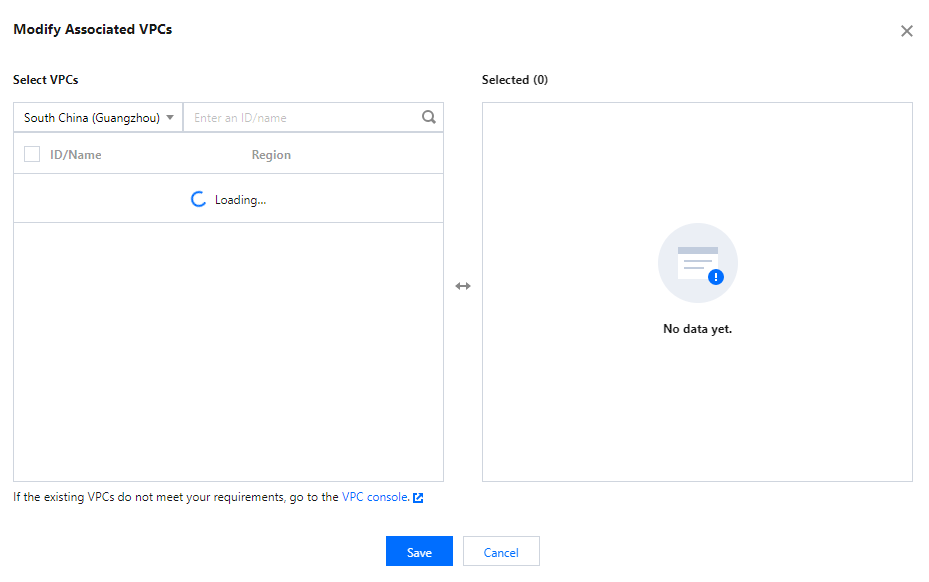
3. In the Modify Associated VPCs pop-up window, modify the associated VPCs according to your actual needs as shown below:
Note:
Private domains with the same name cannot be associated with the same VPC. If existing VPCs cannot meet your needs, you can modify them in the VPC console.
Even if you delete related VPC resources in the VPC console, you still need to manually disassociate them in the Private DNS console.