tencent cloud

Chat

제품 소개
제품 개요
Basic Concepts
응용 시나리오
기능 소개
계정 시스템
사용자 정보 및 관계망
메시지 관리
그룹 시스템
Official Account
Audio/Video Call
사용 제한
구매 가이드
과금 개요
요금 안내
Purchase Instructions
Renewal Guide
연체 안내
Refund Policy
다운로드 센터
SDK & Demo 소스 코드
업데이트 로그
시나리오 솔루션
Live Streaming Setup Guide
AI Chatbot
대규모 엔터테인먼트 협업 커뮤니티
Discord 구현 가이드
IM을 게임에 통합하는 방법
WhatsApp Channel-style Official Account Integration Solution
Send Red Packet
Firewall Restrictions
클라이언트 APIs
SDK API(Web)
Android
iOS & macOS
Swift
Flutter
Electron
Unity
React Native
C APIs
C++
서버 APIs
Secure authentication with UserSig
RESTful APIs
Webhooks
콘솔 가이드
New Console Introduction
애플리케이션 생성 및 업그레이드
기본 설정
기능 설정
계정 관리
그룹 관리
Official Channel Management
콜백 설정
모니터링 대시보드
Viewing Guide for Resource Packages
Real-Time Monitor
개발 보조 툴
액세스 관리
Advanced Features
FAQ
uni-app FAQs
구매
SDK 관련 질문
계정 인증
사용자 정보 및 관계망
메시지
그룹
라이브 방송 그룹
닉네임 및 프로필 사진
협약 및 인증
Service Level Agreement
컴플라이언스 인증
IM 정책
개인 정보 보호 정책
데이터 개인 정보 보호 및 보안 계약
에러 코드
문의하기
문서Chat

Android

포커스 모드
폰트 크기
마지막 업데이트 시간: 2025-03-03 11:36:57
Local search is implemented in the TUISearch component of TUIKit. It allows users to quickly find the expected information from massive amounts of complex data, such as the chat history, contacts, and group chats. It can also be used as an operations tool to easily and efficiently navigate to extensive content.
Note:
The local search feature is only available on the Chat Ultimate edition. To use it, purchase the Pro edition 、Pro Plus edition 、Enterprise edition. For more information, see Pricing.

Feature Demonstration

The search API UI consists of three parts: the first part is for friend search, the second part is for group and group member search, and the third part is for message search, where messages are classified by conversation.

Integration Guide

The following introduces how to integrate the TUISearch component.

Purchasing the package

Integrating TUISearch

Add dependencies on tuisearch to the build.gradle file in APP:
api project(':tuisearch')

Logging in to TUIKit

You need to call TUILogin of TUICore to log in to TUIKit. Initialization is implemented inside the login API by default, and no additional call to the initialization API is required.
TUILogin.login(this, SDKAPPID, userID, userSig, new TUICallback() {
@Override
public void onError(final int code, final String desc) {
// Login fails.
}

@Override
public void onSuccess() {
// Login succeeded
}
});

Starting the search UI

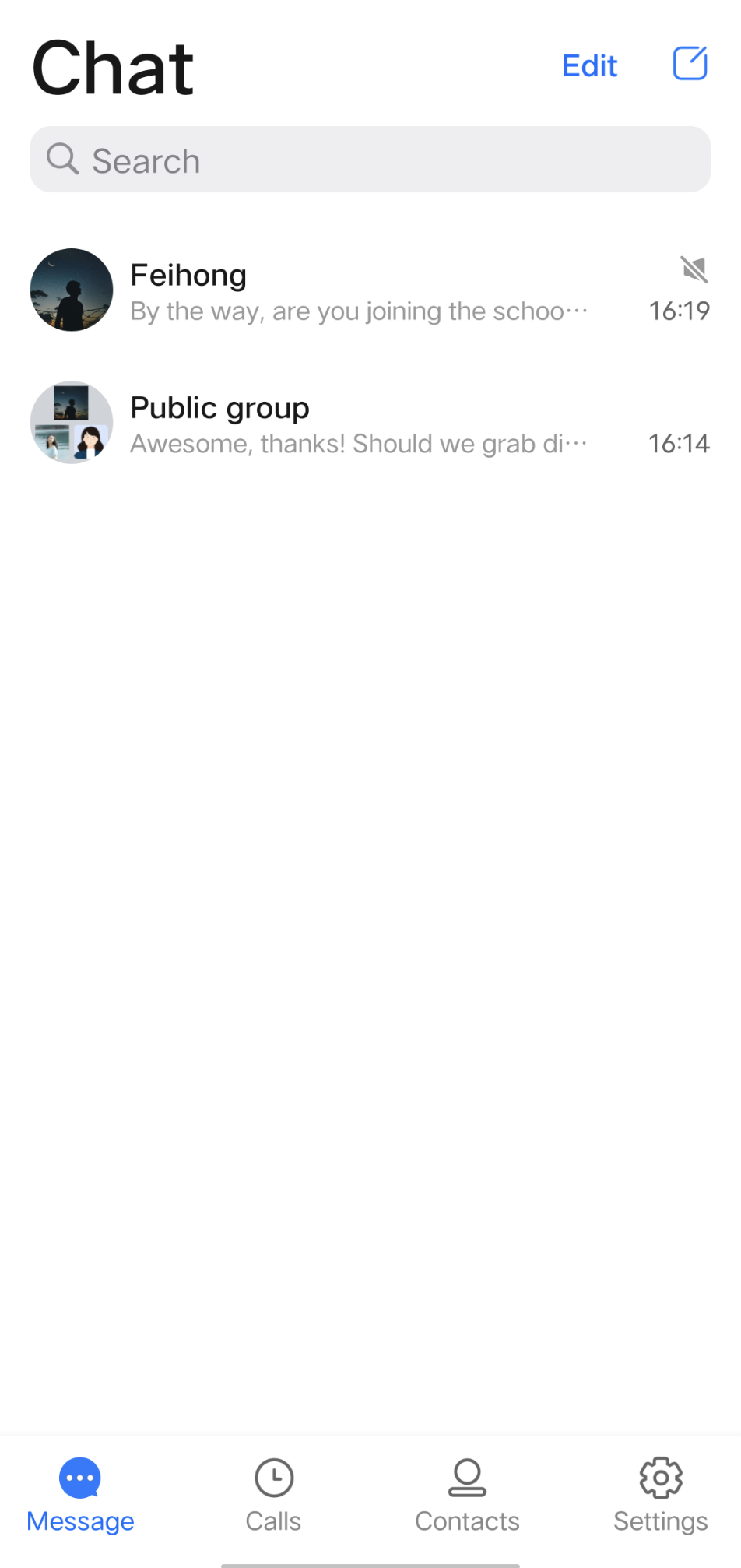
1. Should you integrate the TUIConversation and TUISearch components, no additional handling is required at this juncture, as the searchBar is by default displayed atop the conversation list, as illustrated below:

2. Should you opt to integrate solely with TUISearch, it becomes necessary to incorporate your own search view. Subsequently, initiating the SearchMainMinimalistActivity (for the Classic UI, refer to SearchMainActivity) suffices.

FAQs

1. How do I search for custom messages? For custom messages created and sent via the createCustomMessage (byte[] data, String description, byte[] extension) API, specify the text to search in the description parameter. Custom messages created via the createCustomMessage (byte[] data) API cannot be searched because binary data streams are saved locally.
If you configure the offline push feature and the description parameter, custom messages will also be pushed offline, and the content specified in the description parameter will be displayed in the notification bar. If you do not need the offline push feature, use disablePush in V2TIMOfflinePushInfo of the sendMessage API to disable it. If you don't want to display the content pushed on the notification bar as the text to be searched for, you can use setDesc in V2TIMOfflinePushInfo to set the push content.
2. How do I search for rich media messages? Rich media messages include file, image, audio, and video messages. For a file message, the filename is usually displayed on the UI. Therefore, you can set the fileName parameter as the searched content when creating a file message. If fileName is not set, the system gets the filename from filePath and saves it to both the local device and the server. For an image, audio, or video message, the thumbnail or duration is usually displayed on the UI. In this case, you can specify the message type for search but cannot specify keywords for search.


도움말 및 지원

문제 해결에 도움이 되었나요?

피드백