Creating an Access Control Policy
Download
Mode fokus
Ukuran font
Overview
This document details how to create a KMS policy in the CAM console.
Operation Steps
1. Log in to the CAM console.
2. In the left-side menu, go to Policy > Create Custom Policy > Create by Policy Syntax to enter the policy creation page.
3. Select a policy template, such as a blank template or a KMS policy template, and click Next.
4. Enter the policy name and policy content. You can refer to the example below for the policy content.
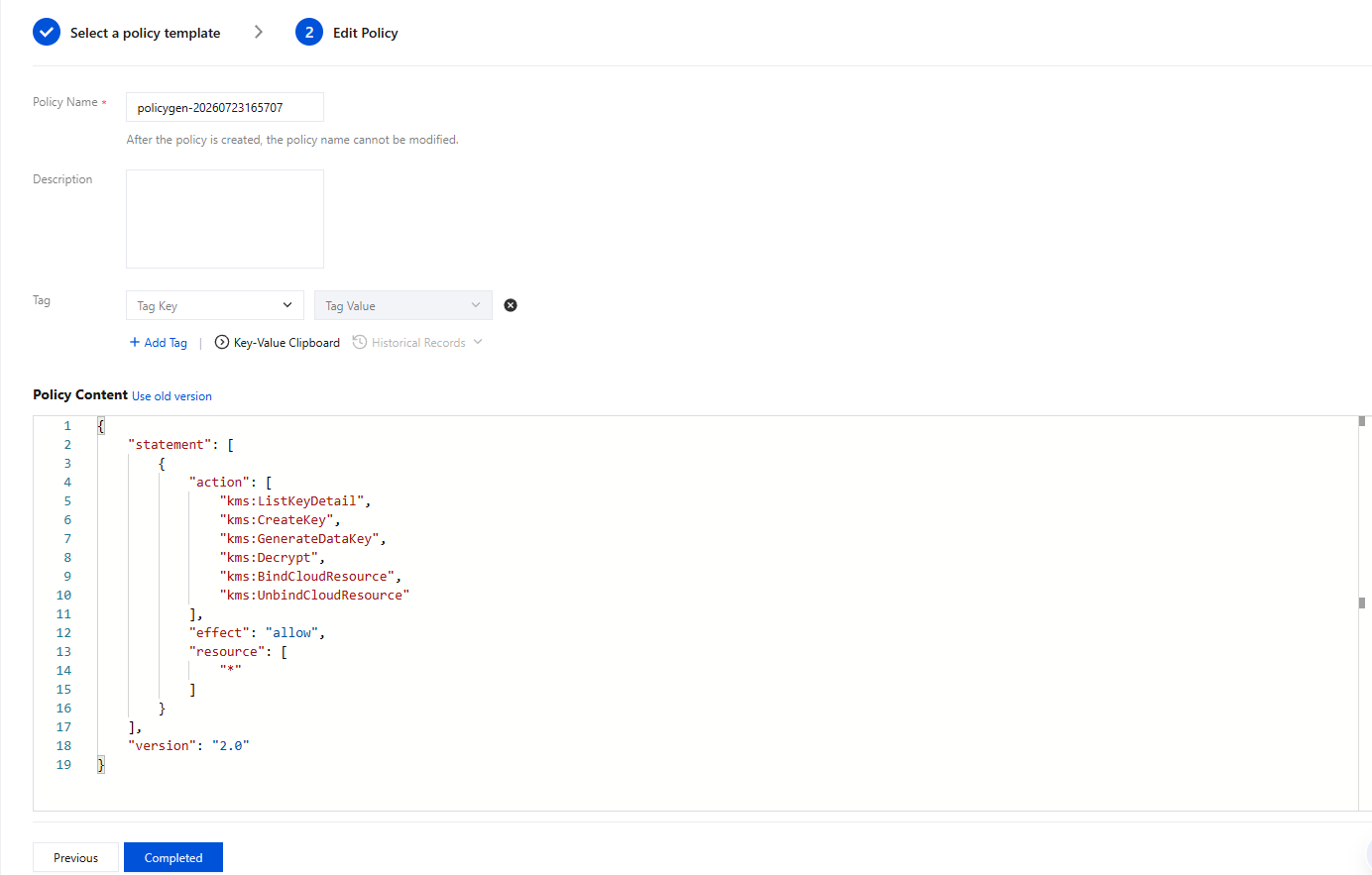
5. Click Create Policy to create it.
Bantuan dan Dukungan
Apakah halaman ini membantu?
Anda juga dapat Menghubungi Penjualan atau Mengirimkan Tiket untuk meminta bantuan.
masukan