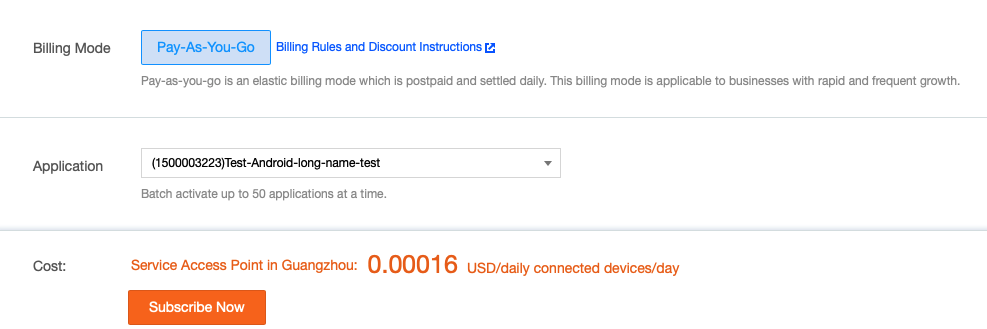
Once the application is created, you can purchase the Tencent Push Notification Service service, which currently supports the pay-as-you-go billing mode:
In pay-as-you-go billing mode, you only need to pay for the actually used resources on a daily basis, which is suitable for scenarios where the business volume changes frequently.
For the pricing of this billing mode, please see Pricing Overview. The following describes how to enable this mode at the official website.
2. Go to the product list page, select the application for which to purchase the service, and click Buy Now.
3. On the Tencent Push Notification Service purchase page, select the Pay-As-You-Go billing mode, specify the target application, or click the drop-down list to select multiple target applications, confirm that everything is correct, and click Enable Now.
4. The service will take effect immediately after the pay-as-you-go billing mode is successfully enabled. When the Service Details corresponding to the application on the Product Management page displays Pay-As-You-Go, the mode is successfully enabled.